Quick Answer
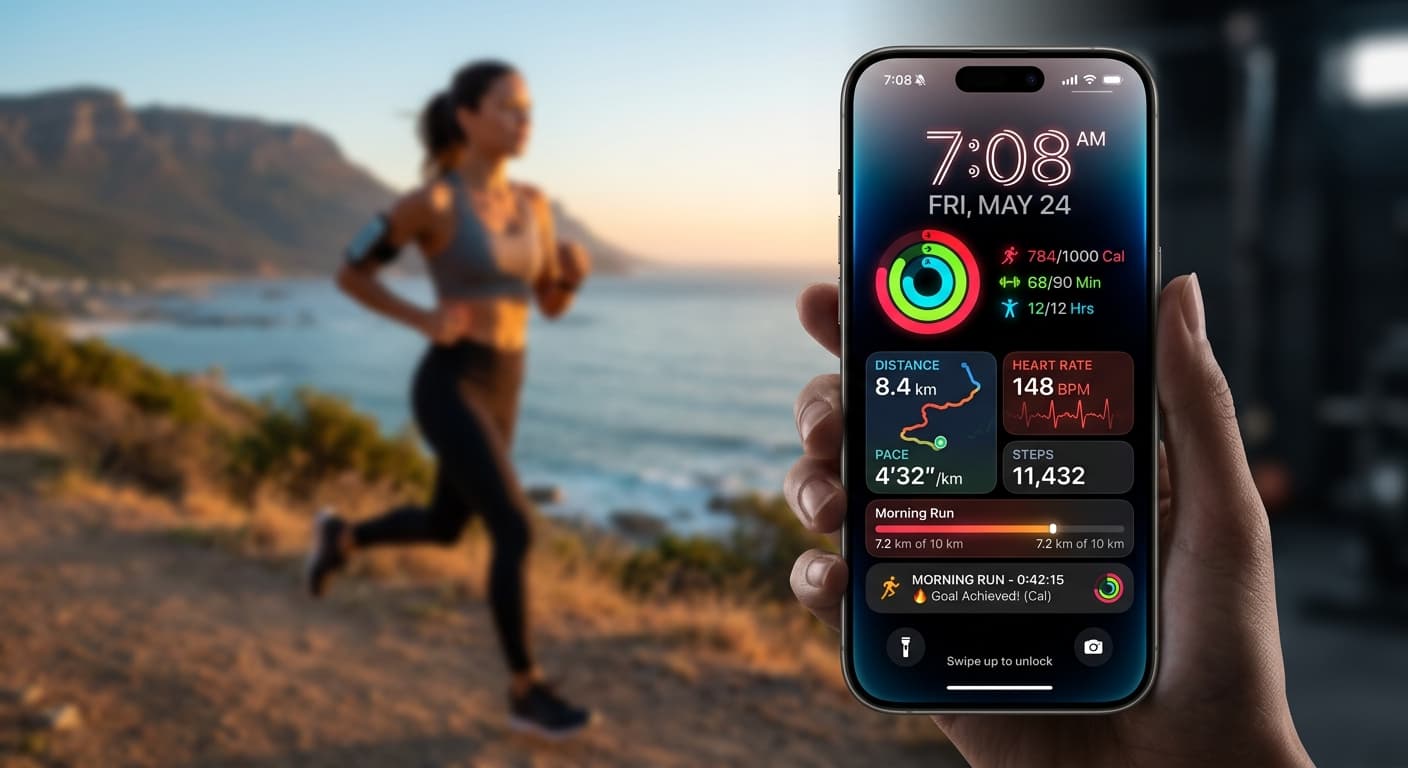
Your 2026 iPhone lock screen is no longer just a wallpaper – it's a powerful, dynamic digital coach for your weight loss goals. By leveraging iOS 19/20 features like smart widgets, Focus Modes, Live Activities, and apps like NoteWall, you can transform it into a real-time progress tracker, personalized motivator, and actionable reminder system that keeps you accountable and inspired every single day.
Introduction: Why Your 2026 iPhone Lock Screen is Your Secret Weapon for Weight Loss Goals
Let’s be real. Sticking to weight loss goals is tough. We start strong, but motivation often fizzles. You track calories for a week, hit the gym religiously for a month, then life happens. What if your most-used device – your iPhone – could be your ultimate, always-on accountability partner? In 2026, it absolutely can be. Forget static wallpapers and passive displays; your iPhone lock screen is now a dynamic, AI-powered command center for your health journey. It’s time to unlock its true potential.
Beyond Wallpaper: The 2026 iPhone Lock Screen as a Dynamic Motivation Hub
With iOS 19 and 20, your iPhone lock screen has evolved into far more than just a pretty picture. We're talking interactive widgets, deeply integrated Focus Modes, and real-time Live Activities. Every glance at your phone becomes an opportunity for motivation, a quick check-in, or an actionable nudge. This constant visibility creates a powerful psychological impact, keeping your goals front and center without even unlocking your device. It’s your personalized health dashboard, always there, always pushing you forward.
The average iPhone user checks their lock screen over 300 times a day. Imagine the motivational power of each glance!
Strategy 1: Visualize Your Success – Goal-Oriented Aesthetics & Imagery
Visualizing success is a proven psychological hack. Your lock screen is the perfect canvas. Choose images that resonate deeply with your aspirations. Think photos of your 'goal outfit,' progress collages that subtly update over time, or breathtaking landscapes representing peak health and vitality. Use custom typography for powerful affirmations directly on your wallpaper. And don't forget the Depth Effect; let your motivational text or a progress photo peek out from behind the clock for an extra layer of engagement. Make it personal, make it inspiring.
Create a private photo album called 'My Progress' and set it to shuffle as your lock screen wallpaper daily. Witnessing your journey visually is a huge motivator!
Strategy 2: Data at a Glance – Leveraging Smart Widgets for Real-Time Progress
This is where the magic of iOS 20 widgets truly shines for your weight loss goal integration. Integrate widgets from Apple Health, your preferred calorie tracker, or fitness apps. See your steps, water intake, active calories burned, or even your last weight-in directly on your lock screen. Many third-party apps now offer sophisticated widgets that update in real-time. For truly custom, actionable data that you define, NoteWall is your secret weapon. Create quick notes like 'Hydrate: 3/8 glasses' or 'Workout today: Legs!' and pin them directly to your lock screen. It’s instant, actionable feedback without unlocking.
Unleash Custom Lock Screen Power
Ready to display personalized notes, reminders, and affirmations directly on your lock screen? NoteWall makes it effortless.
Download NoteWallStrategy 3: Actionable Nudges – Focus Modes, Siri Shortcuts & Live Activities
This isn't just about display; it's about action. Set up custom Focus Modes like 'Workout Focus' or 'Healthy Eating Focus.' Link these modes to specific lock screens featuring relevant widgets (e.g., a timer for your run, a hydration tracker) and even NoteWall notes reminding you of your pre-workout snack or healthy meal prep. Use Siri Shortcuts to log water intake with a tap from your lock screen, or trigger a motivational audio clip. Even better: Live Activities can track your real-time workout stats, meal prep timers, or mindful eating intervals directly on the lock screen, keeping you engaged and on track during critical moments. NoteWall can display a simple 'Remember your 10-min walk!' or 'Log your meal!' as a persistent reminder, perfectly complementing these powerful features.
- 1
Open Shortcuts app and tap '+'.
- 2
Add an action like 'Log Water' from your health app or 'Show Note' from NoteWall.
- 3
Set the Shortcut to 'Add to Home Screen' and then use a Lock Screen widget to display it for one-tap access.
Strategy 4: Mindset Matters – Personalized Affirmations & AI-Driven Encouragement
Your mindset is everything. Reinforce it with personalized affirmations directly on your lock screen. Craft phrases like 'I am strong. I am disciplined. I achieve my goals.' or 'Nourish to flourish.' NoteWall is absolutely invaluable here, allowing you to create multiple notes with different affirmations and cycle them manually or via Shortcuts. In 2026, many advanced health apps and even standalone AI tools can generate dynamic, context-aware encouraging messages. Imagine an AI noticing your step count is low and displaying 'Time for a walk, you've got this!' on your lock screen. It’s like having a personal cheer squad with every glance.
Top Apps & Integrations for Your Ultimate Weight Loss Lock Screen (2026 Picks)
Beyond Apple Health, here are some must-haves for maximizing your lock screen for weight loss goal integration:
- NoteWall: Essential for custom notes, reminders, affirmations, and quick data logging directly on your lock screen via widgets and Shortcuts. A true game-changer. Get it at https://apple.co/48y4yan.
- MyFitnessPal / Lose It! (2026 Editions): Advanced widgets for calorie tracking, macro breakdowns, and daily goal progress without unlocking.
- Streaks / Habitica: Visual progress bars for habit building (e.g., 'Drink X glasses of water,' 'No sugary snacks').
- Headspace / Calm: Quick 'mindful moment' prompts or breathing exercise reminders.
- AI Health Coaches (e.g., Rise, Future): Some now offer lock screen widget integration for personalized tips or check-ins.
Pro Tips & Advanced Customization for the Savvy User
Go beyond the basics. Create multiple lock screens that rotate based on time of day (e.g., morning motivational, afternoon workout prompt) or even location (e.g., 'Grocery List' when you arrive at the store). Overlay motivational text onto your personal progress photos. Always consider privacy: some data is sensitive, so choose widgets carefully. Optimize battery life by managing widget refresh rates, though modern iPhones handle dynamic elements incredibly well. And remember, NoteWall makes creating these context-specific notes incredibly simple and fast, adapting to your daily flow.
⚠️ Privacy First!
Be mindful of what personal health data you display directly on your lock screen. While motivating, ensure it doesn't compromise your privacy in public settings. Most widgets allow you to toggle data visibility.
Common Mistakes to Avoid When Customizing Your Lock Screen
While powerful, a poorly configured lock screen can be overwhelming or useless. Avoid information overload; choose 2-3 key metrics or messages. Don't use generic motivation – make it personal! Neglecting privacy settings is a big no-no. And critically, don't set it and forget it. Your goals evolve, and so should your lock screen. Regularly update your widgets, images, and especially your NoteWall notes to reflect your current progress and focus. Stale motivation is no motivation at all.
Future-Proofing Your Digital Motivation: What's Next for iOS & Health Tech
The future of iOS and health tech is even more integrated. Expect deeper AI integration, potentially with lock screen elements adapting to your mood or energy levels. Augmented reality overlays could offer interactive virtual coaches. Advanced health tracking sensors will feed even more granular, real-time data directly to your lock screen. Your iPhone will continue to evolve as your most personal, proactive health partner. NoteWall is already designed to adapt and integrate with these future advancements, ensuring your custom notes remain front and center.
Conclusion: Unlock Your Potential, One Glimpse at a Time
Your 2026 iPhone lock screen is no longer passive. It’s an active, intelligent, and highly personalized tool waiting to be leveraged for your weight loss goals. By strategically using visuals, smart widgets, Focus Modes, Siri Shortcuts, Live Activities, and especially the power of NoteWall for custom reminders and affirmations, you create an ecosystem of constant motivation and accountability. Stop letting your phone be a distraction and start making it your biggest ally. The path to achieving your health goals is literally at your fingertips. Start customizing today!
Keep Reading: If you found this helpful, check out these related guides:
Level Up Your Lock Screen: The Ultimate 2026 Fitness Dashboard for iPhone
Smash Your 2026: Free New Year Goals Lock Screen Wallpaper to Stay Motivated
Unlock Focus: The Best ADHD Productivity Apps for Your iPhone
For a comprehensive overview, visit our Goal Tracking on iPhone.
Get the Ultimate Lock Screen Advantage
Don't miss out on the easiest way to keep your weight loss goals visible and actionable. Download NoteWall now and transform your lock screen!
Download NoteWall Today
Founder of NoteWall. Building tools that turn your lock screen into a productivity system. About →
You might also like
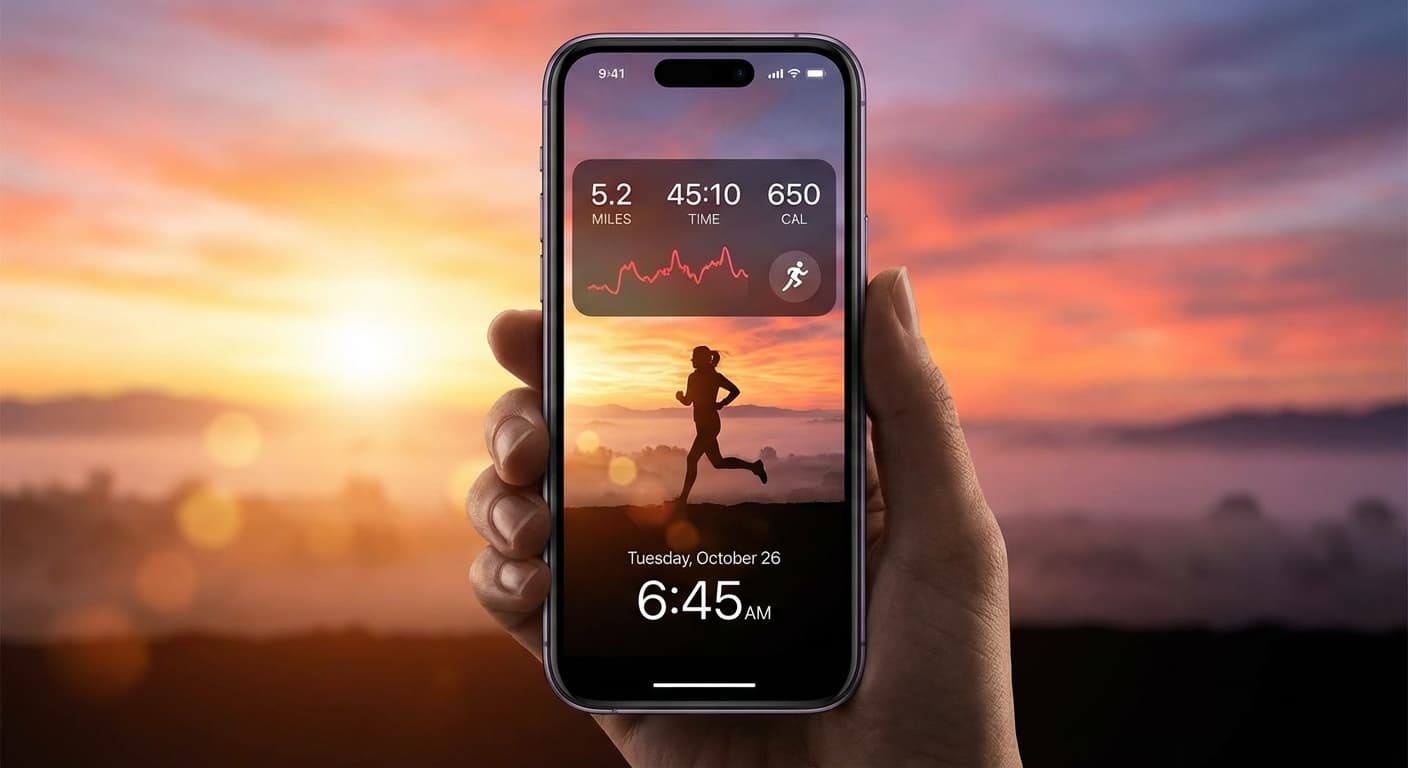
Level Up Your Lock Screen: The Ultimate 2026 Fitness Dashboard for iPhone
Transform your iPhone lock screen into a powerful fitness dashboard in 2026! Get motivated, track progress, and crush your goals with these tips and tricks.
Gratitude Journal on iPhone Lock Screen: A One-Sentence Habit
A gratitude journal on your iPhone lock screen makes the habit small enough to actually keep. Here's how to set it up so it lasts past week three.
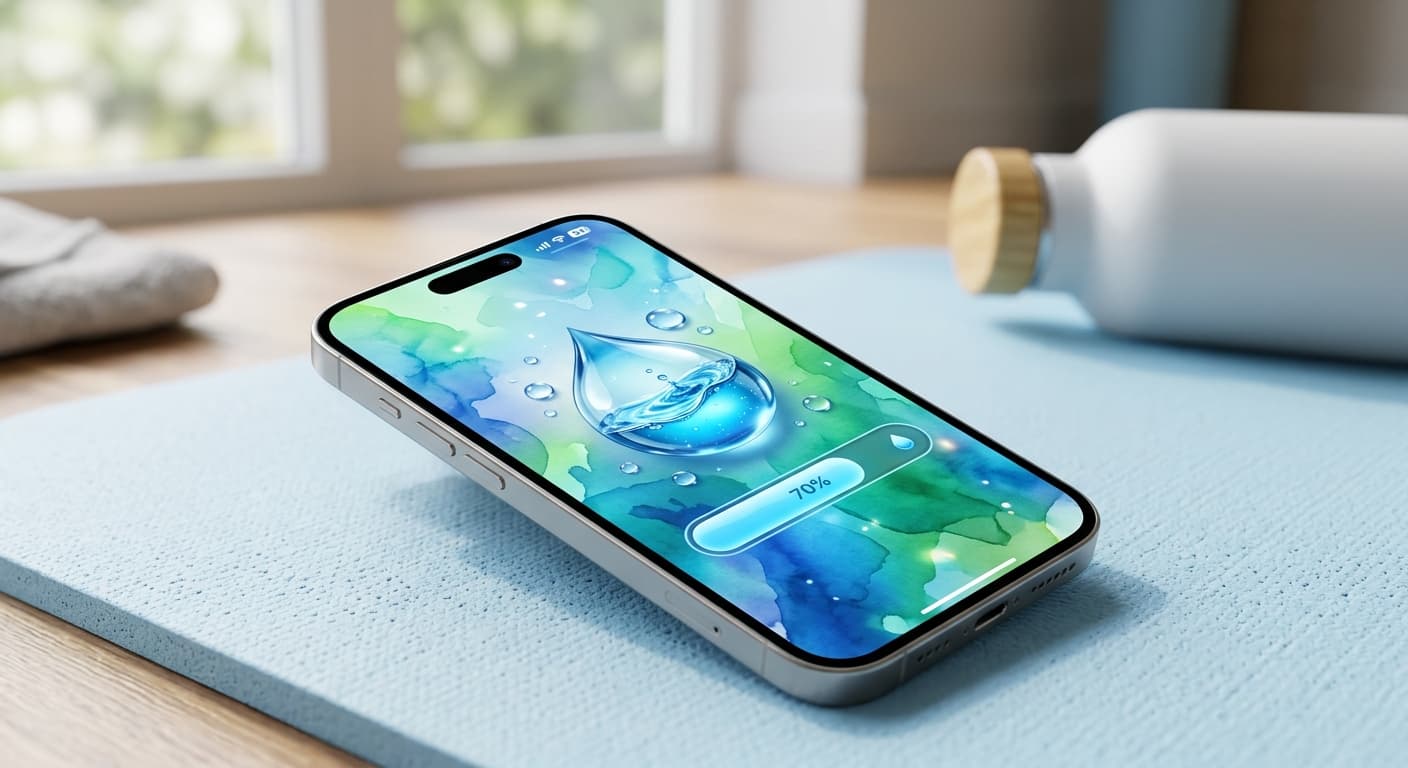
Unlock Personalized Hydration: Your 2026 iPhone Lock Screen as a Smart Water Reminder Hub
Master intelligent hydration in 2026. Use your iPhone Lock Screen, Apple Health, Shortcuts, and top apps for personalized water reminders and seamless tracking.