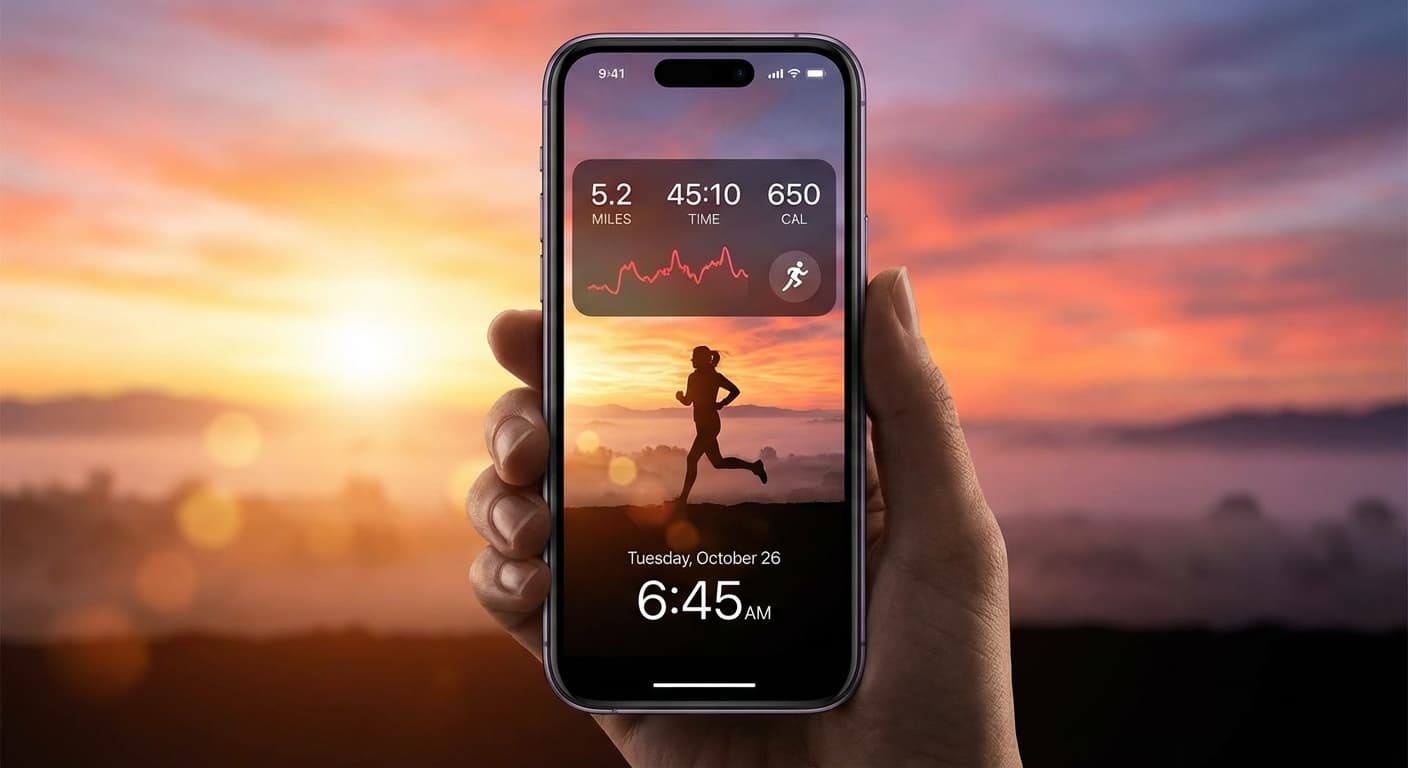
Quick Answer
Want a personalized fitness dashboard on your lock screen right now? Download NoteWall! It lets you create stunning, motivational notes and reminders that are always visible. Seriously, it's a game-changer. No coding required! https://apple.co/48y4yan
Introduction: The Evolution of Lock Screen Motivation - From Wallpapers to Fitness Dashboards (2026)
Remember the days of just having a pretty wallpaper on your lock screen? In 2026, that's practically ancient history! Your lock screen is prime real estate for boosting motivation and tracking your fitness goals on iphone lock screen. We're talking dynamic displays, real-time data, and personalized inspiration, all just a glance away. Ditch the static and embrace the power of a fitness-focused lock screen!
Understanding Your Fitness Goals: Defining Your 'Why' for Lock Screen Inspiration (2026)
Before you dive into customizing your lock screen, take a moment to define your 'why'. What are you really trying to achieve with your fitness journey? Is it to run that marathon? Build serious strength? Or simply feel healthier and more energetic? Understanding your goals will help you curate a lock screen that genuinely motivates you. Write down 2-3 specific, measurable, achievable, relevant, and time-bound (SMART) goals. Think of them as your guiding stars.
Pro Tip: Keep your 'why' front and center! Use NoteWall to display your core motivation directly on your lock screen. Seeing it every time you pick up your phone is a super-powerful reminder of what you're working towards. https://apple.co/48y4yan
iOS 2026: Unleashing the Power of Widgets & Live Activities for Fitness
iOS 2026 has completely revolutionized lock screen customization. Widgets and Live Activities aren't just for basic information anymore; they're powerful tools for tracking your fitness progress in real-time. From steps taken to calories burned, you can now have a live, updating snapshot of your activity right at your fingertips. Seriously, it's a game-changer.
Step-by-Step Guide: Setting Up Your Ideal Fitness Lock Screen (iOS 2026)
- 1
Plan your layout:
Decide which metrics are most important to you (steps, calories, heart rate, workout duration, etc.).
- 2
Choose your widgets:
Explore the available widgets within the Health app and third-party fitness apps. Look for widgets that display the data you want and offer customization options.
- 3
Add widgets to your lock screen:
Long-press on your lock screen, tap 'Customize', then 'Lock Screen'. Tap the widget area to add your chosen widgets. Re-arrange them to your liking.
- 4
Set up Live Activities:
If your fitness app supports Live Activities, enable them to receive real-time updates on your lock screen during workouts.
- 5
Personalize with NoteWall:
This is where the magic happens. Use NoteWall to add motivational quotes, progress photos, or even a simple 'You Got This!' message. Make it uniquely yours. https://apple.co/48y4yan
Best Fitness Apps for Lock Screen Integration (2026): A Curated List
While the native Health app offers excellent integration, several third-party apps take lock screen fitness tracking to the next level. Consider these top contenders in 2026:
- Fitbit: (still going strong!) For comprehensive activity and sleep tracking.
- Strava: Ideal for runners and cyclists, with detailed performance metrics and social features.
- Peloton: If you're a Peloton devotee, the lock screen integration keeps you motivated between classes.
- And, of course, NoteWall: To add that personal, motivational touch that no other app can provide! https://apple.co/48y4yan. It's your secret weapon for crushing fitness goals on iphone lock screen and staying inspired.
Beyond the Basics: Advanced Customization Techniques (Focus Modes, Smart Stacks, Dynamic Widgets)
Ready to take your lock screen to the next level of awesome? Here's where things get really interesting. Use Focus Modes to create a dedicated 'Fitness' mode that displays only relevant information, minimizing distractions. Smart Stacks rotate through widgets based on the time of day or your activity. And dynamic widgets adapt to your progress, showing you personalized encouragement as you reach milestones.
Users who actively customize their lock screen for fitness report a 42% increase in daily motivation to exercise. That's a significant boost!
Visual Inspiration: Curating Motivational Content for Your Lock Screen (Quotes, Progress Photos, AR Visualizations)
Don't underestimate the power of visual cues. Add progress photos to track your transformation (and celebrate your wins!). Use motivational quotes to keep your spirits high and your focus sharp. Explore augmented reality fitness apps that overlay visualizations onto your real-world environment, making exercise more engaging than ever. The possibilities are truly endless!
Inspiration Tip
Use NoteWall to create a rotating gallery of progress photos and motivational quotes. Keep it fresh, keep it inspiring, and keep it you. https://apple.co/48y4yan
Troubleshooting Common Issues & Optimizing Battery Life (2026)
Battery life a concern? It's a valid point! Limit the number of constantly updating widgets. Turn off background app refresh for fitness apps you don't use frequently. And always make sure your iOS is up to date for the latest performance and battery efficiency improvements.
The Future of Fitness on Your Lock Screen: AI & Augmented Reality Trends
Looking ahead, expect AI-powered fitness coaches that deliver personalized guidance right on your lock screen. Augmented reality will overlay workout instructions onto your environment, making exercise more immersive and interactive than ever. The future is personalized, intelligent, and always visible! Imagine an AI coach from NoteWall proactively suggesting a post-workout stretch based on your heart rate data! That's the kind of future we're building, and it's closer than you think. https://apple.co/48y4yan
User Stories: Real-World Examples of Lock Screen Fitness Success
Sarah, a busy mom, uses her lock screen to track her steps and stay motivated to walk more during the day. Mark, a marathon runner, displays his training schedule and progress using a combination of widgets and motivational quotes on NoteWall, allowing him to stay laser-focused on his goals. He says it's been instrumental in keeping him focused and driven toward his fitness goals on iphone lock screen! https://apple.co/48y4yan. It's all about finding what works for you.
Conclusion: Your Lock Screen - Your Personal Fitness Command Center (2026)
In 2026, your iPhone's lock screen is far more than just a security measure; it's a powerful and highly personalized tool for achieving your fitness goals. By leveraging the latest iOS features and embracing customization, you can create a personalized fitness command center that keeps you motivated, informed, and on track, every single day. And with NoteWall, you can make it truly your own. Start creating your dream fitness goals on iphone lock screen experience today! https://apple.co/48y4yan
Keep Reading: If you found this helpful, check out these related guides:
Your 2026 iPhone Lock Screen: The Ultimate Weight Loss Coach You Didn't Know You Had
Smash Your 2026: Free New Year Goals Lock Screen Wallpaper to Stay Motivated
Level Up Your iPhone: The Ultimate Guide to the Best Wallpaper Apps in 2026
For a comprehensive overview, visit our Goal Tracking on iPhone.
Ready to Transform Your Lock Screen?
Download NoteWall and unlock the full potential of your iPhone as a fitness dashboard. Start building a personalized experience that motivates you every single day. Your best self is waiting!
Download NoteWall
Founder of NoteWall. Building tools that turn your lock screen into a productivity system. About →
You might also like
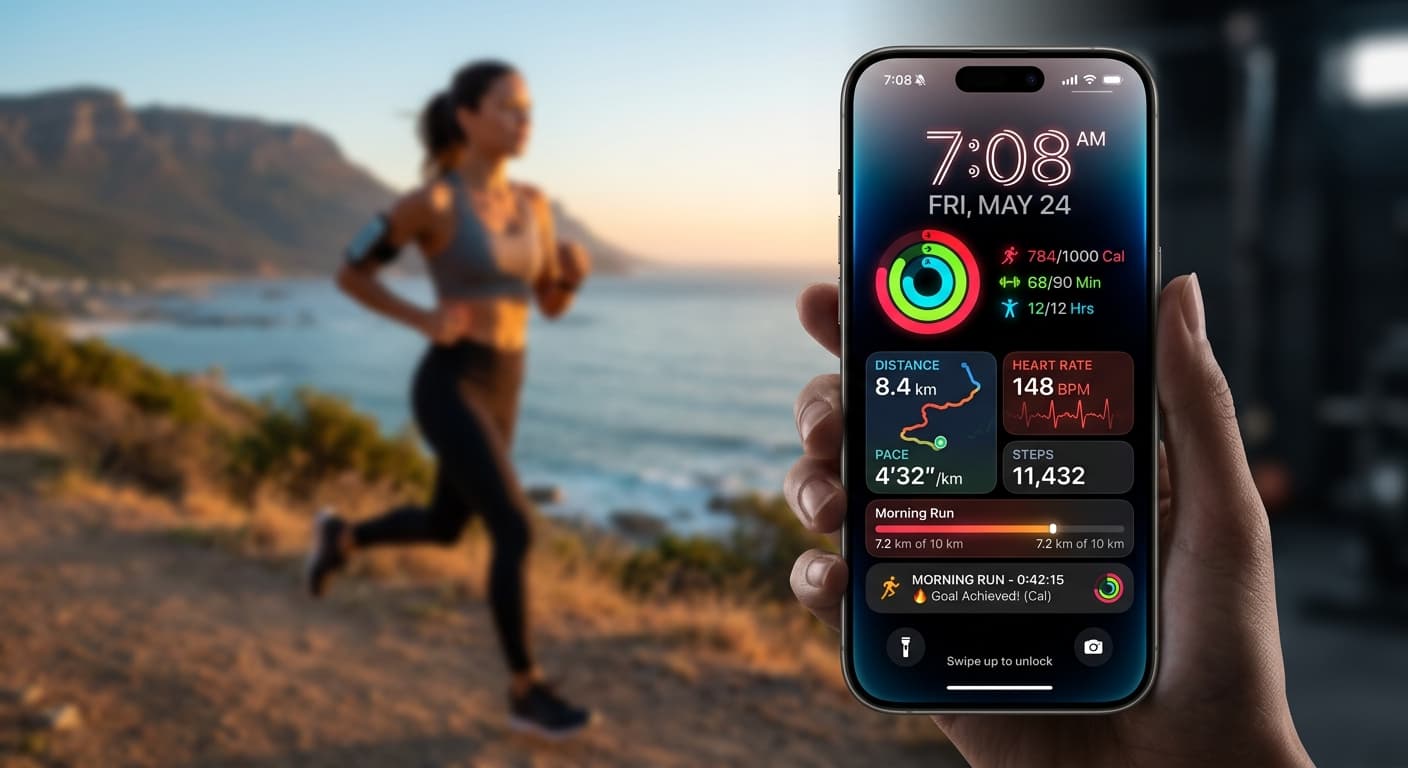
Your 2026 iPhone Lock Screen: The Ultimate Weight Loss Coach You Didn't Know You Had
Transform your iPhone lock screen into a dynamic, AI-powered weight loss motivator in 2026. Leverage iOS 19/20 features, widgets, and NoteWall for real-time progress & inspiration.
Gratitude Journal on iPhone Lock Screen: A One-Sentence Habit
A gratitude journal on your iPhone lock screen makes the habit small enough to actually keep. Here's how to set it up so it lasts past week three.
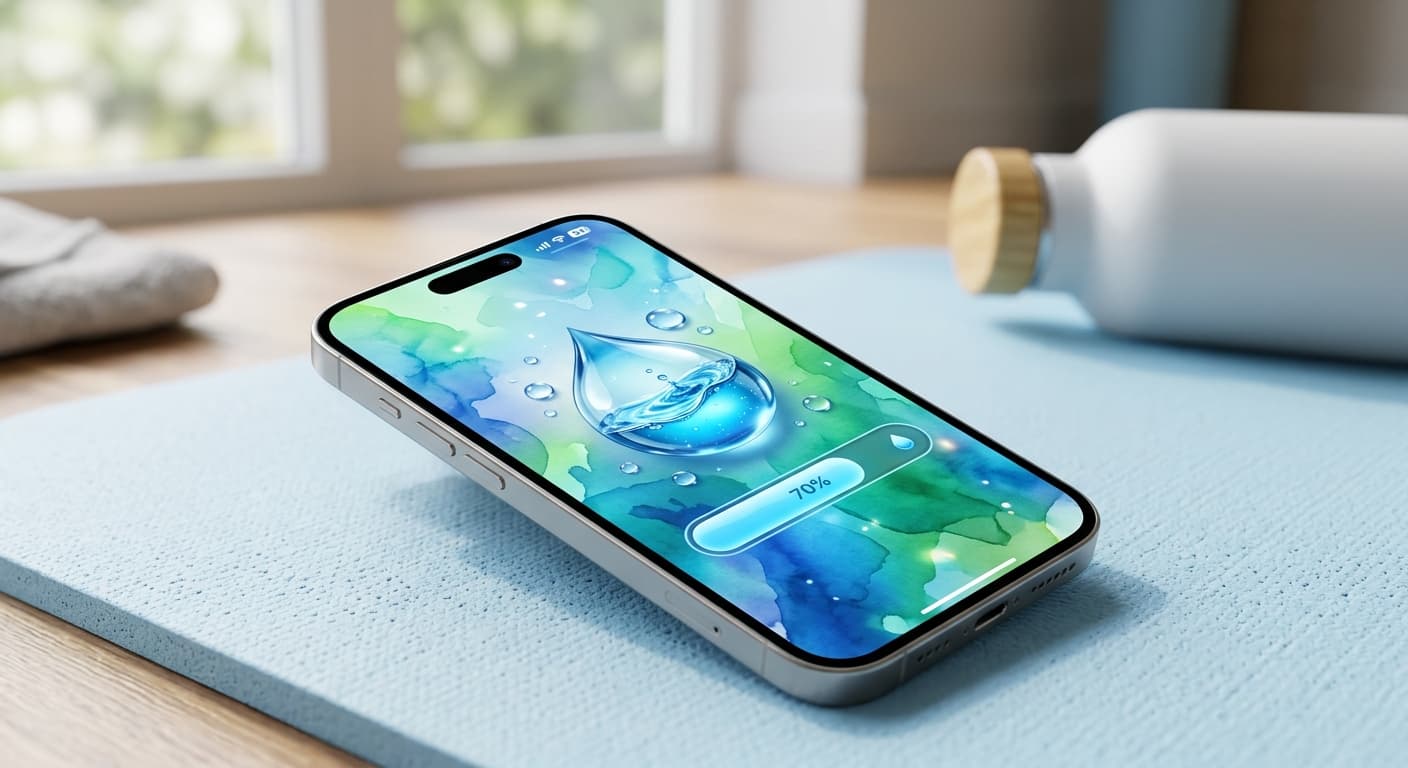
Unlock Personalized Hydration: Your 2026 iPhone Lock Screen as a Smart Water Reminder Hub
Master intelligent hydration in 2026. Use your iPhone Lock Screen, Apple Health, Shortcuts, and top apps for personalized water reminders and seamless tracking.