Why Traditional Reminder Apps Fail People with ADHD
Most productivity apps are built for neurotypical brains. They assume you'll remember to open the app, check your list, and follow through. But ADHD doesn't work that way.
The core challenge isn't motivation — it's working memory and task initiation. You can be completely committed to a goal and still forget about it 30 seconds later because something else grabbed your attention. Notification-based reminders help, but they're easy to dismiss in the moment and then forget entirely.
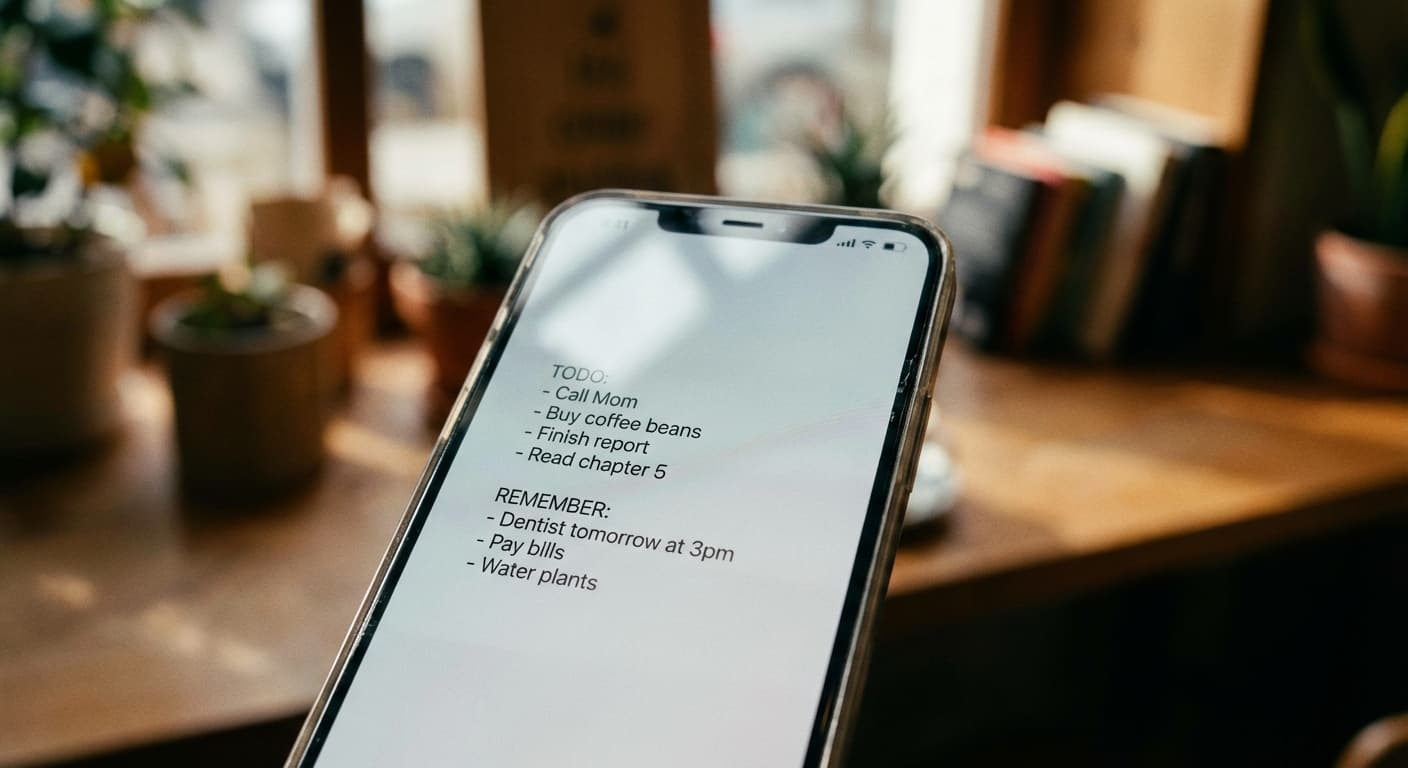
This is why passive, visual reminder systems are a game-changer for ADHD. Instead of requiring you to remember to check something, the reminder finds you — every single time you pick up your phone.
How Visual Reminders Bypass ADHD Working Memory Challenges
ADHD brains struggle with "out of sight, out of mind" — literally. If a task isn't visible, it effectively doesn't exist in your working memory. Research on external memory aids shows that environmental cues dramatically improve task completion for people with ADHD.
Lock screen notes work as an external memory system. They turn your phone — the object you interact with most throughout the day — into a constant visual cue. Instead of relying on internal working memory (which is impaired in ADHD), you're offloading to an external system that's impossible to miss.
Think of it like putting your car keys by the front door so you don't forget them. Except your lock screen catches your attention 352 times per day, not just once.
Tackling Time Blindness with Lock Screen Reminders
Time blindness — difficulty perceiving how time passes — is one of the most disruptive ADHD symptoms. It's why 5 minutes can feel like 30 seconds, and why deadlines seem distant until they're suddenly here.
Lock screen reminders help by making time-sensitive information visible constantly. When your lock screen says "Project deadline: Friday" and you see it dozens of times per day starting Monday, it creates a persistent awareness that pure calendar notifications can't match.
Tips for using lock screen notes for time blindness:
- Include specific dates, not vague timeframes ("Submit by April 20" not "soon")
- Add countdown-style notes for important deadlines
- Update daily with that day's time-sensitive priorities
- Include transition reminders ("Leave for meeting at 2:30")
The repeated visual exposure creates what psychologists call "temporal scaffolding" — external time structure that compensates for weak internal time perception.
Task Initiation: Starting Is the Hardest Part
For many people with ADHD, the hardest part of any task isn't doing it — it's starting it. Task initiation requires executive function that ADHD directly impairs. You know you need to do something, you want to do it, but the mental pathway from intention to action feels blocked.
Lock screen notes help by keeping the task in your awareness until you reach a moment where initiation becomes possible. Instead of the task disappearing from consciousness (as it would without the visual cue), it stays present. Eventually, you catch yourself in a moment of activation energy — and the note is right there, ready.
Effective lock screen notes for task initiation:
- Break tasks into the smallest possible first step ("Open the document" not "Write the report")
- Use action verbs ("Call dentist" not "Dentist appointment")
- Limit to 3 items to reduce overwhelm and decision paralysis
- Celebrate completions by updating your wallpaper when you finish something
Building an ADHD-Friendly iPhone Setup
Beyond lock screen notes, here's how to set up your iPhone as an ADHD support tool:
Screen organization: Keep your home screen minimal. Only essential apps on the first page. Move social media and dopamine apps to a folder on the last page or remove them entirely.
Focus modes: Use iOS Focus modes to filter notifications during work hours. Only allow through what's truly urgent.
Lock screen as your anchor: Make your lock screen the first thing that grounds you. Your 3 most important tasks visible before you even unlock. This creates a "speed bump" between phone pickup and mindless scrolling.
Shortcuts automation: Set up an iOS Shortcut that updates your lock screen wallpaper at a specific time each day, or when you trigger it manually. NoteWall integrates directly with Shortcuts for this purpose.
The goal isn't to fight your ADHD brain — it's to design your environment so that staying focused is the path of least resistance.
NoteWall for ADHD: Why It Works
NoteWall was designed with simplicity as a core principle — which happens to make it ideal for ADHD brains:
No account required — removes the friction of signing up, remembering passwords, or syncing.
No complex features — just notes on your lock screen. No project management, no subtasks, no Gantt charts. The simplicity is the feature.
Passive visibility — no need to remember to check it. You see your notes automatically, 352 times per day.
Quick updates — changing your notes and regenerating your wallpaper takes seconds, not minutes. Low friction means you'll actually use it.
Privacy-first — all data stays on your device. No cloud sync means no anxiety about data security.
Many users with ADHD report that NoteWall is the first productivity tool that actually stuck, because it doesn't require forming a new habit. Your phone is already a habit. NoteWall just makes that existing habit work for you instead of against you.