The Reminder App Landscape in 2026
There are hundreds of productivity apps on the App Store. But most of them solve the same problem the same way: store your tasks in a list, send you notifications, hope you follow through.
The problem isn't the apps — it's the model. Pull-based systems (you have to remember to open the app) fundamentally rely on the thing productivity apps are supposed to fix: your memory and discipline.
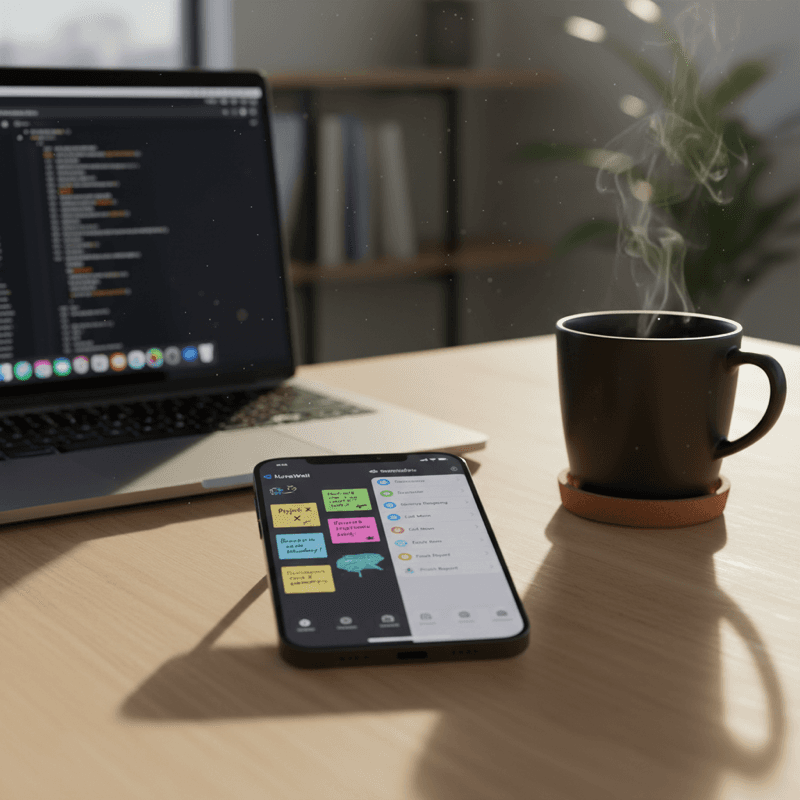
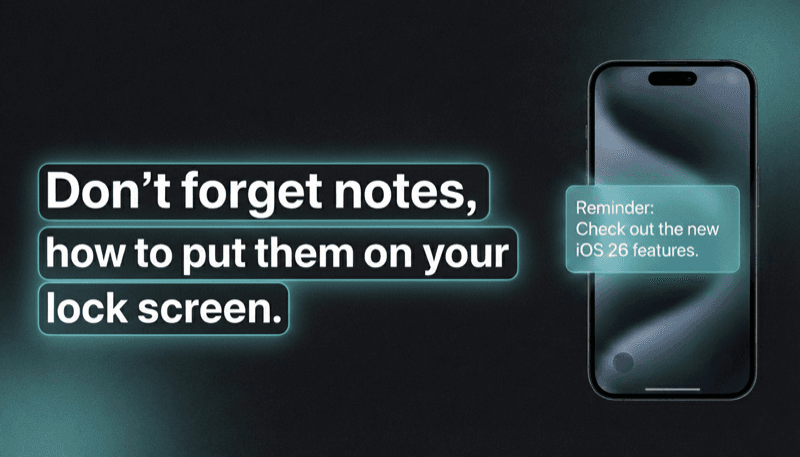
NoteWall takes a different approach. Instead of storing tasks in an app you might forget to open, it puts your priorities directly on your lock screen — the surface you see 352 times per day. It's a push-based system: the reminders come to you.
But NoteWall isn't trying to replace every productivity app. It's designed to complement them. Here's how it compares to the most popular options.
NoteWall vs Apple Reminders
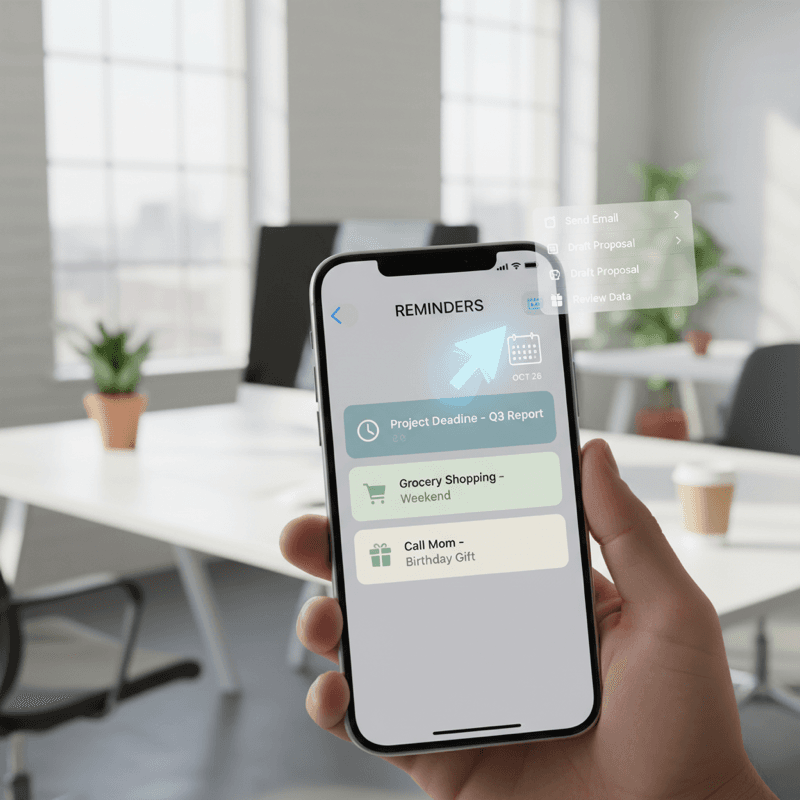
Apple Reminders is a solid, free task manager built into every iPhone. It handles recurring reminders, location-based triggers, shared lists, and Siri integration.
Where Apple Reminders excels: Complex recurring tasks, shared family lists, deep iOS integration, Siri voice input, tagging and smart lists.
Where NoteWall excels: Passive visibility. Apple Reminders requires you to open the app or wait for a notification. NoteWall puts your priorities on your lock screen — visible without opening anything, without waiting for a notification, without any action on your part.
Best together: Use Apple Reminders for your full task list and time-specific notifications. Use NoteWall for your top 3-5 daily priorities that you want visible all day long. Reminders handles the details; NoteWall handles the awareness.
NoteWall vs Notion
Notion is a powerful workspace for notes, databases, wikis, and project management. It can do almost anything — which is both its strength and its weakness.
Where Notion excels: Long-form notes, databases, team collaboration, project management, custom workflows, documentation.
Where NoteWall excels: Simplicity and speed. Notion's power comes with complexity. Setting up a Notion workspace takes hours. Using it daily takes discipline. NoteWall takes 2 minutes to set up and works passively. No databases, no templates, no learning curve.
Best together: Use Notion for deep work — project planning, knowledge management, team wikis. Use NoteWall to surface Notion's output: put today's top priorities from your Notion board onto your lock screen so you see them all day.
The core difference: Notion is where you think. NoteWall is where you're reminded.
NoteWall vs Todoist
Todoist is one of the most popular task managers, known for its natural language input, cross-platform availability, and Karma points system.
Where Todoist excels: Task management at scale, natural language input ("Meeting tomorrow at 3pm"), cross-platform sync (Android, web, desktop), project organization, team collaboration, integrations with 80+ apps.
Where NoteWall excels: Zero-friction visibility. Todoist is great for managing tasks, but it still requires you to open it. If you forget to check Todoist, your tasks are invisible. NoteWall ensures your priorities are visible every time you see your phone — no app opening required.
Best together: Use Todoist as your master task list. Each morning, identify your top 3 priorities from Todoist and put them on your NoteWall lock screen. Todoist manages; NoteWall reminds.
The philosophical difference: Todoist believes in productivity through organization. NoteWall believes in productivity through visibility. Both are valid — and they work beautifully together.
NoteWall vs Lock Screen Widgets
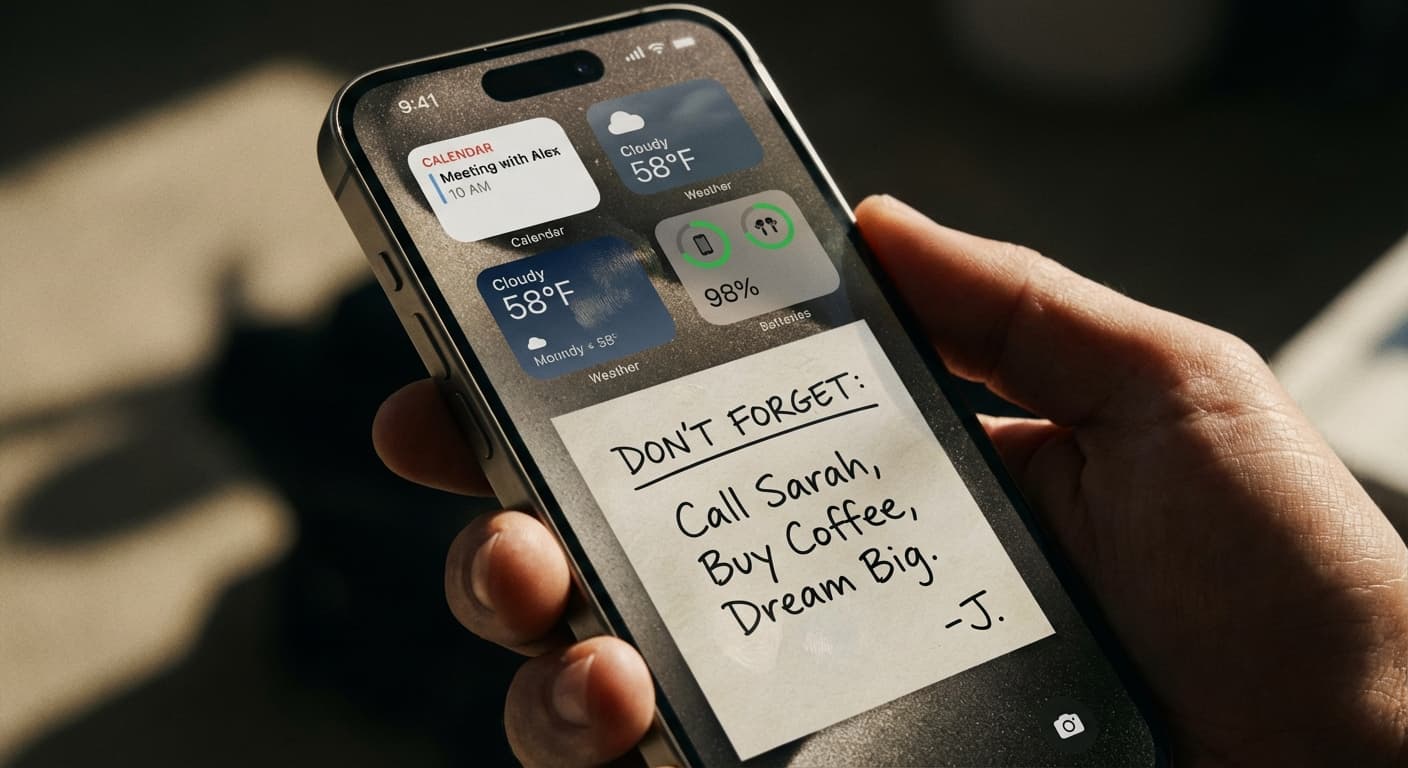
iOS lock screen widgets (introduced in iOS 16) let you add small information displays to your lock screen. How do they compare to NoteWall's wallpaper approach?
Widgets' strengths: Real-time data (weather, calendar, battery), native iOS integration, multiple widgets at once, no app needed for setup.
NoteWall's strengths: Full visual control over your lock screen, custom text and layout, support for longer notes and multiple items, your own photos as backgrounds, text that's large enough to read at a glance.
The key difference: Widgets are small and limited in what they can display. NoteWall uses your entire wallpaper — the full screen — as your reminder surface. You can fit more information, make it more readable, and customize the visual design.
Also, widget reminders require the Reminders app to work. NoteWall is standalone — your notes exist in NoteWall and display on your wallpaper. No dependency on other apps.
Choosing the Right Tool for Your Workflow
Here's a quick decision framework:
If you need detailed task management with projects, subtasks, and deadlines: Use Todoist or Apple Reminders + NoteWall for daily visibility.
If you need a knowledge base and team workspace: Use Notion + NoteWall for personal daily priorities.
If you want the simplest possible system: Use NoteWall alone. Write your goals, generate a wallpaper, done. No account, no sync, no complexity.
If you have ADHD: NoteWall is specifically effective because it doesn't require remembering to check anything. Pair with Apple Reminders for time-specific alerts.
If you're a student: NoteWall for exam dates and study goals on your lock screen. Apple Calendar for class schedules.
If you're a minimalist: NoteWall only. It's privacy-first, offline, and does one thing perfectly.
The best productivity system is the one you actually use. If a complex app sits unopened on your phone, it's not helping you. NoteWall works because your phone is already a habit — it just makes that habit productive.