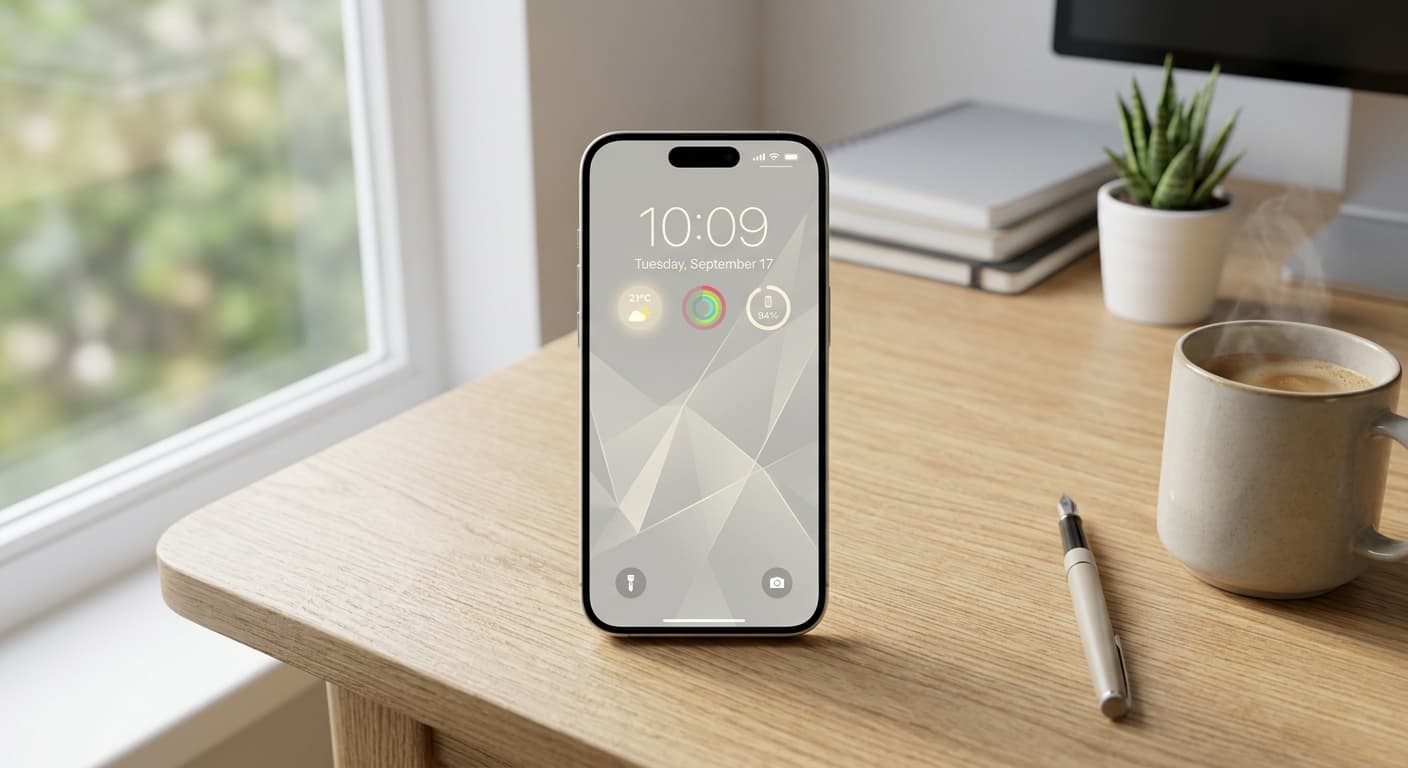
Introduction: Reclaiming Your iPhone's Front Door in 2026
In 2026, our iPhones are more powerful than ever. Yet, this power often comes with a paradox: digital overwhelm. We're constantly bombarded by notifications, endless feeds, and visual clutter, turning our most personal device into a source of distraction. But what if your iPhone's very first impression – its Lock Screen – could become a fortress of focus, a gateway to intentional interaction, not an entry point to chaos?
The good news? The evolution of iOS, particularly with iOS 19 and 20, has moved beyond simple wallpaper changes. We now have unprecedented control to craft a truly personalized, minimalist iPhone lock screen setup that doesn't just look good, but actively enhances your digital well-being and productivity. This isn't just about aesthetics; it’s about reclaiming your attention. Get ready to transform your device into a streamlined ally for focus.
The Philosophy of Minimalist Lock Screens in 2026: More Than Just Clean Aesthetics
Why embrace minimalism on your iPhone's most viewed screen? It boils down to a fundamental shift in how we interact with technology. Digital well-being isn't a buzzword; it's a necessity. We spend countless hours glued to our screens, picking up our phones an average of 352 times a day, according to Asurion research. Each glance is an opportunity for distraction. A minimalist lock screen counters this by:
- 1
Combating Notification Fatigue:
Reducing visual noise means fewer unexpected prompts pulling you away from the present.
- 2
Enhancing Focus & Productivity:
By curating only essential information, your lock screen becomes a helpful dashboard, guiding your next intentional action.
- 3
Reflecting Your Priorities:
Your iPhone's first impression should mirror your goals, not a sprawling mess of app badges and irrelevant info. It’s about making your device work for you.
This isn't just about 'less is more'; it's about 'less, but better.' It’s a proactive step towards a less cluttered digital life. Learn more about proactive strategies for digital well-being in our comprehensive guide: Reclaiming Your Attention: Proactive Digital Well-being for the Hyper-Connected 2026 User.
Mastering Your 2026 iPhone's Customization Power: iOS 19/20 Deep Dive
iOS 19 and 20 empower you with tools that redefine lock screen personalization. These aren't just incremental updates; they're foundational shifts that enable a truly dynamic and minimalist iPhone lock screen setup:
Adaptive Widgets & Smart Stacks: The game-changer. Widgets now intelligently adapt to your context (time, location, activity) and learn your habits, surfacing the most relevant information without you needing to scroll. Smart Stacks leverage AI to show you the right widget at the right moment, keeping your visual footprint minimal but powerful.
Enhanced Focus Modes: Far beyond simple Do Not Disturb, iOS 19/20's Focus Modes offer deeper integration with specific lock screen profiles. You can now have a dedicated minimalist lock screen for 'Work', 'Personal', 'Sleep', or even 'Mindfulness', complete with automated triggers and AI-driven suggestions for when to activate them. Discover more hacks here: Unlock Peak 2026 Productivity: The Ultimate iPhone Focus Mode Hacks Guide.
StandBy Mode & Live Activities: Your iPhone 17-19 series device truly shines. StandBy Mode transforms your charging iPhone into an ambient, clutter-free information hub. Live Activities provide real-time updates without unlocking, ensuring you get crucial info at a glance, then it disappears.
Dynamic Island Evolution: On Pro models, the Dynamic Island continues to elegantly integrate alerts and background activities, offering a sophisticated, unobtrusive way to stay informed without a busy screen.
Step-by-Step Guide: Crafting Your Ultimate Minimalist iPhone Lock Screen
- 1
Phase 1: Foundation – The Wallpaper Choice.
Opt for solid colors, subtle gradients, abstract art, or focused photography. Leverage depth effect to highlight key elements and explore contextual wallpapers that automatically change with your Focus Mode. Aim for serene backgrounds that don't compete with your widgets.
- 2
Phase 2: Functionality – Curating Your Widgets.
This is where you put 'less, but better' into practice. Choose truly essential, actionable widgets. Think weather, calendar, activity, or even quick notes with an app like NoteWall to keep critical reminders visible. Optimize Smart Stacks to group relevant widgets (e.g., 'Work' stack with calendar and NoteWall, 'Personal' stack with activity and smart home controls). Minimize visual noise by prioritizing data density over graphic intensity.
- 3
Phase 3: Focus – Leveraging iOS 19/20 Focus Modes.
Create distinct lock screens for different contexts. A 'Work' Lock Screen might feature a plain background and a calendar widget. Your 'Personal' Lock Screen could display family photos and health metrics. Automate these changes based on time, location, or when specific apps are opened. Integrate AI-suggested Focus Modes for dynamic adjustments throughout your day. This is key for a truly adaptive, minimalist iPhone lock screen setup.
- 4
Phase 4: Flow – Dynamic Island & Live Activities.
Configure your Dynamic Island to show only crucial, ephemeral information. Utilize Live Activities for real-time updates like sports scores or delivery tracking, ensuring information appears when needed and vanishes when done, keeping your screen clutter-free.
- 5
Phase 5: Beyond the Lock Screen (Brief Mention).
Extend your minimalist vibe to your Home Screen by utilizing the App Library, custom app icons, and smart folders. Future-Proof Your iPhone: Lock Screen Customization Secrets for 2026 offers more in-depth Home Screen advice.
For crucial, quick reminders or notes that you need at a glance without unlocking, consider NoteWall. It integrates seamlessly with your lock screen via Shortcuts, making it perfect for a minimalist setup where you want only the most vital information immediately visible. Check out How to Put Notes on Your iPhone Lock Screen to set it up.
Inspiration Gallery: Minimalist Lock Screen Setups for Every Lifestyle
Need some ideas? Here are a few minimalist iPhone lock screen setups to spark your creativity:
The 'Zen Workspace' Setup: A calming gradient wallpaper, a single calendar widget showing your next meeting, and a NoteWall shortcut for urgent tasks. No distractions, pure focus.
The 'Essential Productivity' Setup: A Smart Stack cycling between a reminder widget, a task list, and a quick-launch shortcut to your primary work app. Paired with a deep blue background for calm concentration.
The 'Mindful Movement' Setup: A nature-inspired background, health metrics (activity rings, steps), and a meditation app shortcut, activated via a 'Mindfulness' Focus Mode.
The 'Dynamic Information' Setup: Utilizes adaptive widgets for context-aware updates – weather in the morning, commute times during rush hour, news headlines during a lunch break. The ultimate intelligent, minimalist display.
Maintaining Your Minimalist Vibe: Long-Term Strategies
A minimalist lock screen isn't a one-and-done setup. It's a commitment to intentional digital living. Perform regular Lock Screen Audits to prevent 'clutter creep' – those new app widgets or features that slowly invade your clean space. Stay adaptable to future iOS updates, integrating new features without compromising simplicity. Most importantly, cultivate the habit of intentional interaction: mindfully unlock your phone, engage with what you need, and then put it down.
Conclusion: Unlock Your Focus, One Pixel at a Time
Your iPhone lock screen is more than just a gateway to your apps; it's a powerful tool for focus, digital well-being, and personal expression. By embracing the advanced features of iOS 19/20, you can craft a minimalist iPhone lock screen setup that truly serves your needs, reduces distractions, and fosters a more intentional relationship with your device. Don't let your tech overwhelm you – make it work for you.
Ready to Transform Your iPhone Experience?
Start personalizing your lock screen notes and reminders today. Download NoteWall and elevate your minimalist setup with powerful, glanceable information.
Download NoteWallNow go forth, experiment, and share your unique minimalist lock screen setups with us! We'd love to see how you're optimizing your iPhone in 2026. For more ideas on how to boost your lock screen productivity, visit our pillar guide: Lock Screen Productivity Hub.

Founder of NoteWall. Building tools that turn your lock screen into a productivity system. About →
You might also like
8 Lock Screen Ideas for Students Worth Trying This Semester
Turn the screen you check most into a study tool. These 8 lock screen ideas for students put deadlines, schedules, and focus where you can't scroll past them.
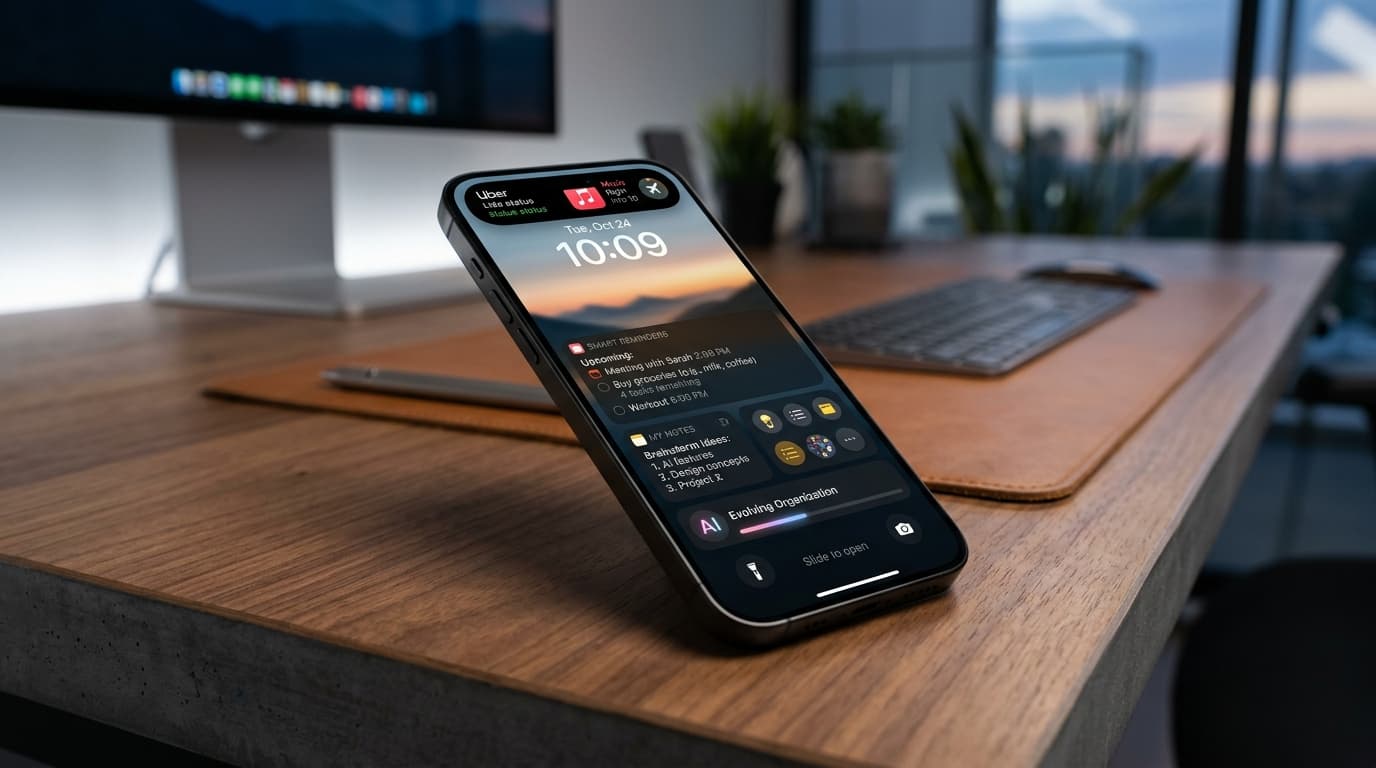
Future-Proof Your Memory: Unlocking Hyper-Personalized Lock Screen Reminders with iOS 2026 & AI
Master your memory in 2026 with cutting-edge iPhone lock screen reminders. Leverage iOS 2026 features, AI, and NoteWall for ultimate productivity.
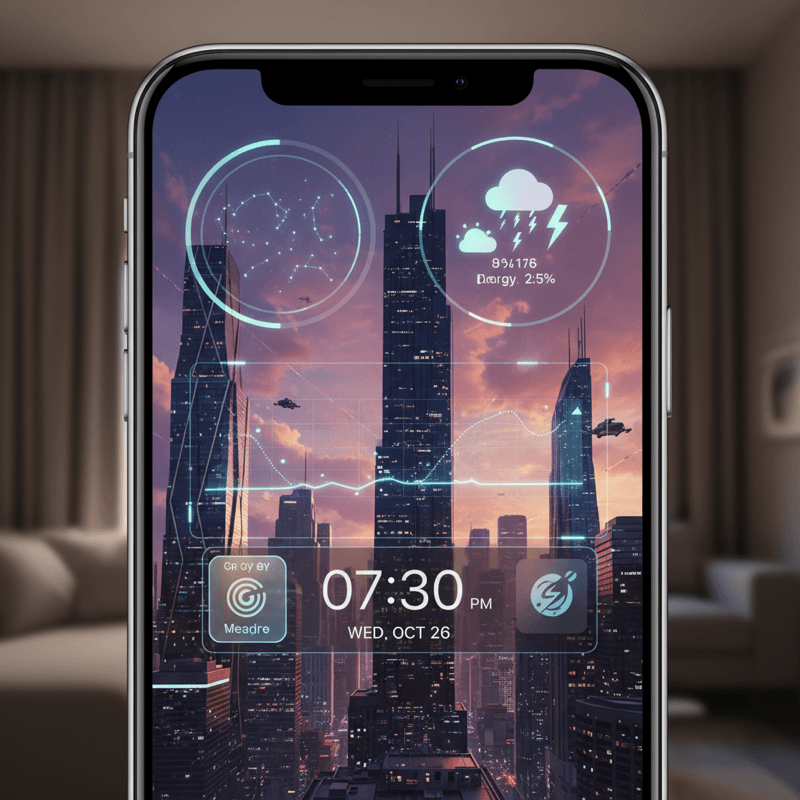
Future-Proof Your iPhone: Lock Screen Customization Secrets for 2026
Unlock the full potential of your iPhone lock screen! Dive into advanced customization, trending aesthetics, and productivity hacks. Future-proof your device now!