Why Your Lock Screen Is the Most Powerful Productivity Tool You Own
You pick up your phone up to 352 times per day. That's 352 moments where your attention is up for grabs — and most of the time, it gets hijacked by notifications, social media, or mindless scrolling.
But what if every single one of those pickups reinforced what actually matters to you? Your goals. Your priorities. Your reminders. That's the core idea behind lock screen productivity: using the screen you see most often as a constant, passive reminder system.
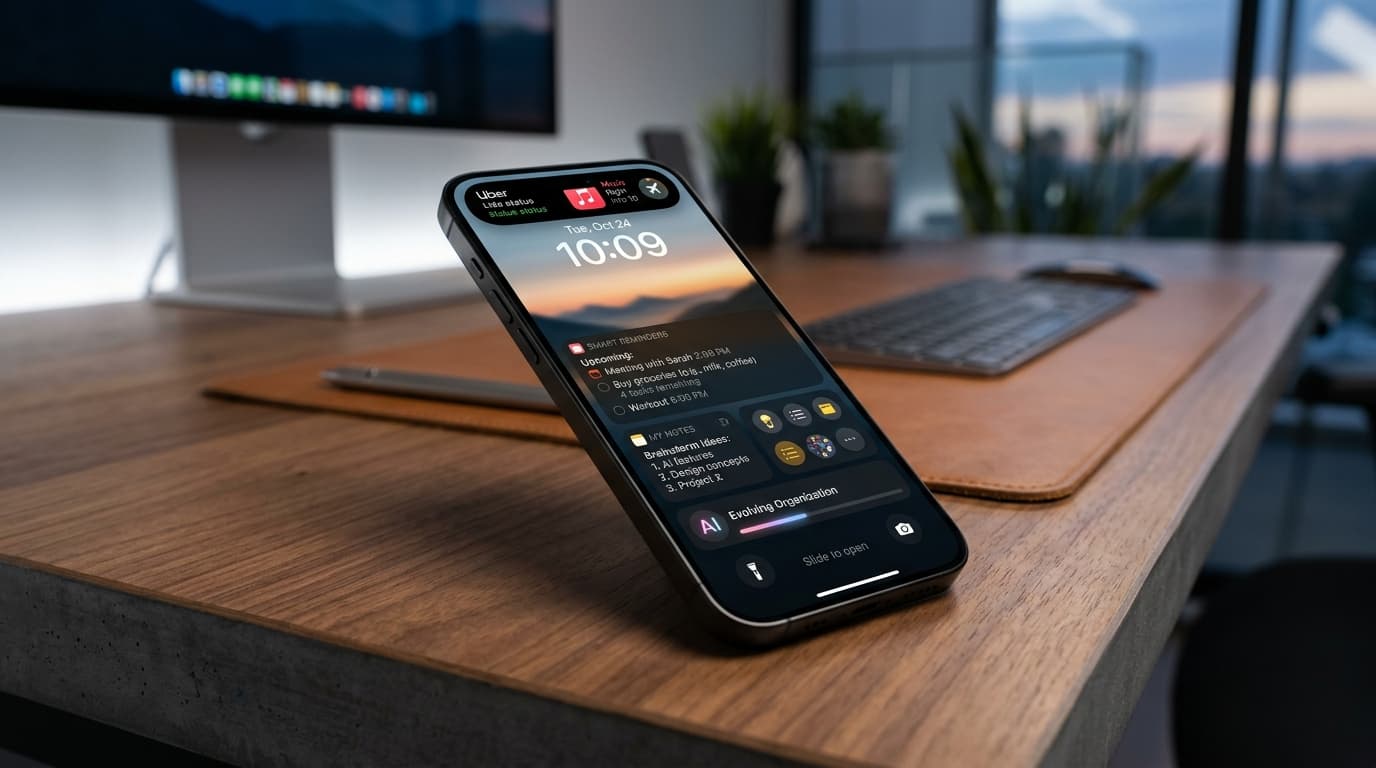
Unlike notification-based apps that interrupt you, or to-do apps that require you to open them, lock screen notes work through passive visibility. You don't need to do anything. You just see your goals — before you even unlock your phone.
How Lock Screen Productivity Works
The concept is simple but scientifically backed. Repeated visual exposure to goals increases follow-through. Psychology calls this the "mere exposure effect" — the more you see something, the more it stays top of mind.
Here's the typical workflow with NoteWall:
1. Write your notes, goals, or reminders in the app
2. NoteWall generates a wallpaper with your text overlaid
3. Set it as your lock screen via iOS Shortcuts (takes 5 seconds)
4. Every time you pick up your phone, you see your priorities
The key difference from widgets or notifications is permanence. Widgets can be scrolled past. Notifications get dismissed. But your lock screen wallpaper is always there — the very first thing you see.
Best Practices for Lock Screen Notes
Keep it short and scannable. Your lock screen isn't the place for paragraphs — it's for headlines. The most effective lock screen notes follow these rules:
- Limit to 3-5 items. More than that and nothing stands out.
- Use action verbs. "Finish proposal" beats "proposal."
- Prioritize. Put the most important item first.
- Update regularly. Stale goals become invisible. Refresh daily or weekly.
- Mix categories. One work task, one health goal, one personal reminder keeps life balanced.
Many NoteWall users find that the act of writing their daily priorities is itself a productivity ritual. The wallpaper is the output, but the thinking process is the real value.
Lock Screen Productivity for Different Lifestyles
Students use lock screen notes for exam dates, assignment deadlines, and study schedules. Having "Calc exam Thursday" visible 352 times a day makes it impossible to forget.
Professionals use it for daily top-3 priorities, meeting prep reminders, and focus cues. Before every phone pickup becomes a distraction, it becomes a re-centering moment.
People with ADHD find lock screen notes especially powerful. Traditional reminder systems rely on you remembering to check them — which defeats the purpose for someone who struggles with working memory. Lock screen notes bypass that entirely through passive, unavoidable visibility.
Fitness enthusiasts track goals, water intake reminders, and workout schedules. Seeing "Drink 8 glasses" dozens of times per day works better than any hydration app notification.
Parents use it for grocery lists, school pickup times, and family schedules. Quick-glance information that needs no app opening.
Setting Up Your Productive Lock Screen
Getting started takes less than 2 minutes:
Step 1: Download NoteWall from the App Store. It's free to start, and any free-trial terms are shown in the app at the time of purchase.
Step 2: Add your notes. Type your goals, tasks, or reminders. Keep it to 3-5 items for maximum impact.
Step 3: Choose your background. Use a solid black/gray for maximum readability, or use your own photo.
Step 4: Export and set as wallpaper. NoteWall can integrate with iOS Shortcuts so updates take just 5 seconds.
The beauty of this system is its simplicity. No account required. No cloud sync. No complex setup. Your data stays on your device, and your productivity system works every time you glance at your phone.
Lock Screen Productivity vs. Other Systems
How does lock screen productivity compare to traditional approaches?
Compared to notification-based reminders: Notifications interrupt you and get dismissed. Lock screen notes are always visible without interruption. You see them passively, hundreds of times per day.
Compared to to-do apps: Apps like Todoist or Apple Reminders are powerful, but they require you to open them. If you forget to check your to-do app, your tasks are invisible. Lock screen notes are impossible to miss.
Compared to widgets: iOS widgets are useful, but they live on your home screen — after you've already unlocked your phone and potentially gotten distracted. Lock screen notes catch you before the unlock.
Compared to physical sticky notes: Physical notes work great at a desk, but they don't travel with you. Your phone goes everywhere you go.
The most productive people actually combine these systems. Use a to-do app for detailed task management, and your lock screen for the 3-5 things that matter most today.