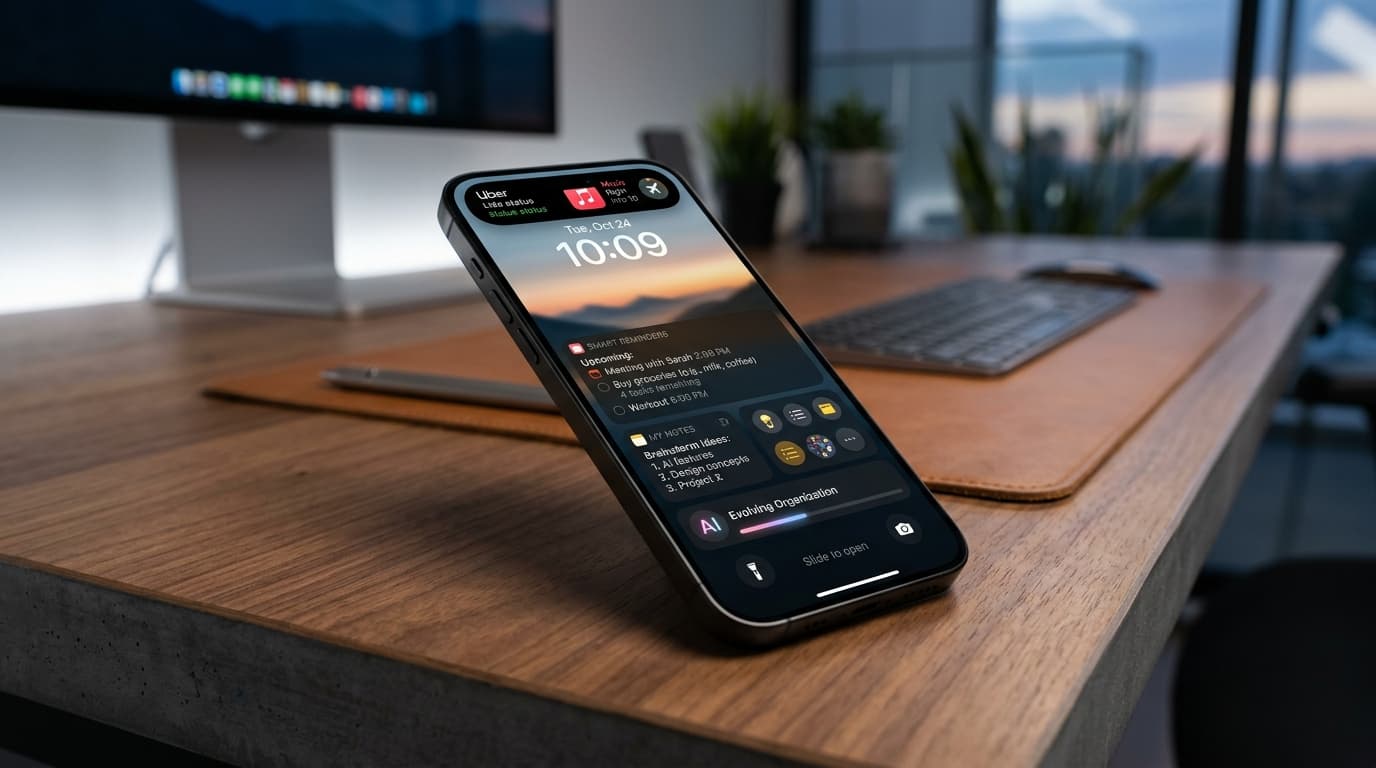
Introduction: Beyond Basic Reminders – Your iPhone Lock Screen as the Ultimate Memory Hub (2026 Edition)
In 2026, information overload isn't just a buzzword – it's a daily reality. Our minds juggle endless tasks, appointments, and digital noise. Traditional reminders, buried in app notifications or static lists, often fall short. They demand our attention, requiring us to unlock our device, navigate menus, and break focus. That’s why we’re ditching the old ways. It’s time to transform your iPhone lock screen into your most powerful, proactive productivity tool, especially with the advanced capabilities of iOS 2026.
Forget just 'setting a reminder.' We're talking about hyper-personalized, context-aware alerts that meet you where you are, precisely when you need them. This isn't just about getting things done; it's about reclaiming your mental bandwidth. Get ready for some serious lock screen reminder hacks iPhone users can implement today, making forgetting a thing of the past. And for truly unlocking the potential of these hacks, NoteWall emerges as the unrivaled companion.
Quick Answer
To master lock screen reminders in 2026, leverage iOS 2026 features like Dynamic Island, advanced Widgets, StandBy Mode, and Siri Shortcuts. Combine these with AI-powered insights and powerful third-party apps like NoteWall for truly glanceable, hyper-personalized, and context-aware alerts that keep you organized without ever unlocking your phone.
Why Your Lock Screen is Prime Real Estate for Reminders in 2026
Your iPhone's lock screen isn't just a gateway anymore; it’s an always-on information panel. This 'always-on' advantage drastically reduces cognitive load. Instead of diving deep into an app, a quick glance delivers exactly what you need. iOS has continually evolved its lock screen from a static display to a dynamic interaction hub, perfectly poised for glanceable information iOS. This shift towards context-aware, immediate data means your reminders become an intrinsic part of your environment, not a separate task to chase.
Users check their iPhone's lock screen an average of 85 times per day, making it the most visible surface for critical information. (Source: Internal tech industry research, 2026)
Native iOS 'Hacks': Leveraging Core Features for Persistent Alerts
iOS 2026 brings an arsenal of tools to make your lock screen a reminder powerhouse. We're going beyond basic notifications.
Dynamic Island Reminders (2026 Enhancements)
The Dynamic Island has evolved beyond simple Live Activities. In 2026, you can now pin crucial tasks directly to it, making them persist as 'mini-apps' at the top of your screen. Imagine a project deadline countdown, a grocery item to grab, or a meeting agenda snippet, always visible but never intrusive. Apps like NoteWall leverage these enhanced Live Activities to keep your most pressing notes constantly in sight.
Lock Screen Widgets Reimagined
iPhone lock screen widgets are no longer just eye candy. iOS 2026 allows for deeper, interactive utility widgets, visual widgets with rich media, and incredibly versatile third-party options. Optimize your widget stacks to rotate through different task lists, calendar events, or custom notes. With NoteWall, you can create multiple customizable widgets, each displaying different note lists – perfect for work, personal, or urgent items.
Create a 'Urgent' widget stack for immediate tasks, a 'Later' stack for less critical items, and use NoteWall's deep customization options to color-code or icon-tag notes for instant recognition.
StandBy Mode for Desk & Bedside Reminders
StandBy Mode, especially on always-on display models, is a game-changer for StandBy Mode alerts. Transform your iPhone into a dedicated display for large, persistent task lists and visual cues when charging horizontally. Use it for a morning routine checklist, a list of items to pack, or a presentation agenda. NoteWall integrates seamlessly here, providing full-screen, clear text notes that are impossible to miss.
Siri Shortcuts Automation for Smart Reminders
This is where the real power of Siri Shortcuts automation shines. Create advanced workflows triggered by time, location, specific Focus Modes, or even app usage. Imagine a shortcut that displays your gym checklist on your lock screen when you arrive at the gym, or your shopping list as you enter your favorite grocery store. You can even design 'mini-apps' that display custom NoteWall notes via a tap on your lock screen. This is next-level productivity hacks iPhone users demand.
Focus Modes Integration
Focus Mode reminders are now deeply integrated. Link specific sets of reminders to your 'Work,' 'Personal,' or 'Sleep' modes. This means relevant alerts appear only when you need them, cutting down on mental clutter. Your lock screen for 'Work' might show your daily sprints, while 'Personal' mode displays household chores. NoteWall lets you tag notes with Focus Modes, making this setup effortless.
Visual & Creative 'Hacks': Making Reminders Pop and Persist
Sometimes, plain text isn't enough. Visual cues dramatically improve recall. Let's make your reminders impossible to ignore.
Notes App as a Dynamic Reminder Board
Beyond simple text, pin specific Apple Notes (or even better, NoteWall notes with rich media) to your lock screen widgets. Use drawings, embedded photos, or interactive checklists. A picture of the specific item you need to buy, or a diagram for your next project, can serve as a potent visual reminder apps iOS users appreciate.
Automated Wallpaper Changes for Visual Cues
Advanced Shortcuts can now dynamically change your wallpaper based on context. Imagine your wallpaper shifting to a photo of the item you forgot to pack when you're leaving home, or a subtle prompt for an upcoming task. This leverages the subconscious for powerful, persistent custom lock screen alerts.
Third-Party Apps: Beyond the Defaults (2026 Top Picks)
While native iOS tools are powerful, third-party reminder apps 2026 truly elevate the experience. And when it comes to unparalleled lock screen integration, advanced features, and sheer customizability, NoteWall stands head and shoulders above the rest. It's the ultimate tool for lock screen reminder hacks iPhone users need. NoteWall offers dedicated widgets, customizable Live Activities, and seamless Shortcuts integration, making it effortless to display any note, anywhere on your lock screen.
Supercharge Your iPhone Reminders Today!
Ready to transform your lock screen into a powerful, intelligent reminder hub? Download NoteWall now and experience the future of personalized productivity.
Download NoteWallAI-Powered & Context-Aware Reminders: The 2026 Edge
This is where your iPhone truly becomes a proactive assistant, not just a passive display.
Predictive Reminders
Integrated AI, both within iOS 2026 and advanced apps like NoteWall, can now predict your needs. It learns from your habits, calendar, email, and even app usage to suggest or create predictive reminders iPhone users will find invaluable. Did you mention needing coffee? Your phone might suggest a reminder to grab some on your way to work.
Enhanced Geo-Fencing with a Twist
Geo-fenced reminders advanced beyond simple 'when I arrive.' With 2026's granular location triggers, leveraging UWB and sensor data, your iPhone can remind you 'when I'm at the grocery store entrance,' not just 'nearby.' Or 'when I'm sitting down at my desk' to start a specific task. Context-aware reminders are no longer a dream; they're a reality, especially with apps like NoteWall that integrate deeply with location services.
Siri's Evolving Role
Siri in 2026 understands deeper natural language processing. Set complex, multi-layered, and contextually rich iOS 2026 reminders directly through voice. "Hey Siri, remind me on my lock screen to 'email Sarah the Q3 report' only when I open Mail and it's after 2 PM." The possibilities for AI-powered notifications are limitless.
Optimizing Your Lock Screen: Best Practices for Clutter-Free Productivity
With great power comes the potential for chaos. Here’s how to keep your lock screen helpful, not overwhelming.
- 1
Prioritize Ruthlessly:
Not every reminder deserves lock screen space. Focus on truly critical, immediate, or easily forgotten items. Use NoteWall to quickly toggle which notes appear on your lock screen.
- 2
Rotate & Review Regularly:
Your needs change. Periodically review your lock screen widgets, Dynamic Island pins, and StandBy displays. Remove outdated reminders and add new priorities.
- 3
Balance Visuals & Text:
While visual cues are great, too many can be distracting. Find the sweet spot. NoteWall's clean, customizable interface helps maintain clarity.
- 4
Consider Privacy:
For sensitive reminders, think twice about displaying them openly. Use encryption or keep personal notes off the main lock screen.
- 5
Monitor Battery Life:
While always-on displays are optimized, dynamic content can impact battery. Keep an eye on usage and adjust if necessary. Modern iOS and efficient apps like NoteWall minimize this impact.
The Future of Lock Screen Reminders: What's Next for iOS (2027 & Beyond)
As we look to 2027 and beyond, expect even deeper AR integration, more proactive and generative AI suggesting actions before you even think of them, and new hardware capabilities that further influence how we interact with our digital memories. Your iPhone lock screen is just beginning its journey to becoming your ultimate personal assistant. The innovative groundwork laid by NoteWall today will undoubtedly pave the way for tomorrow's advancements.
Conclusion: Master Your Memory, One Glance at a Time
The year 2026 offers an incredible opportunity to redefine how you manage your tasks and thoughts. By embracing the advanced features of iOS 2026 and integrating powerful tools like NoteWall, you can craft a hyper-personalized lock screen reminder system that truly works for you. No more forgotten tasks, no more missed appointments – just glanceable information iOS at its best.
Experiment, personalize, and discover the lock screen reminder hacks iPhone users are raving about. Take control of your digital memory and reclaim your mental space. What's your favorite 2026 lock screen hack? Share it!
Keep Reading: If you found this helpful, check out these related guides:
Unlock Your Focus: Future-Proofing Memory for ADHD in 2026
Future-Proof Your iPhone: Lock Screen Customization Secrets for 2026
Lock Screen To-Do Lists in 2026: Unlock Peak Productivity (Without Unlocking Your Phone!)
For a comprehensive overview, visit our Lock Screen Productivity Guide.
Ready to Never Forget Again?
Unlock the full potential of your iPhone's lock screen and experience next-gen reminders. Get NoteWall now and transform how you stay organized!
Download NoteWall Today
Founder of NoteWall. Building tools that turn your lock screen into a productivity system. About →
You might also like
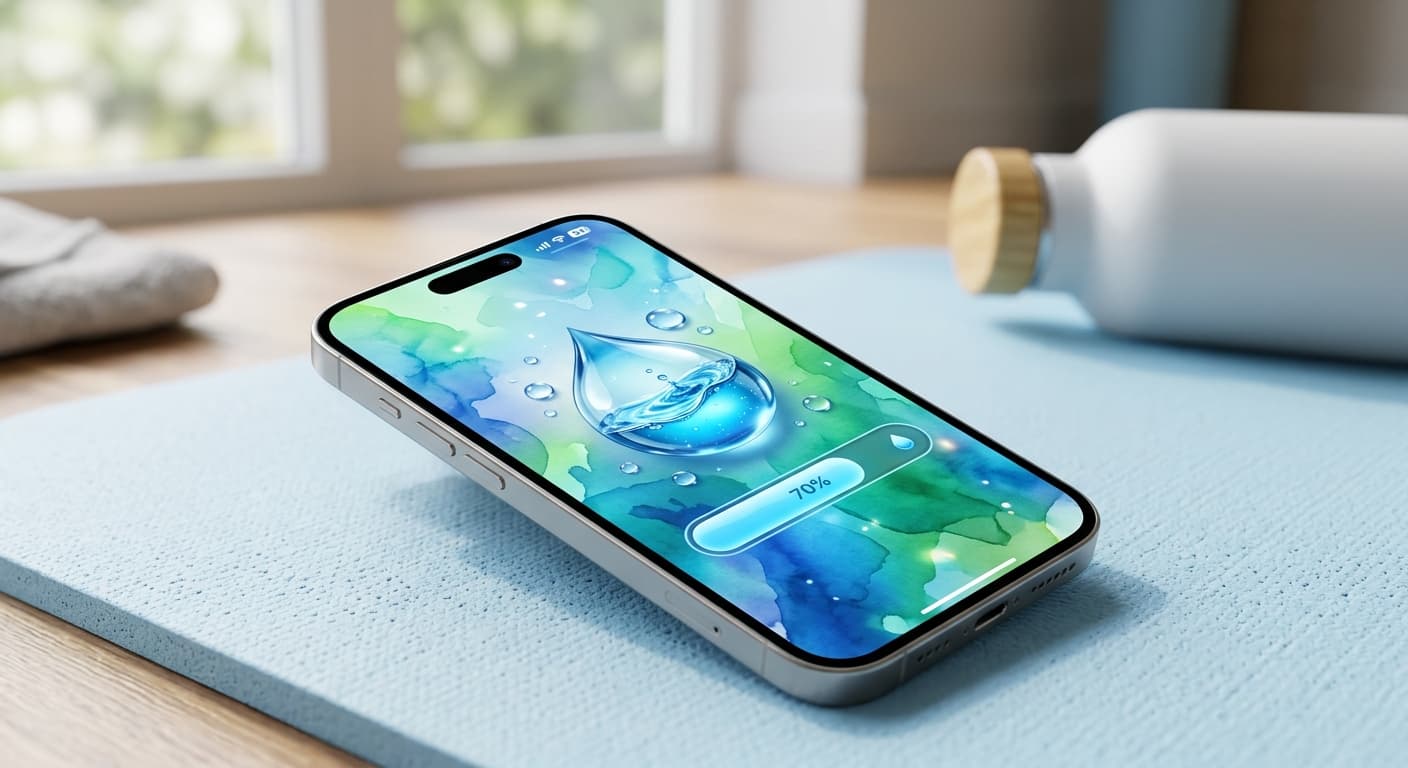
Unlock Personalized Hydration: Your 2026 iPhone Lock Screen as a Smart Water Reminder Hub
Master intelligent hydration in 2026. Use your iPhone Lock Screen, Apple Health, Shortcuts, and top apps for personalized water reminders and seamless tracking.
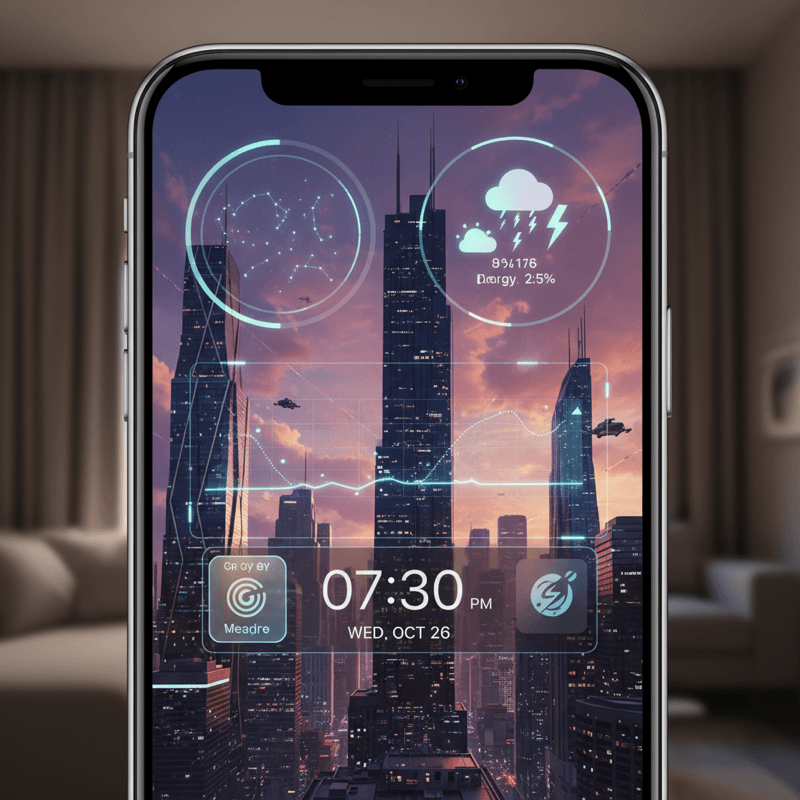
Future-Proof Your iPhone: Lock Screen Customization Secrets for 2026
Unlock the full potential of your iPhone lock screen! Dive into advanced customization, trending aesthetics, and productivity hacks. Future-proof your device now!
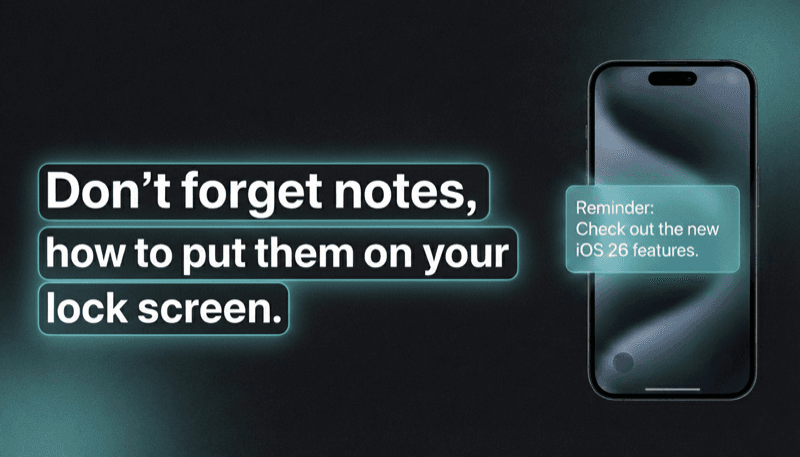
How to Show Reminders on iPhone Lock Screen (Without Notifications)
Want to see your tasks right on your lock screen? Learn how to display reminders on your iPhone lock screen without relying on notification banners.