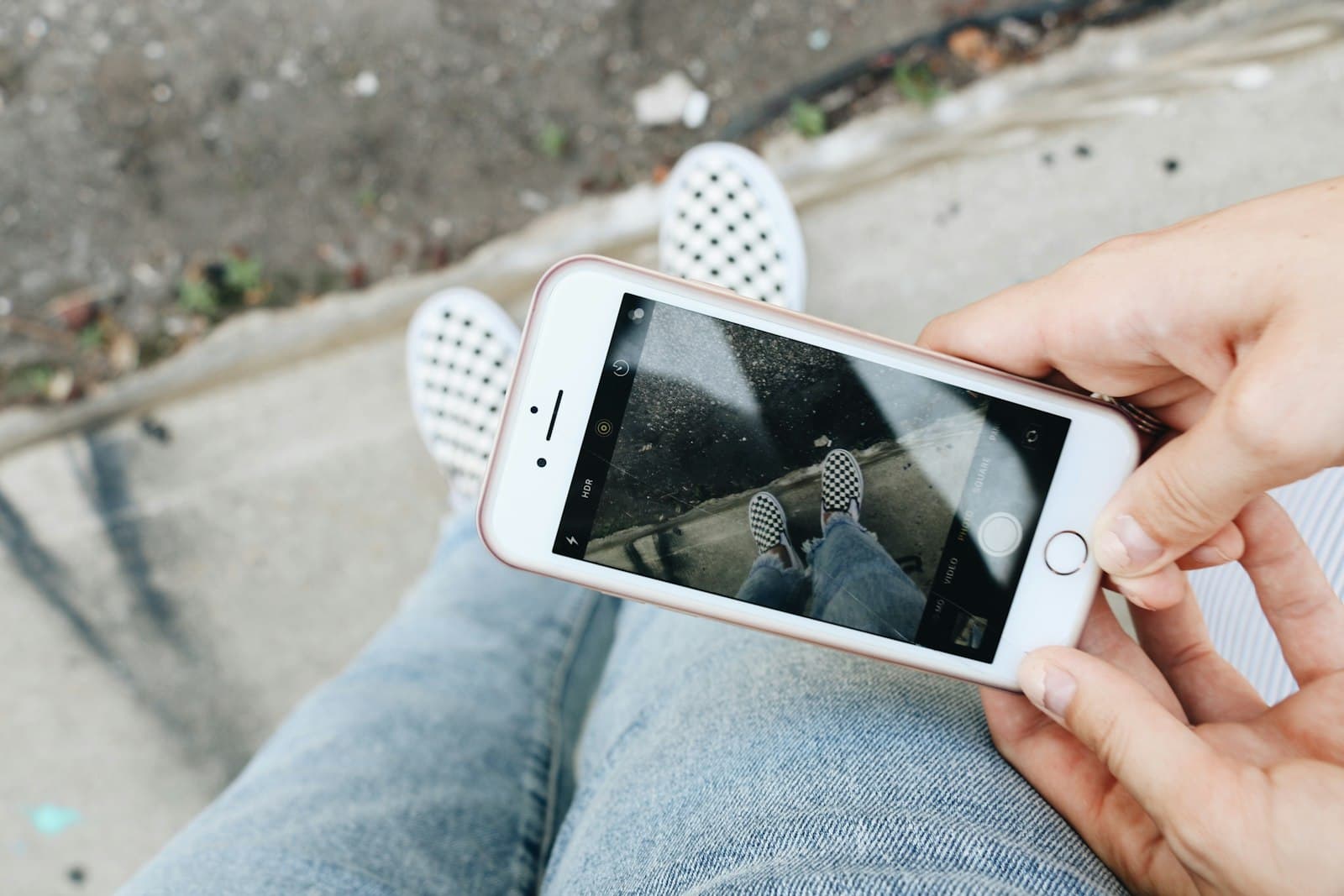
Quick Answer
A workout reminder on lock screen works because it's a passive cue — it sits there until you act on it, instead of pinging once and vanishing. The strongest version names the exact session ('Legs · 6:30 AM · garage'), is anchored to something you already do daily, and lives on the surface you check 80+ times a day anyway. That's what turns 'I'll work out today' into actually opening the door.
What 'Workout Reminder on Lock Screen' Should Actually Do
Workout reminder on lock screen is a small idea that quietly outperforms the productivity-app version. Most workout reminders are notifications: a 7 AM alert, a Strava nudge, a 'time to move' watch tap. They fire once, get swiped, and the day continues. A lock-screen workout reminder is different — it's a passive cue that sits on your wallpaper from the moment you wake up. You see it 30 times before the planned session, and each glance restates the intention. Compared to a one-shot notification, this is the difference between a doorbell that rings once and a sign on the door that says you're going to the gym at 6:30.
In a 2002 study (Milne, Orbell & Sheeran, British Journal of Health Psychology), 91% of participants who wrote down the exact when and where of their planned workouts followed through over two weeks, compared with 39% in the group that only set a goal. The intention isn't the problem; the specificity of the plan is. A lock-screen cue is the easiest way to keep that plan visible.
That 52-point gap is the whole case for putting workout reminders on a surface rather than in a notification queue. Specificity decays the moment you stop seeing it. 'I'll work out today' is forgotten by noon; 'Run · 30 min · 6:30 PM · river path' is harder to forget when it's been on your wallpaper since you woke up. The brain isn't fighting motivation — it's fighting distance from the intention. Lock-screen reminders close that distance to zero.

Why Notification-Based Workout Reminders Almost Always Fail
Here's the structural problem with notification reminders. They compete with every other alert on your phone — 237 of them a day for the average user — and your brain learns to clear them on autopilot. The 'time to work out' ping arrives mid-meeting, you swipe, and that's the end of the intervention. Even when the timing is perfect, a notification gets one shot. Miss it and the day's plan vanishes silently. A lock-screen cue doesn't have that fail mode — there's nothing to dismiss, no notification to clear. The reminder is the wallpaper.
- •
Swipe-once-and-gone. Notifications are designed to be cleared. Your brain treats them like Instagram badges. A lock-screen cue can't be cleared without changing the wallpaper.
- •
Wrong-moment delivery. A 6 PM workout ping during your worst commute is a guaranteed snooze. The lock-screen version arrives whenever you pick up the phone, not whenever the app schedules it.
- •
No specifics. Most workout-app reminders say 'time to exercise' generically. A lock-screen note can say exactly what session it is, where, and what gear you need.
- •
Notification fatigue. Once you're getting 30+ daily alerts from various apps, your brain stops processing them as distinct. A wallpaper note skips this filter because it doesn't compete with anything.
- •
Bypasses Focus modes. Your work Focus probably silences the workout app — so the reminder doesn't fire at all on the busy days when you most need the cue.
5 Lock Screen Workout Reminder Setups That Stick
Five lock-screen cue setups that survive a real semester or quarter. Each anchors the session to something already in your routine so the reminder isn't doing all the work:
- •
The morning-anchor workout. Lock-screen note: 'Run · 30 min · 6:30 · river path.' Anchor: the alarm. Specifying where removes the morning decision-making that kills most early sessions.
- •
The post-coffee strength block. Lock-screen note: 'Push day · garage · after coffee.' Anchor: your existing coffee ritual. The exercise becomes 'the thing right after the thing I already do' — almost no new willpower required.
- •
The lunch walk reset. Lock-screen note: '20 min walk · 12:30 · loop A.' Anchor: lunch break. Works especially well for desk jobs where the only movement window is midday, and the wallpaper note keeps it from getting absorbed into emails.
- •
The evening yoga wind-down. Lock-screen note: '15 min yoga · 8 PM · living room.' Anchor: post-dinner cleanup. Short and specific — yoga sessions die when the question becomes 'which video?' so write the answer onto the wallpaper.
- •
The weekend long session. Lock-screen note: 'Saturday long run · 7 AM · 5K loop · then breakfast.' Anchor: a reward you actually want (breakfast, podcast, friend meet-up). The lock-screen note runs from Friday evening so the morning isn't a fresh decision.
How to Set Up a Workout Reminder on Lock Screen
- 1
Decide tonight, not in the morning.
Pick tomorrow's exact session — type, duration, start time, location, what you'll wear. The decision belongs to last night's calmer brain, not tomorrow's tired one.
- 2
Write it as one short line.
'Legs · 45 min · 6:30 · garage.' Skip the motivational adjective. Specificity beats inspiration every time, and the wallpaper can only hold a few words anyway.
- 3
Put it on the lock screen.
Use a wallpaper-note app like NoteWall, or set a screenshot of the line as your lock screen wallpaper while you're testing the idea. Aim for the note to be visible without unlocking.
- 4
Pair with a Focus mode.
Settings → Focus → 'Workout.' Allow only a music app, the workout tracker, and emergency contacts. Schedule it for the workout window so the silence cues the session start.
- 5
Set the gear out the night before.
Shoes by the door, kit on the chair, water bottle filled. Each piece of physical friction you remove tonight is one excuse you won't reach for tomorrow.
- 6
Replace the note when done.
Change the wallpaper to the next planned workout the moment you finish. A note about yesterday's session is just visual noise; a note about tomorrow's is the next nudge.
💡 Tip
Anchor the workout to a non-negotiable, not a 'when I feel like it.' A session pegged to 'after morning coffee' or 'before the Wednesday call' has a 90%+ adherence ceiling because the anchor pulls the workout forward. A session pegged to 'when I have energy' has a 30% ceiling because the energy condition rarely shows up. Write the anchor into the lock-screen note itself.

Where Standard Workout Apps Fall Short
Workout apps like Strava, Apple Fitness, Nike Training Club, and Hevy are excellent at tracking — once a session is started. They show pace, sets, heart rate, recovery, streaks. What they don't do well is the part before the session starts: the cue to actually begin, in the moment when you'd otherwise slip past it. A workout app open at 6:30 AM is already too late if the question is 'are you doing it?' Tracking is downstream of starting, and starting is what most missed workouts fail at.
This is where the lock-screen cue earns its place alongside the workout app. NoteWall lets you put tonight's planned session — 'Legs · 6:30 · garage · vest + AirPods' — directly on the wallpaper so the cue exists before the app does. Strava still tracks the session once you start; Apple Fitness still closes the rings. But the lock-screen note is what gets you to the door. The same logic explains why fitness goals on your iPhone lock screen and study schedules on the wallpaper work — the surface is closer to the moment of decision than any app can be.
Layer Your Workout Cue System
The strongest setup runs three layers, each doing what only it can:
- •
Lock-screen note → the cue. Use NoteWall to put tonight's planned workout on the wallpaper. This is the layer that bridges 'planned' and 'started.'
- •
Workout app → the tracking. Strava, Apple Fitness, Hevy, Nike — whatever you already use. Don't switch apps for a system upgrade; keep the tracker, change the cue.
- •
Apple Watch / Health → the receipt. Closing rings, recovery data, weekly summary. The receipt makes the trend visible without you having to remember each session.
- •
Calendar → the time block. A 30-minute calendar event for the session makes it official. The lock-screen note repeats it; the calendar prevents the slot from being filled with a meeting.
- •
Focus mode → the silence. A 'Workout' Focus that silences work and personal pings during the session window. Removes the 'one more email' detour that kills early-morning workouts.
Common Mistakes That Kill Workout Reminders
- •
Vague reminders. 'Workout today' is meaningless by 4 PM. 'Run · 30 min · 6:30 · river path' is something you can either do or visibly fail to do — and both outcomes are better than ambiguity.
- •
Setting a streak as the goal. Streaks crash badly. Two or three sessions a week kept for six months crushes a 30-day streak followed by a six-month gap.
- •
Reminding at the wrong time. A 6 PM workout reminder doesn't help if you decide at noon you'll skip. The cue belongs on the lock screen from morning, not as a 5:50 PM ping.
- •
Picking a session you don't actually want. A workout your brain dreads has a higher cue-resistance threshold. If you keep skipping a specific session, change the session, not the reminder.
- •
Treating the app as the system. Strava is the receipt, not the system. The system is the cue + the anchor + the prepared gear. The app just records that the system worked.
Frequently Asked Questions
How do I add a workout reminder on iPhone lock screen?
Write the session as one specific line — 'Run · 30 min · 6:30 AM · river path' — and set it as your lock-screen wallpaper. Apps like NoteWall make this a five-second swap each evening; a Notes screenshot works while you're testing the idea. Pair it with a calendar event and a Focus mode for the workout window.
Is a lock-screen workout reminder better than a notification?
For most people, yes. Notifications fire once and get swiped on busy days. A lock-screen note stays passively visible every time you check your phone, which means the reminder survives the moments when a notification would have been cleared on autopilot.
What should I write in a workout reminder on lock screen?
Be specific: session type, duration, time, location, and what you'll wear or bring. 'Push day · 45 min · 6:30 · garage · vest' beats 'workout time' because there's nothing left to decide in the morning. The wallpaper's tight size cap naturally forces this brevity.
Can a lock-screen reminder replace my workout app?
No. A lock-screen cue is the trigger to start; a workout app is the tracker of what happened. They work together — the note gets you to the gym, Strava or Apple Fitness records the session, and the data shows up in your weekly Health summary.
Why do I keep skipping workouts even with reminders?
Usually because the reminder is vague, badly timed, or pegged to motivation rather than an anchor. Make the cue specific, place it on the lock screen so it's visible all morning, and tie the session to something already non-negotiable in your day — coffee, a meeting, the school run.
Keep Reading: Fitness Goals on iPhone Lock Screen · Time Blocking on iPhone · iPhone Focus Mode Productivity Hacks · Goal Tracking on iPhone — Pillar Guide
Photos by Olivia O'Connor, Jared Rice, and Sabina on Unsplash.
The Cue That Gets You to the Door
Strava tracks what you did. NoteWall keeps tonight's planned session on your wallpaper, so the cue exists before the workout does. Free to start.
Try NoteWall Free
Founder of NoteWall. Building tools that turn your lock screen into a productivity system. About →
You might also like
Gratitude Journal on iPhone Lock Screen: A One-Sentence Habit
A gratitude journal on your iPhone lock screen makes the habit small enough to actually keep. Here's how to set it up so it lasts past week three.
Unlock Personalized Hydration: Your 2026 iPhone Lock Screen as a Smart Water Reminder Hub
Master intelligent hydration in 2026. Use your iPhone Lock Screen, Apple Health, Shortcuts, and top apps for personalized water reminders and seamless tracking.
Never Miss a Dose: Your iPhone Lock Screen as a Smart Medication Reminder Hub in 2026
Transform your iPhone lock screen into an indispensable medication reminder hub in 2026. Leverage iOS features, AI-powered apps, and custom alerts for ultimate adherence.