Quick Answer
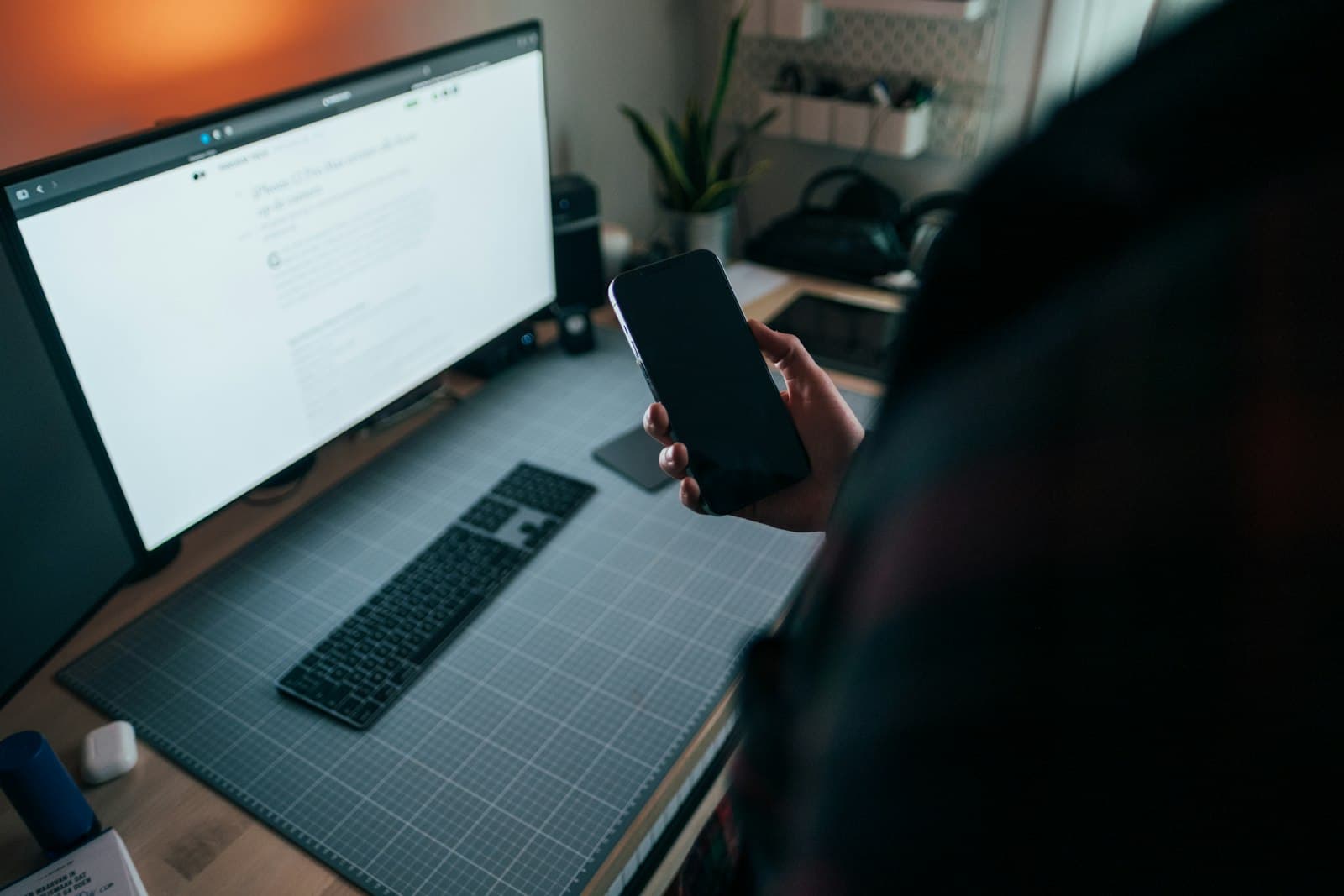
Choosing between Todoist and wallpaper reminders on iPhone comes down to one question: do you need to manage tasks or remember them? Todoist is the better project manager — but it only works if you open it. Wallpaper reminders win on raw visibility: your priorities sit on the lock screen you check hundreds of times a day. Most people end up using both.
Todoist vs Wallpaper Reminders on iPhone: The Core Difference
The Todoist vs wallpaper reminders iPhone debate isn't really about features — it's about attention. Todoist is a pull system: your tasks live inside the app, and you have to remember to open it to see them. Wallpaper reminders are passive: your tasks live on your lock screen, so you see them whether you meant to or not. Both can hold the exact same to-do list. The difference is what happens when you forget to check — and forgetting to check is the failure mode most productivity systems quietly die from.

Where Todoist Wins
Let's be fair: Todoist is one of the best task managers ever built, and it earns its reputation. If your life involves a lot of moving parts, this is where it shines:
- •
Projects and sub-tasks — organize a hundred tasks across work, home, and side projects without clutter.
- •
Natural-language input — type 'pay rent every 1st at 9am' and it just works.
- •
Due dates, priorities, and recurring tasks — the scheduling engine is genuinely excellent.
- •
Cross-platform sync — your list follows you to Mac, web, and Android.
- •
Collaboration — share projects with a partner, roommate, or team.
Where Wallpaper Reminders Win
Wallpaper reminders throw out almost all of those features — and that's the point. Instead of a deep task manager, you get one job done extremely well: your most important tasks become impossible to ignore. There's no app to open, no list to scroll, no notification to dismiss. You write your top priorities, they become your lock screen, and you see them every time you glance at your phone.
According to Asurion research, people check their phones up to 352 times a day. A task buried in Todoist gets seen when you remember to open the app. A task on your wallpaper gets seen 352 times.

The Catch With Todoist (and Every To-Do App)
Here's the failure mode nobody mentions in the app reviews: a task in Todoist is invisible until you open Todoist. If you're the kind of person who diligently checks their to-do app every morning, this is a non-issue. But if you're the kind of person who needs a reminder app precisely because you forget things, the out-of-sight task quietly disappears. The most beautifully organized to-do list in the world does nothing if you never open it.
This is the gap wallpaper reminders fill. Apps like NoteWall take your three or four can't-forget tasks and render them straight onto your lock screen — no app to open, no notification to swipe away. You're not adding another system to check; you're putting the reminder in the one place you already look hundreds of times a day. For 'just remember to do the thing' tasks, that passive visibility is the whole game.
Can You Actually Use Both?
Absolutely — and the most consistent iPhone users do exactly this. The Todoist vs wallpaper reminders question is often a false choice. Keep Todoist as your full backlog: every project, every someday-maybe, every recurring chore lives there. Then promote today's two or three non-negotiables to your wallpaper with NoteWall, so they follow you all day. Todoist holds everything; the wallpaper surfaces what matters now. For a closer look at the visibility trade-offs, see lock screen widgets vs wallpaper notes.
Frequently Asked Questions
Is Todoist better than wallpaper reminders on iPhone?
Neither is universally better. Todoist is better for managing large, complex task lists with projects and deadlines. Wallpaper reminders are better for making a handful of priorities impossible to forget. Heavy planners lean Todoist; people who forget to check apps lean wallpaper reminders.
Can wallpaper reminders replace Todoist completely?
For some people, yes — if your daily life fits on a short list, a wallpaper reminder may be all you need. If you juggle dozens of tasks across multiple projects, Todoist's structure is hard to give up. Many people run both: Todoist for depth, wallpaper for visibility.
Do wallpaper reminders work without notifications?
Yes, and that's their main advantage. They live on your lock screen, so they don't depend on a notification you might swipe away or a Focus mode that silences alerts. They're simply always there.
Is there a free wallpaper reminder app for iPhone?
Yes. NoteWall is free to start with a 3-day free trial, so you can test the lock-screen-reminder approach against your current to-do app before paying for anything.
Keep Reading: Lock Screen Widgets vs Wallpaper Notes · How to Put Reminders on Your iPhone Lock Screen · iPhone Productivity App Comparison · App Comparisons — Pillar Guide
Photos by Jonas Leupe, Vitaly Gariev, and Nikolay on Unsplash.
A To-Do List You'll Never Forget to Check
Todoist is only as good as your habit of opening it. NoteWall puts today's must-do tasks on your lock screen, so they're impossible to miss — no app to open, free to start.
Try NoteWall Free
Founder of NoteWall. Building tools that turn your lock screen into a productivity system. About →
You might also like
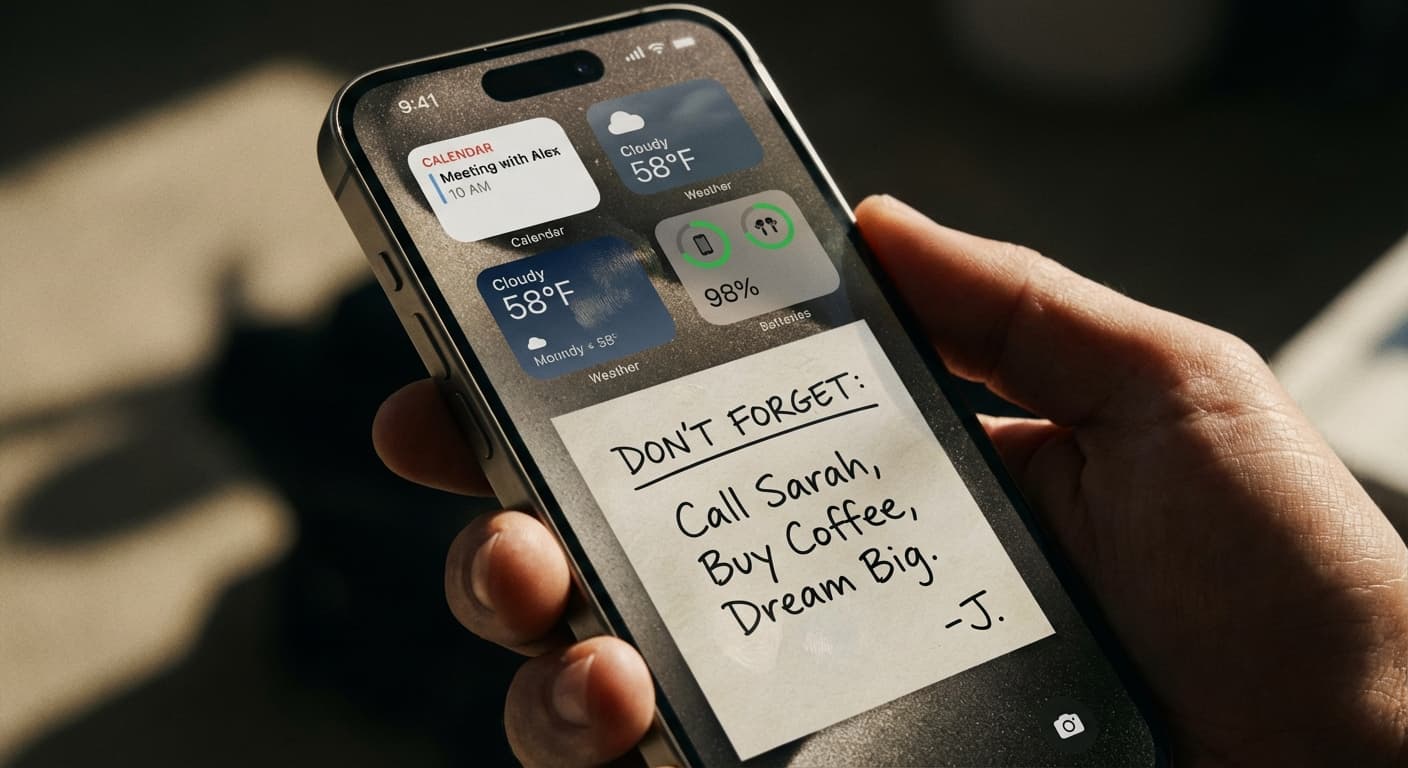
Lock Screen Widgets vs. Wallpaper Notes: Which iPhone Approach Wins?
Maximize your iPhone lock screen! Compare widgets vs. wallpaper notes for productivity. Discover why NoteWall is the ultimate choice. Download now!
How to Show Reminders on iPhone Lock Screen (Without Notifications)
Want to see your tasks right on your lock screen? Learn how to display reminders on your iPhone lock screen without relying on notification banners.
How to Put Reminders on Lock Screen iPhone: The Ultimate Guide
Learn how to put reminders on your lock screen iPhone for maximum productivity! See your to-do list every time you glance at your phone. Use NoteWall!