Quick Answer
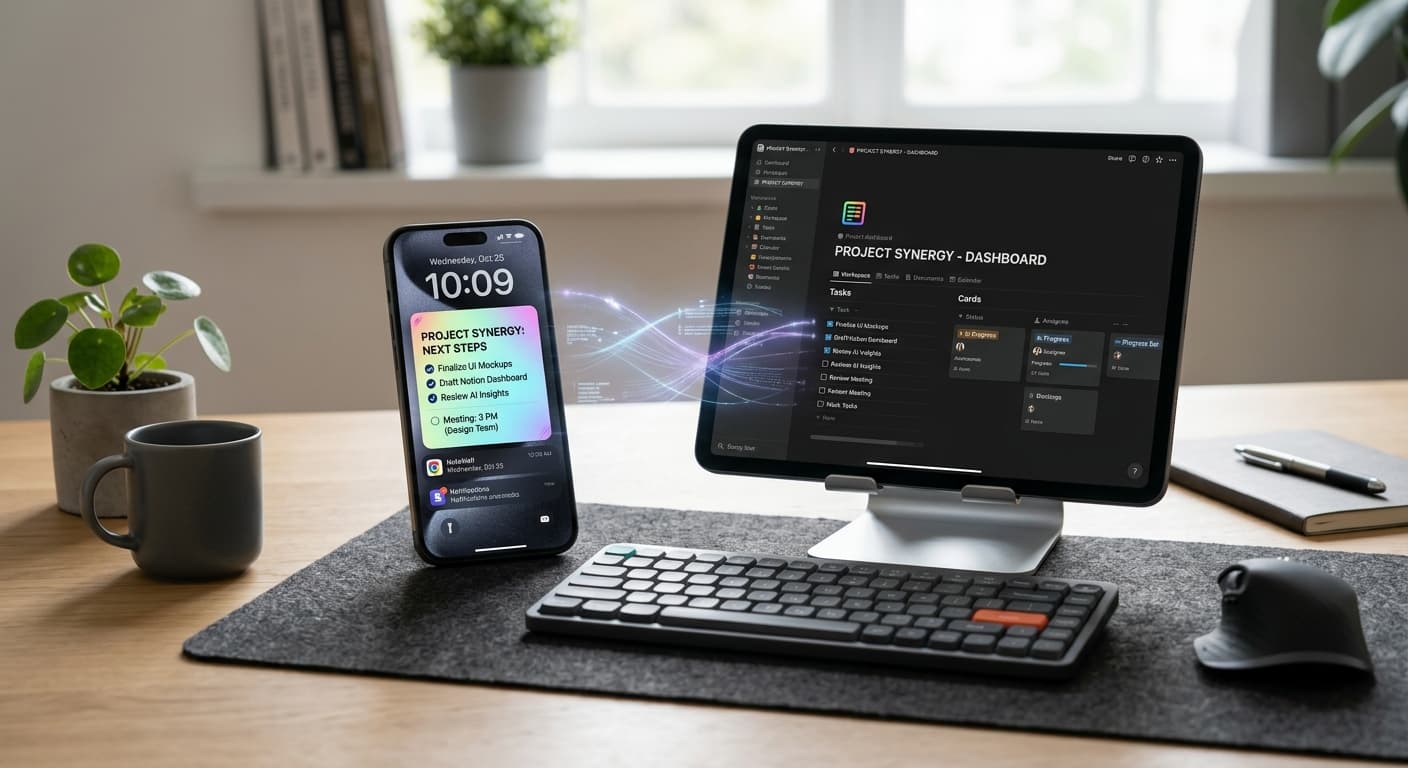
In 2026, don't pick between Notion and lock screen reminders. Instead, leverage Notion for context-rich, project-integrated reminders and native lock screen alerts for urgent, high-visibility actions. This synergistic approach, enhanced by advanced AI in both platforms, builds a personalized productivity stack that optimizes your digital memory and ensures nothing falls through the cracks.
Introduction: The Evolving Landscape of Digital Reminders in 2026
You know the drill. You've got a dozen reminder apps, a sprawling task manager, and yet… you still forget that crucial deadline or those milk cartons. The paradox of modern productivity isn't a lack of tools, but often, an overwhelming abundance. In 2026, with AI agents sifting through our data and demanding attention, navigating this landscape feels more complex than ever.
At opposite ends of the reminder spectrum stand two titans: Notion, the dynamic, all-encompassing workspace, and the humble, yet powerful, native lock screen reminder. For too long, we’ve treated them as rivals, forcing an 'either/or' choice. But what if the secret to peak productivity in 2026 isn't about choosing sides, but about understanding when and why to deploy each, creating a truly optimized workflow? This isn't just about managing tasks; it's about optimizing your entire digital memory. Dive deeper into how various apps stack up on our App Comparisons pillar page.
Understanding the Players: Notion's Robust Reminder System in 2026
Notion has evolved far beyond a simple note-taking app. By 2026, it's a dynamic workspace—a personalized operating system for your life and work. Its reminder system is deeply integrated into this ecosystem, offering rich context for every alert. Think database properties (date, time, assigned person), inline page reminders, and automated triggers based on status changes or due dates. This isn't just a ping; it's a context-rich alert connected directly to your projects, tasks, CRM, or knowledge base.
Rich information and deep integration with complex projects. Automated workflows. Centralized knowledge base. Excellent for collaborative alerts and intricate scheduling across teams.
The downside? Notion often requires you to open the app, navigate to a specific page, and actively engage. For urgent, simple tasks, this can make a reminder feel 'out of sight, out of mind' or introduce unnecessary friction. The setup overhead for advanced automations, while powerful, can also be a barrier for quick, fleeting thoughts.
The Immediate Power: Lock Screen Reminders (Native OS) in 2026
Contrast that with lock screen reminders. Whether it's iOS Reminders, Google Keep, or a dedicated lock screen app like NoteWall, their core function remains clear: simple, urgent, high-visibility alerts. By 2026, these native OS capabilities have significantly advanced, powered by AI. We're talking predictive reminders based on your calendar and location, context-aware suggestions (e.g., reminding you to grab milk when you arrive near a grocery store), and seamless voice command integration through Siri or Google Assistant.
According to Asurion research, the average person picks up their phone 352 times a day. This constant interaction makes the lock screen an unparalleled point of immediate attention for critical reminders.
These reminders offer unparalleled urgency. They are instant push notifications, 'always-on' with minimal friction, and often interactive directly from your lock screen. For rapid-fire actions that need to hit you now, nothing beats the immediacy of a native alert. And with tools like NoteWall, you can even pin custom, persistent notes directly to your iPhone lock screen, turning it into an always-visible brain dump for those 'don't forget this!' moments. For more lock screen power, check out Future-Proof Your Memory: Unlocking Hyper-Personalized Lock Screen Reminders with iOS 2026 & AI.
Unparalleled urgency. Low friction. Universal access (no app opening needed). Ideal for immediate actions. Minimal setup. AI foresight with predictive suggestions.
The main limitation? They offer limited context and detail. Overuse can contribute to notification fatigue, and they rarely integrate with the complex project data found in Notion.
The Strategic Crossroads: When to Deploy Notion vs. Lock Screen Reminders
The key is a strategic framework. Consider these factors when deciding between a rich Notion reminder and a punchy lock screen alert: Urgency, Context, Complexity, Collaboration, and Longevity.
⚠️ Use Notion When:
You need rich context for project deadlines, content publication, recurring team meetings, long-term goals, or research follow-ups. Reminders linked to extensive data, requiring collaborative input, or part of a larger habit tracking system are perfect for Notion. It's for reminders that trigger a deep dive or a multi-step process.
⚠️ Use Lock Screen Reminders When:
The task is urgent, simple, and requires immediate action. Think 'pick up milk on the way home,' 'call client X at 3 PM,' or a quick 'don't forget your gym bag!' note. Proactive AI suggestions (like location-based alerts) also shine here. For keeping simple to-do lists visible, explore Lock Screen To-Do Lists in 2026: Unlock Peak Productivity.
Building a Synergistic Reminder Ecosystem: The Best of Both Worlds in 2026
This is where the 'orchestrator' mindset comes in. Your goal isn't a showdown of Notion vs. lock screen reminders, but to make them complement each other. Think of Notion as your command center and your lock screen as your immediate action dashboard.
- 1
Strategic Duplication:
For critical Notion tasks with hard deadlines, create a corresponding, simplified lock screen reminder (e.g., in iOS Reminders or NoteWall) a day or two before. Notion handles the project details; the lock screen ensures you don't miss the final push.
- 2
Notion for Planning, Lock Screen for Execution Triggers:
Plan your week or month in Notion. Each morning, review your Notion dashboard and manually (or via an automation) push the 2-3 most critical, immediate actions for the day to your lock screen. This shifts focus from planning to pure execution.
- 3
Leverage Automations:
Not direct Notion-to-native integration? No problem. Use tools like Zapier or Make to create automations. When a Notion database item hits a 'Due Today' or 'High Priority' status, trigger a push notification to your native reminder app. Mastering iPhone Shortcuts Automation in 2026 can bridge many gaps.
- 4
Minimize Overload:
Set clear boundaries. Avoid duplicating every reminder. Notion handles the long-term, the detailed, the collaborative. Your lock screen handles the urgent, the simple, the highly visible. This is critical for preventing notification fatigue.
- 5
The Daily Triage:
Start your day with a quick Notion review. Identify tasks needing your immediate attention. Briefly push those to your lock screen, then return to Notion for deeper work. This dynamic flow ensures you're always acting on the most important thing.
Conclusion: Your Personalized Reminder Stack for Peak Productivity in 2026
Forget the old 'Notion vs. lock screen reminders' debate. In 2026, the smart money is on synergy. Use Notion for its depth, its context, and its ability to manage complex projects. Deploy your lock screen for unparalleled immediacy and high-visibility alerts. By strategically integrating these powerful tools, enhanced by the latest AI capabilities, you create a reminder system that truly supports your unique workflow, rather than dictating it. This isn't about adopting a rigid system; it’s about crafting a personalized productivity stack that evolves with you, ensuring you're always on top of what matters most.
Boost Your Immediate Reminders
Ready to put urgent, context-free reminders right on your iPhone lock screen? Download NoteWall today and supercharge your immediate recall!
Download NoteWall
Founder of NoteWall. Building tools that turn your lock screen into a productivity system. About →
You might also like
How to Show Reminders on iPhone Lock Screen (Without Notifications)
Want to see your tasks right on your lock screen? Learn how to display reminders on your iPhone lock screen without relying on notification banners.

8 Lock Screen Ideas for Students Worth Trying This Semester
Turn the screen you check most into a study tool. These 8 lock screen ideas for students put deadlines, schedules, and focus where you can't scroll past them.
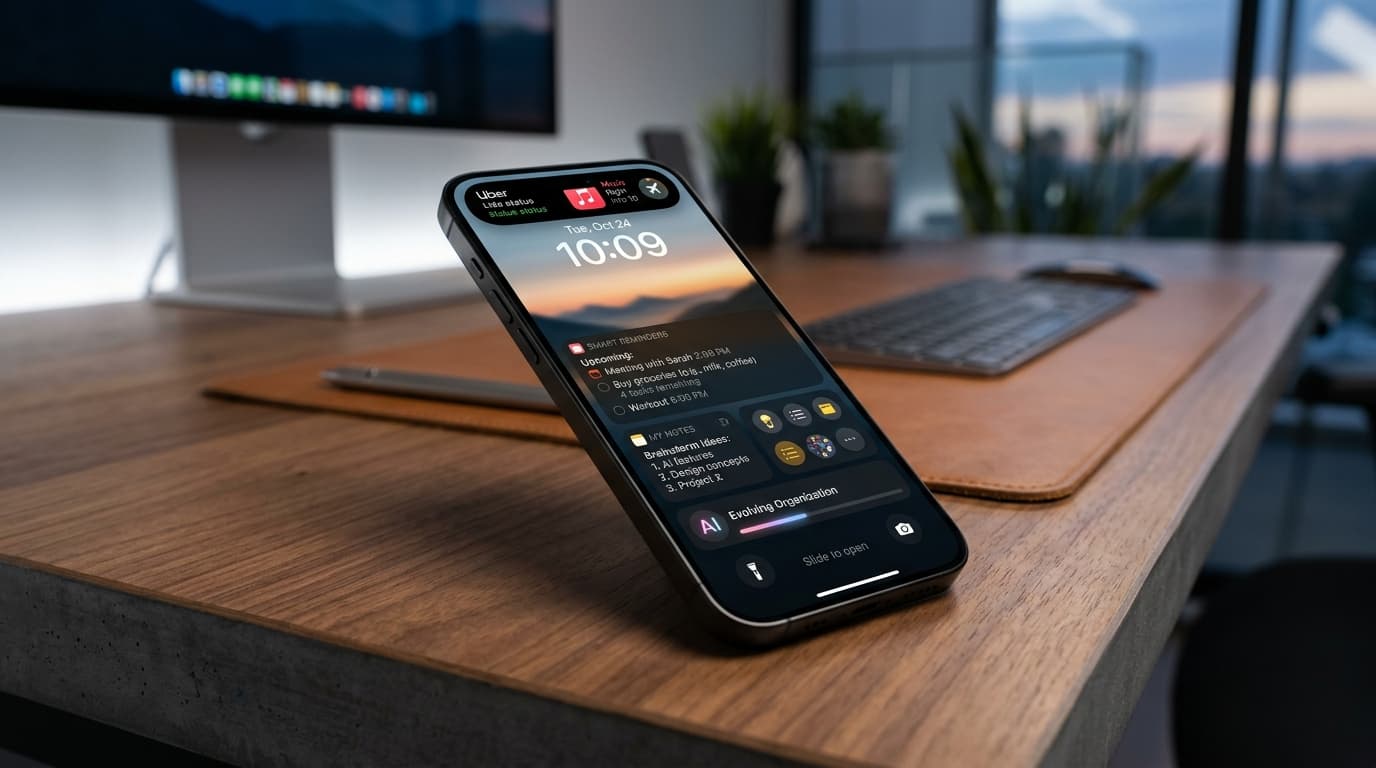
Future-Proof Your Memory: Unlocking Hyper-Personalized Lock Screen Reminders with iOS 2026 & AI
Master your memory in 2026 with cutting-edge iPhone lock screen reminders. Leverage iOS 2026 features, AI, and NoteWall for ultimate productivity.