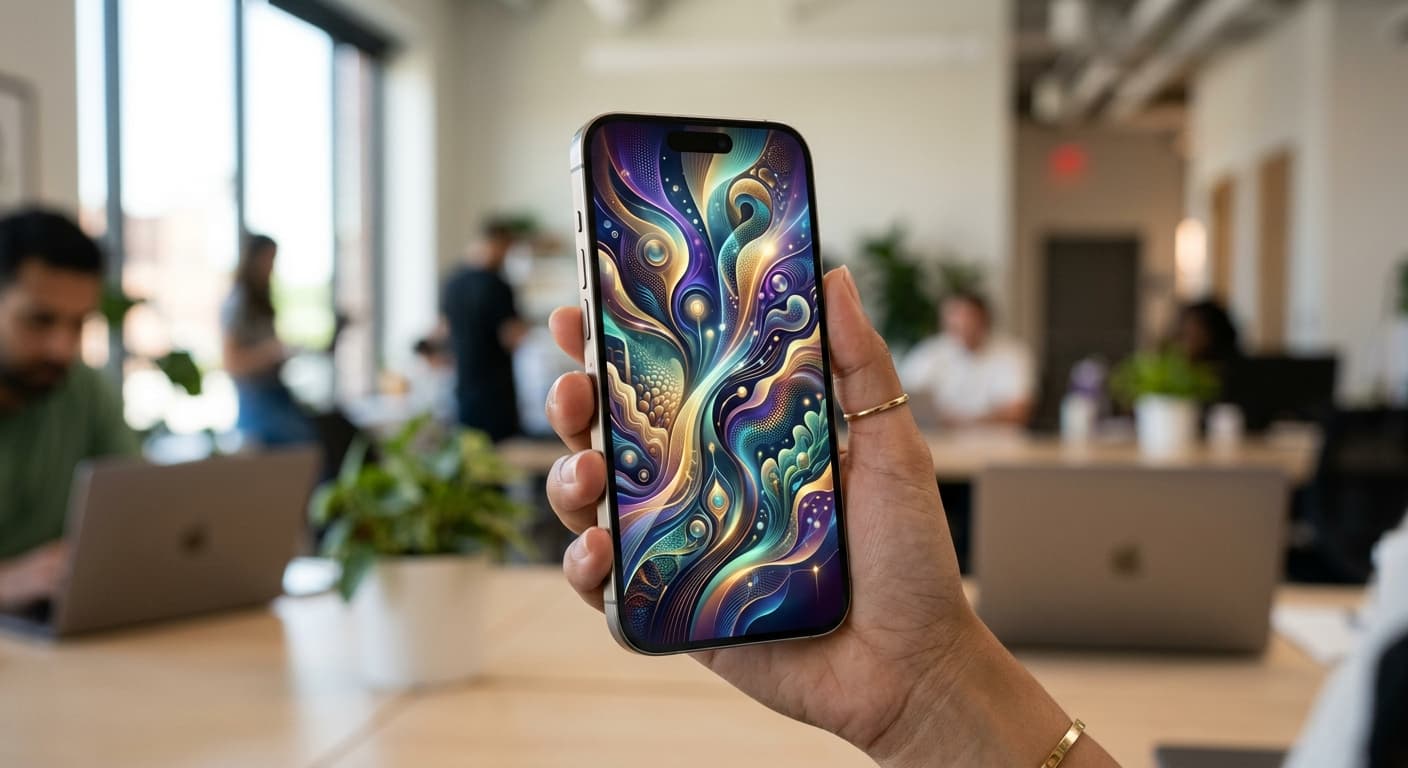
Your iPhone, Your Daily Motivator – Beyond 2026 Trends
In 2026, your iPhone is far more than just a communication device. For many, it’s a personal assistant, a creative studio, and a gateway to digital well-being. But what if it could also be your most consistent source of daily motivation? We’re moving beyond static images and generic backgrounds. This year, it’s all about transforming your device into a dynamic, AI-powered motivation hub, starting with personalized motivational wallpaper ideas for iPhone.
Imagine unlocking your phone and instantly being greeted by a visual affirmation, a reminder of your goals, or a surge of positive energy. Thanks to advanced iOS features and the power of generative AI, this isn't just a dream – it's your new reality. Let's dive into how you can harness these tools to make your iPhone a constant force for good.
Quick Answer
To create dynamic, AI-powered motivational wallpapers on your iPhone in 2026, leverage iOS 20's advanced Lock Screen customization, Focus Modes, and Shortcuts for automated changes. Utilize generative AI tools (like Midjourney, DALL-E 4, or built-in iOS AI art) to create bespoke visuals tailored to your goals and mood, then integrate them for daily positive reinforcement.
The Science of Visual Motivation: Why Your Wallpaper Matters in 2026
You interact with your phone hundreds of times a day. According to Asurion research, the average person picks up their phone 352 times daily. Each of those interactions is an opportunity – to be distracted, or to be inspired. Your Lock Screen is the first thing you see, making it a prime location for subtle, consistent positive reinforcement. Visual cues bypass conscious thought, planting seeds of motivation directly into your subconscious.
The average person picks up their phone 352 times a day, according to Asurion research. Each pickup is a chance for motivation.
In 2026, with the constant influx of information, curating your digital environment for positive impact is crucial for mental well-being and sustained productivity. Your wallpaper isn't just decor; it's a powerful, silent coach.
Core Concepts: Categories of Dynamic Motivational Wallpaper Ideas for iPhone (2026 Style)
Forget generic landscape photos. We're talking highly personalized, evolving visual concepts:
1. Affirmation-Focused Backgrounds: Simple, bold text overlaying minimalist AI-generated art. Change them daily or weekly via Shortcuts to match your current needs. Think 'I am capable,' 'Today I choose joy,' or 'Focus on the journey.'
2. Goal-Tracking Visualizations: A subtly evolving image that reflects your progress. For instance, a plant growing as you hit fitness goals, or a digital meter filling up as you complete tasks. These are potent motivational wallpaper ideas iPhone users can implement.
3. Mindfulness & Serenity Scenes: AI-generated abstract art, calming nature scenes, or gentle gradients that shift throughout the day to promote calm during stressful periods. Link these to specific Focus Modes.
4. Vision Board Wallpapers: A curated collage of images, symbols, and keywords representing your aspirations. With generative AI, you can create hyper-specific, aesthetic vision boards that truly resonate.
5. Dynamic Quote Generators: Apps that pull daily quotes from a curated list or even AI-generated insights based on your specified themes, then overlay them on a beautiful background. This keeps your inspiration fresh.
Beyond Static: Leveraging 2026 iPhone Features for Dynamic Motivation
The magic of 2026 iPhone customization lies in how you integrate your motivational visuals with iOS's powerful built-in features:
Explore advanced Lock Screen options in iOS 20. You can link specific wallpapers to different Lock Screens, and even set a photo shuffle to cycle through your favorite motivational images automatically. Want to put notes on your iPhone Lock Screen? Check out our guide: Unlock Productivity: How to Put Notes on Your iPhone Lock Screen
Lock Screen Customization (iOS 20): With the latest iOS, you can create multiple Lock Screens, each with its own wallpaper, widget configuration, and focus mode linkage. Dedicate one to 'Motivation,' another to 'Focus,' and a third to 'Wellness.' This allows for instant theme switching.
Focus Modes: This is where true dynamism shines. Set a specific motivational wallpaper to activate automatically with your 'Work' Focus Mode (e.g., a 'productivity' theme), another for 'Personal' (e.g., a 'gratitude' theme), and a 'Sleep' Focus Mode (e.g., a 'calm' theme). This creates a seamless, context-aware motivational experience. Learn more about optimizing your modes: Unlock Peak 2026 Productivity: The Ultimate iPhone Focus Mode Hacks Guide
Shortcuts & Automation: The unsung hero of personalization. Use Apple Shortcuts to automatically change your wallpaper based on time of day, location, or even specific events. For example, a shortcut could fetch a new AI-generated affirmation and set it as your Lock Screen every morning. Need a quick reminder or a daily affirmation on your Lock Screen? Apps like NoteWall leverage Shortcuts to display custom text, helping you keep your dynamic motivational wallpapers fresh and impactful. Dive deeper into Shortcuts: Master Your Day: Unlocking Hyper-Personalized Apple Shortcuts for Daily Reminders in 2026
For a comprehensive approach to Lock Screen productivity and personalization, including how NoteWall fits in, visit our pillar guide: Lock Screen Productivity Guide
The AI Advantage: Creating Your Bespoke Motivational Wallpaper with Generative AI
This is where 2026 truly elevates your motivational game. Generative AI tools allow you to create truly unique, hyper-personalized visuals that perfectly match your aesthetic and motivational needs. No more trawling through stock photo sites; you are the artist.
- 1
Choose Your AI Tool:
Platforms like Midjourney, DALL-E 4, Stable Diffusion, or even integrated AI art features within your iPhone's Photos app (if available in iOS 20) are excellent choices.
- 2
Master Prompt Engineering:
The key is clear, descriptive prompts. Instead of 'motivational background,' try: 'Abstract digital art, vibrant teal and gold, flowing liquid gradients, conveying peace and growth, ultra-minimalist, 4K iPhone 18 Pro Max aspect ratio.'
- 3
Iterate and Refine:
Generate multiple options. Tweak your prompts. Add keywords like 'vaporwave,' 'bioluminescent,' 'futuristic,' 'meditation,' 'zen garden,' 'high contrast,' 'soft focus' to guide the AI.
- 4
Overlay Text (Optional):
Many AI tools now allow text integration, or you can use a simple photo editor app to add your chosen affirmation or quote over the AI-generated background.
Experiment with different styles and themes. The beauty of AI is its ability to create endless variations until you find the perfect visual representation of your motivation.
Sourcing & Implementing Your 2026 Motivational Wallpapers
High-Quality Image Banks: Unsplash, Pexels, and similar platforms offer stunning, free-to-use images. Look for abstract, nature, or minimalist aesthetics that don't distract from overlaid text. You can then enhance these with AI filters.
Specialized Wallpaper Apps: Many apps now offer dynamic, curated collections of motivational content. Look for those that integrate with iOS 20's Lock Screen features and offer AI-powered suggestions or generation. NoteWall also allows you to display custom notes directly on your Lock Screen, which can serve as quick, actionable reminders or affirmations complementing your visual wallpaper.
- 1
Generate/Select Your Image:
Create your AI art or choose a high-quality photo.
- 2
Add Text (If Needed):
Use a photo editing app to overlay your chosen affirmation or quote.
- 3
Save to Photos:
Ensure it's in your iPhone's camera roll.
- 4
Set as Wallpaper:
Go to
Settings > Wallpaper, tap 'Add New Wallpaper', select your image, and customize widgets or Lock Screen styles. Link it to a Focus Mode for automated changes.
Maintaining Your Motivational Mojo: Refresh, Evolve, and Digital Decluttering
Motivation isn't static, and neither should your wallpaper be. Regularly refresh your Lock Screen to keep the inspiration feeling new. Set a reminder every week or month to create a new AI-generated design or change your affirmation.
Pair your dynamic wallpapers with a broader digital decluttering strategy. A clean, organized home screen amplifies the impact of your motivational Lock Screen. Reclaim Your Focus: The Ultimate 2026 Guide to iPhone Digital Minimalism
As your goals evolve, so too should your visual cues. Your iPhone, truly, becomes a canvas for your best self – reflecting your journey and guiding you forward.
Conclusion: Your iPhone, A Canvas for Your Best Self – 2026 and Beyond
In 2026, we have the tools to make our technology work for us, not against us. By transforming your iPhone Lock Screen into a dynamic, AI-powered motivation hub, you're not just customizing your device; you're investing in your mindset, your goals, and your digital well-being. Each glance becomes a subtle nudge towards your aspirations. It's time to make every tap count.
Start experimenting with these motivational wallpaper ideas iPhone users are raving about. Unleash the power of AI and iOS 20, and turn your most used device into your most potent source of daily inspiration. And for quick, personalized reminders and notes that complement your dynamic wallpapers, check out NoteWall.
Boost Your Daily Motivation & Productivity
Get NoteWall to instantly display personalized notes, affirmations, and reminders directly on your iPhone Lock Screen, seamlessly integrating with your dynamic wallpapers and Focus Modes. Download it free today!
Download NoteWall
Founder of NoteWall. Building tools that turn your lock screen into a productivity system. About →
You might also like
8 Lock Screen Ideas for Students Worth Trying This Semester
Turn the screen you check most into a study tool. These 8 lock screen ideas for students put deadlines, schedules, and focus where you can't scroll past them.
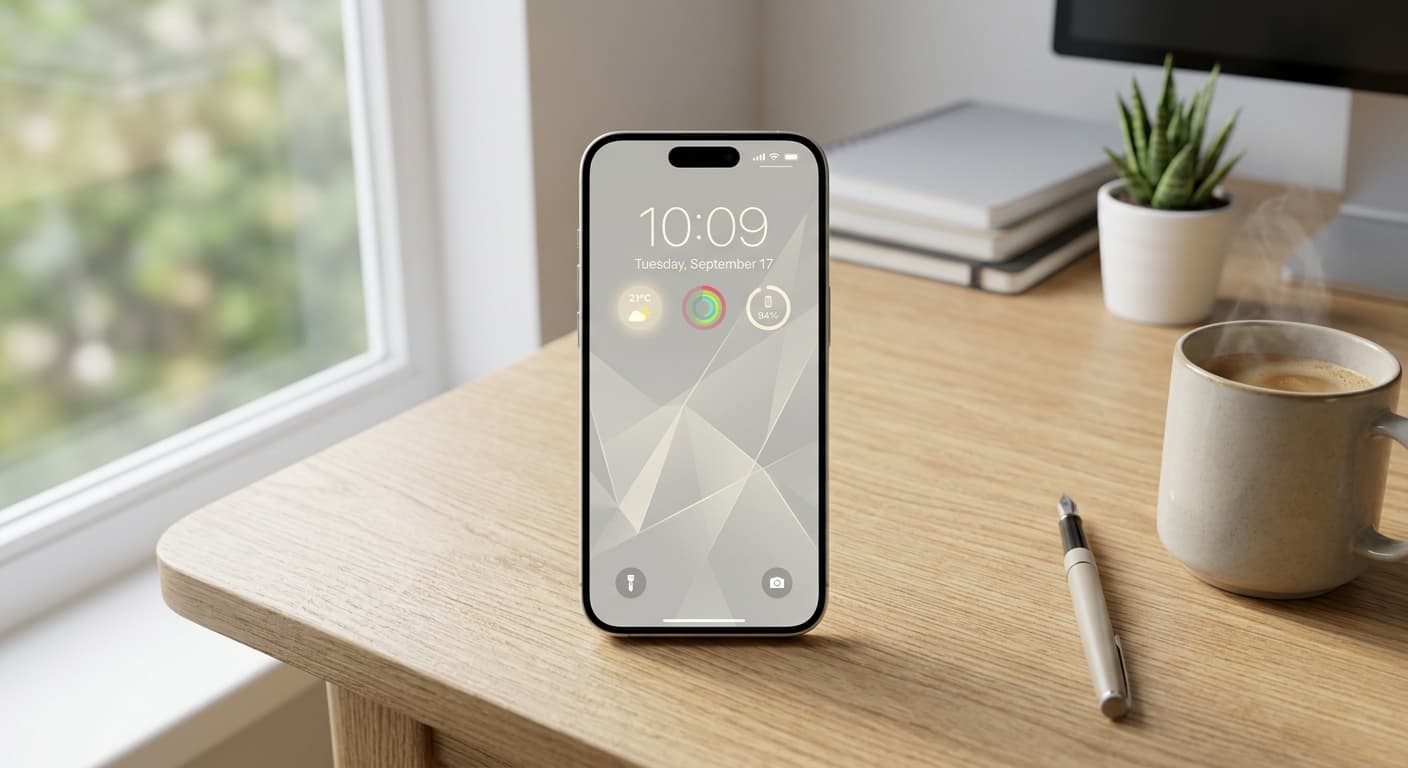
Unlock Focus: Master Your Minimalist iPhone Lock Screen with iOS 19/20
Transform your iPhone lock screen into a minimalist powerhouse with iOS 19/20. Boost focus, reduce distractions, and enhance digital well-being in 2026.
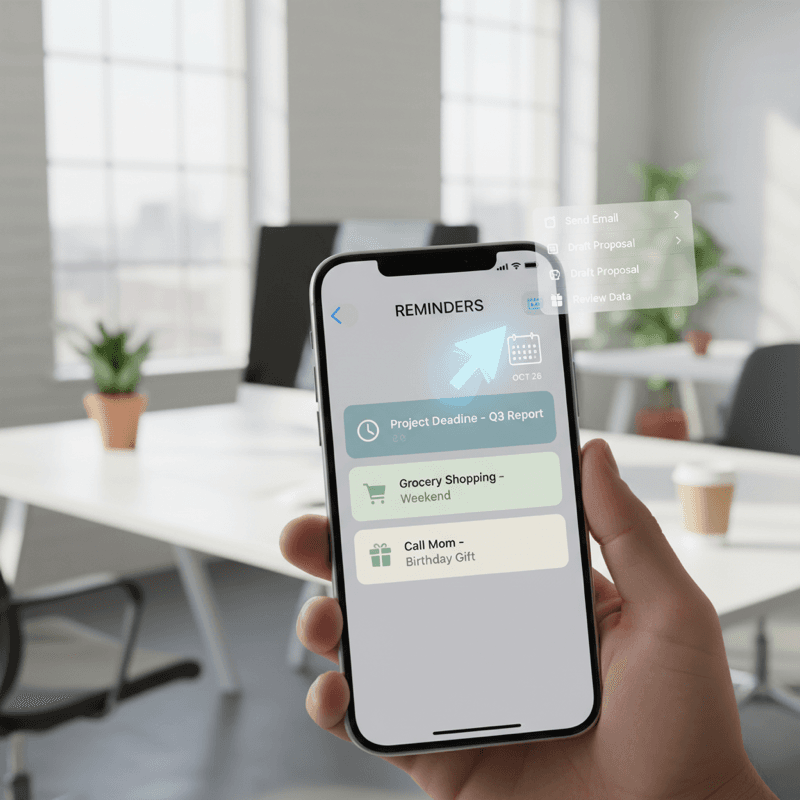
Unlock Your iPhone's Potential: The Best Reminder Apps for iPhone in 2026 (AI-Powered)
Struggling to stay organized? Discover the best reminder apps iPhone 2026 has to offer! From AI-powered features to Apple Watch integration, we've got you covered.