Quick Answer
To reduce iPhone usage, try setting app limits, using focus modes, enabling grayscale mode, and practicing mindful phone habits. Tools like NoteWall can also help by displaying your goals and reminders on your lock screen, minimizing mindless scrolling.
Understanding Phone Addiction and Its Impact
We've all been there: mindlessly scrolling through social media, losing track of time, and feeling disconnected from the present moment. Phone addiction is a real issue, and it's impacting our productivity, relationships, and overall well-being. The constant stream of notifications, the dopamine hits from likes and comments, and the fear of missing out (FOMO) all contribute to this modern-day struggle.
Did you know that the average person checks their phone up to 352 times a day? That’s almost constantly! Each time you unlock your phone, you're potentially derailing your focus and opening yourself up to distractions. Learning how to stop phone addiction on your iPhone is essential for regaining control of your time and attention.
Step 1: Acknowledge and Track Your Usage
The first step to breaking any bad habit is acknowledging it. iOS has a built-in feature called Screen Time that provides a detailed breakdown of your phone usage. To access it, go to Settings > Screen Time. Here, you can see how much time you're spending on different apps, how often you pick up your phone, and which apps are sending you the most notifications. This data is crucial for understanding your usage patterns and identifying your biggest time-wasting apps.
Pro tip: Set daily time limits for your most used apps directly within the Screen Time settings. iOS will then notify you when you're nearing or have exceeded your limit.
Step 2: Leverage iPhone's Built-in Features
- •
Use Focus Modes: iOS offers powerful Focus modes that allow you to filter notifications and calls based on what you're doing. Create custom Focus modes for work, sleep, exercise, or any other activity where you want to minimize distractions.
- •
Enable Downtime: Downtime silences all notifications and limits access to certain apps during specified periods, like evenings and weekends. This can help you disconnect and recharge.
- •
Customize Notifications: Turn off notifications for non-essential apps. For apps you want to keep notifications for, customize the settings to show only the most important alerts. Reduce the number of visual and audible cues that draw you to your phone.
Step 3: Change Your Lock Screen, Change Your Focus
Your lock screen is the gateway to your phone. By making small changes, you can significantly impact your phone usage. Instead of a distracting, visually stimulating wallpaper, consider using a simple, calming image or a motivational quote. Or better yet, use an app like NoteWall to display your goals, affirmations, or important reminders right on your lock screen. Seeing these reminders every time you reach for your phone can help you stay focused on your priorities and resist the urge to mindlessly scroll.
Every view is an opportunity to refocus and re-align with your goals.
- 1
Step 1:
Download NoteWall from the App Store.
- 2
Step 2:
Create notes, goals, or reminders you want to see daily.
- 3
Step 3:
Use the in-app instructions to set up the dynamic wallpaper using Apple Shortcuts.
- 4
Step 4:
Enjoy a more intentional phone experience!
NoteWall helps you utilize those frequent lock screen glances as opportunities for self-reflection and motivation, rather than moments of distraction. This simple change can dramatically impact how frequently you feel the urge to check your phone.
Step 4: Mindful Tech Habits and Environment Changes
- •
Charge Your Phone Outside the Bedroom: This prevents you from reaching for your phone first thing in the morning and last thing at night.
- •
Designate 'Phone-Free' Zones: Create areas in your home, like the dining table or living room, where phones are not allowed.
- •
Practice Mindful Scrolling: Before opening a social media app, ask yourself: 'Why am I opening this?' If you don't have a specific purpose, consider doing something else.
- •
Engage in Alternative Activities: Find hobbies and activities that you enjoy and that don't involve screens. Read a book, go for a walk, spend time with loved ones, or pursue a creative outlet.
⚠️ Critical Point
Breaking phone addiction is a journey, not a destination. Be patient with yourself, celebrate small victories, and don't give up if you slip up. The key is to stay mindful of your habits and continue to make conscious choices to reduce your phone usage.
Step 5: Explore Additional Apps for Digital Wellbeing
While iOS offers great built-in tools, there are also many third-party apps designed to help you manage your screen time and improve your digital wellbeing. These apps often offer features like app blocking, website restrictions, and motivational reminders. Experiment with different apps to find one that suits your needs and helps you achieve your goals.
Taking control of your phone usage is an investment in your well-being. By implementing these strategies, you can stop phone addiction on your iPhone, reclaim your time, and create a more balanced and fulfilling life. Remember, it’s about using technology intentionally rather than letting it control you.
Keep Reading: If you found this helpful, check out these related guides:
Mastering Habits: How to Build Habits With Your Phone (The Smart Way)
Your 2026 iPhone Lock Screen: The Ultimate Weight Loss Coach You Didn't Know You Had
Reclaim Your Focus: A 2026 Guide to Conquering Phone Addiction
For a comprehensive overview, visit our Lock Screen Productivity Guide.
Transform Your iPhone
Ready to take control of your screen time and boost your focus? Get NoteWall today!
Download NoteWall Free
Founder of NoteWall. Building tools that turn your lock screen into a productivity system. About →
You might also like
Gratitude Journal on iPhone Lock Screen: A One-Sentence Habit
A gratitude journal on your iPhone lock screen makes the habit small enough to actually keep. Here's how to set it up so it lasts past week three.
Unlock Personalized Hydration: Your 2026 iPhone Lock Screen as a Smart Water Reminder Hub
Master intelligent hydration in 2026. Use your iPhone Lock Screen, Apple Health, Shortcuts, and top apps for personalized water reminders and seamless tracking.
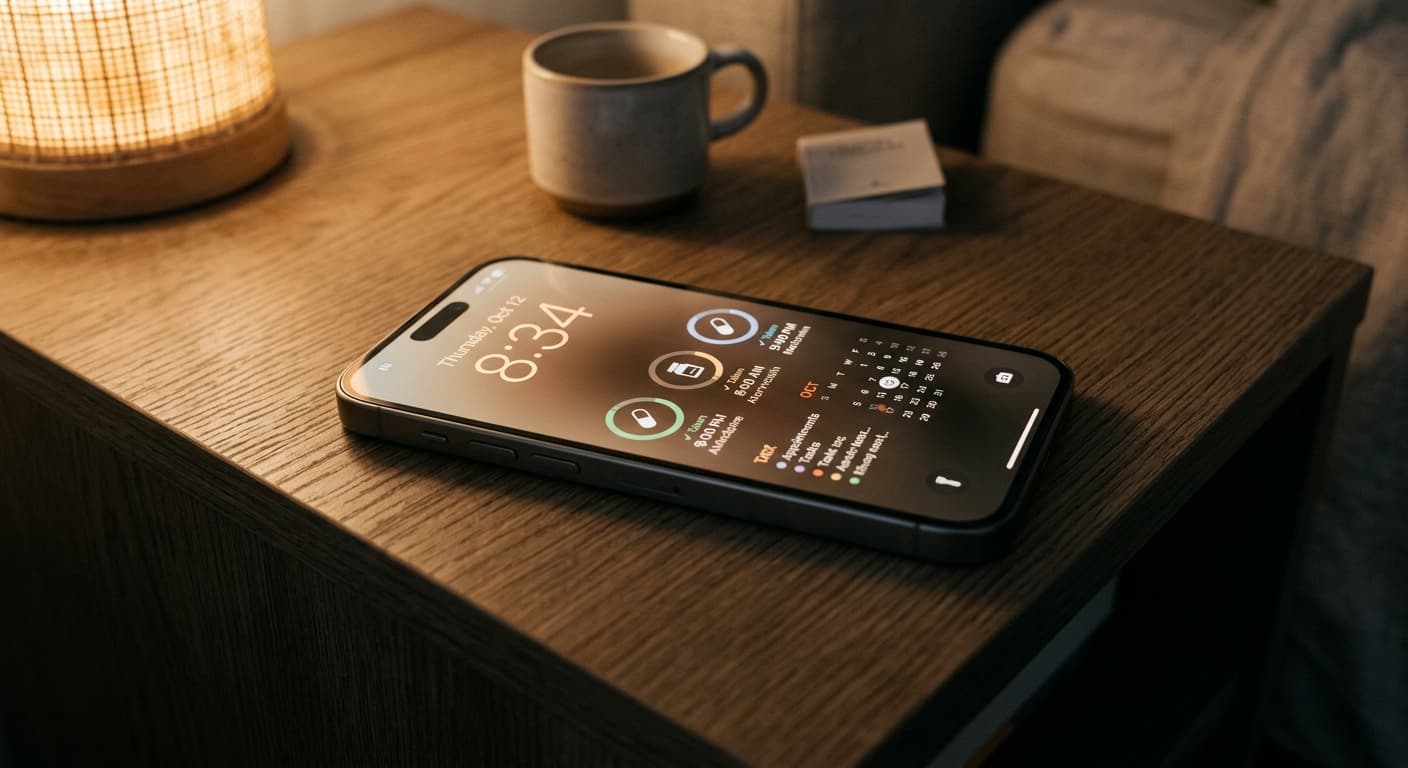
Never Miss a Dose: Your iPhone Lock Screen as a Smart Medication Reminder Hub in 2026
Transform your iPhone lock screen into an indispensable medication reminder hub in 2026. Leverage iOS features, AI-powered apps, and custom alerts for ultimate adherence.