
Quick Answer
Use NoteWall to embed your reminders directly into your iPhone lock screen wallpaper. Unlike notifications, they can't be dismissed — you see them every time you pick up your phone.
The Notification Problem
iPhone notifications are designed to be dismissed. You swipe, you forget. That's fine for incoming calls and text messages — but for important reminders? It's terrible.
Studies show most notification-based reminders fail because they're too easy to ignore. You need something persistent — something that stays visible until you take action.
The Wallpaper Solution
What if your reminders were embedded directly into your lock screen wallpaper? You'd see them every time you pick up your phone — up to 352 times per day. No notification to dismiss. No app to open. Just constant, passive visibility.
How NoteWall Does It
- •
Add your reminders in the NoteWall app
- •
NoteWall generates a beautiful wallpaper with your reminders embedded
- •
Apply it to your lock screen with one tap
- •
See your reminders 352 times per day without opening any app
- •
Mark tasks complete by swiping — wallpaper updates automatically
Why This Works Better Than Notifications
- •
Can't be dismissed — reminders stay visible until you complete them
- •
No notification fatigue — it's part of your wallpaper, not a buzzing alert
- •
Works for ADHD — visual, persistent reminders that don't require memory
- •
Zero effort — see your tasks without opening any app
Use Cases
People use NoteWall for everything from daily to-do lists to motivational quotes to exam study schedules. If you need to remember something — and traditional reminders aren't cutting it — put it on your wallpaper.
Keep Reading: If you found this helpful, check out these related guides:
Lock Screen To-Do Lists in 2026: Unlock Peak Productivity (Without Unlocking Your Phone!)
Future-Proof Your Memory: Unlocking Hyper-Personalized Lock Screen Reminders with iOS 2026 & AI
Unleash Peak Performance: The Ultimate iOS Productivity Hacks for 2026
For a comprehensive overview, visit our Lock Screen Productivity Guide.
Try it yourself
NoteWall is free to download with a 3-day free trial to see if it works for you.
Download NoteWall Free
Founder of NoteWall. Building tools that turn your lock screen into a productivity system. About →
You might also like
8 Lock Screen Ideas for Students Worth Trying This Semester
Turn the screen you check most into a study tool. These 8 lock screen ideas for students put deadlines, schedules, and focus where you can't scroll past them.
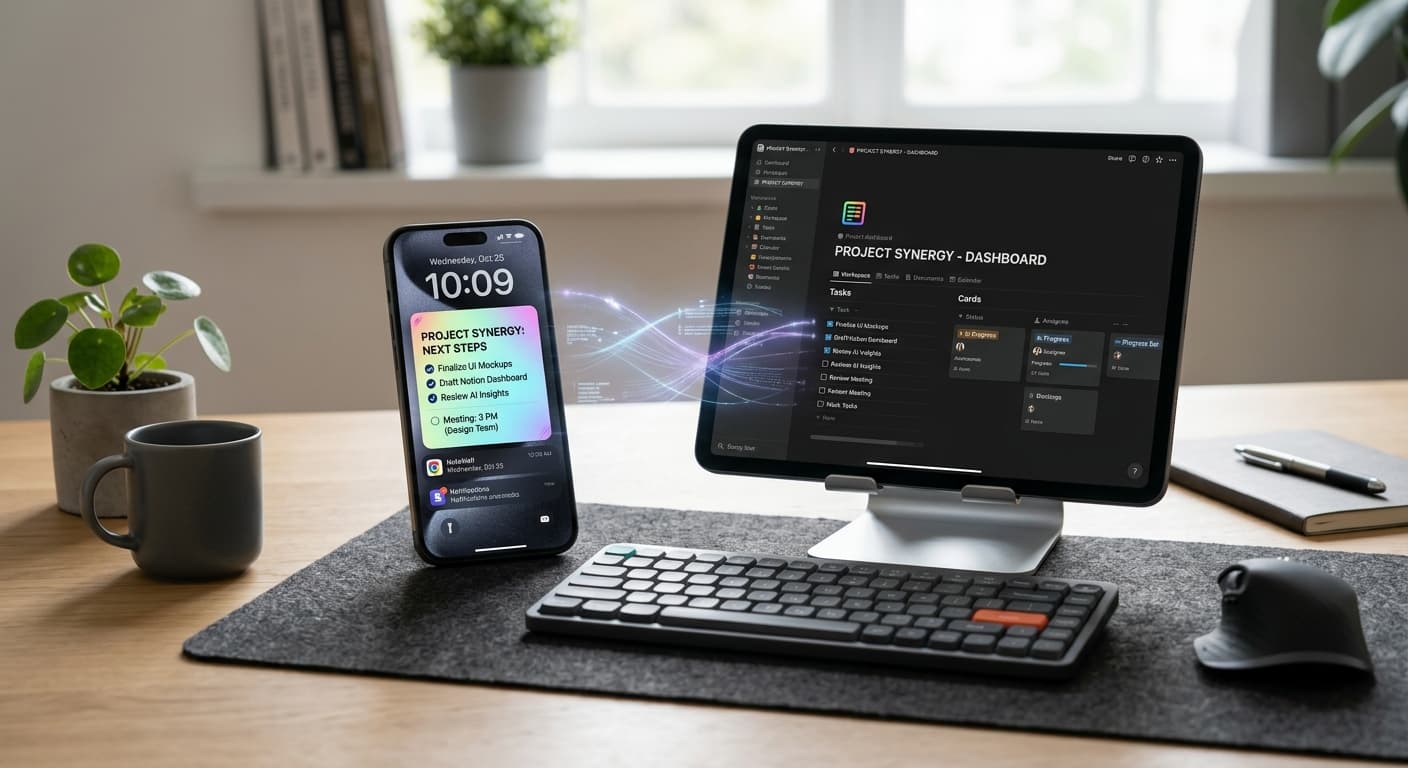
Notion vs. Lock Screen Reminders: Crafting Your 2026 Synergistic Productivity Stack
Stop choosing between Notion's depth and lock screen's urgency. Learn to strategically combine them in 2026 for a powerful, AI-enhanced reminder system. Optimize your digital memory now.
How to Put Reminders on Lock Screen iPhone: The Ultimate Guide
Learn how to put reminders on your lock screen iPhone for maximum productivity! See your to-do list every time you glance at your phone. Use NoteWall!