Quick Answer
Boost your motivation by using your iPhone's lock screen to visualize your goals! Set up visual reminders to keep your dreams top of mind throughout the day.
The Power of Goal Visualization
We all have goals, dreams, and aspirations. But how often do we actively think about them throughout the day? Life gets busy, and our intentions can easily fade into the background. That's where goal visualization comes in. It's a technique used by athletes, entrepreneurs, and high-achievers across all fields to keep their objectives front and center.
Goal visualization isn't just about daydreaming. It's about creating a clear, vivid mental image of your desired outcome and repeatedly focusing on it. This process helps to reinforce your commitment, build confidence, and prime your subconscious mind to identify opportunities that can help you achieve your aims. When you consistently visualize your success, you're more likely to take the actions necessary to make it a reality.
Why Your iPhone is the Perfect Tool
Think about how many times you look at your iPhone each day. Studies show the average person checks their phone up to 352 times daily! That’s nearly 500 opportunities to reinforce your goals. Instead of passively scrolling through social media, why not use those moments to fuel your motivation? Your iPhone's lock screen offers prime real estate for visual reminders that can make a real difference.
Turning your iPhone into a personal vision board is easier than you might think. There are several ways to achieve this, from simple wallpaper changes to more sophisticated apps that allow you to schedule and customize your visual prompts. The key is to find a method that resonates with you and seamlessly integrates into your daily routine.
Practical Ways to Use Goal Visualization on Your iPhone
- •
Create a Vision Board Wallpaper: Design a visually appealing collage of images, affirmations, and quotes that represent your goals. Use apps like Canva or PicsArt to create a custom wallpaper that inspires you every time you glance at your phone.
- •
Set Daily Affirmations: Instead of just visual images, use text-based wallpapers with powerful affirmations related to your goals. Focus on positive and empowering statements like "I am capable of achieving my dreams" or "I am attracting abundance into my life."
- •
Use Progress Trackers: Include visual representations of your progress towards your goals. This could be a graph showing your weight loss journey, a counter ticking down to a specific date, or a checklist of completed tasks.
- •
Leverage Apple Shortcuts: Automate the process of changing your wallpaper with motivational images or quotes at specific times of day. This ensures that you're constantly exposed to fresh visual reminders.
For example, you could set up a Shortcut that changes your wallpaper every morning to an image of your dream vacation, and then changes it again in the evening to an affirmation about your career aspirations.
Consider using an app like NoteWall. NoteWall makes it easy to display notes, reminders, and, most importantly, your goals directly on your iPhone's lock screen. It uses Apple Shortcuts to seamlessly integrate with your existing iPhone setup, allowing you to set a specific wallpaper for each goal and rotate them throughout the day. This ensures that your goal visualization is both effective and visually engaging. Plus, you can quickly update your goals within the app, keeping your visual reminders fresh and relevant.
Tips for Effective Goal Visualization
Be Specific: Don't just visualize success; visualize the specific details of your achievement. What does it look like? How does it feel? The more vivid your mental image, the more powerful it will be.
Be Consistent: Regularly visualize your goals, ideally multiple times a day. Even a few minutes of focused visualization can make a significant difference.
Believe in Yourself: Visualization is most effective when combined with a strong belief in your ability to achieve your goals. Cultivate a positive mindset and focus on your strengths.
Take Action: Visualization is a powerful tool, but it's not a substitute for action. Use your visual reminders as motivation to take concrete steps towards your goals.
Review and Adjust: Regularly review your goals and visual reminders to ensure they're still aligned with your aspirations. As your circumstances change, update your visualization accordingly.
Incorporating goal visualization into your daily routine doesn't have to be complicated. By leveraging the power of your iPhone, you can create a constant stream of visual reminders that keep you motivated and focused on your objectives. With consistent effort, you'll be amazed at the progress you can make towards achieving your dreams. Remember, the key to successful goal visualization is to make it a habit and to truly believe in your ability to succeed. Your iPhone can be a powerful tool in this process, helping you stay on track and maintain a positive mindset. Think of your lock screen as prime real estate for goal visualization - a billboard for your future success. When used effectively, your iPhone can become a powerful tool for achieving your dreams. Apps such as NoteWall, which allows you to display notes and reminders on your lock screen, makes this process easier than ever.
Keep Reading: If you found this helpful, check out these related guides:
Unlock Focus: Using Visual Reminders for ADHD with Your iPhone
Unlock Focus: The Best ADHD Productivity Apps for Your iPhone
Your 2026 iPhone Lock Screen: The Ultimate Weight Loss Coach You Didn't Know You Had
For a comprehensive overview, visit our Goal Tracking on iPhone.
Ready to turn your iPhone into a Goal-Achieving Machine?
Download NoteWall today and start visualizing your success with powerful lock screen reminders!
Download NoteWall Free
Founder of NoteWall. Building tools that turn your lock screen into a productivity system. About →
You might also like
Gratitude Journal on iPhone Lock Screen: A One-Sentence Habit
A gratitude journal on your iPhone lock screen makes the habit small enough to actually keep. Here's how to set it up so it lasts past week three.
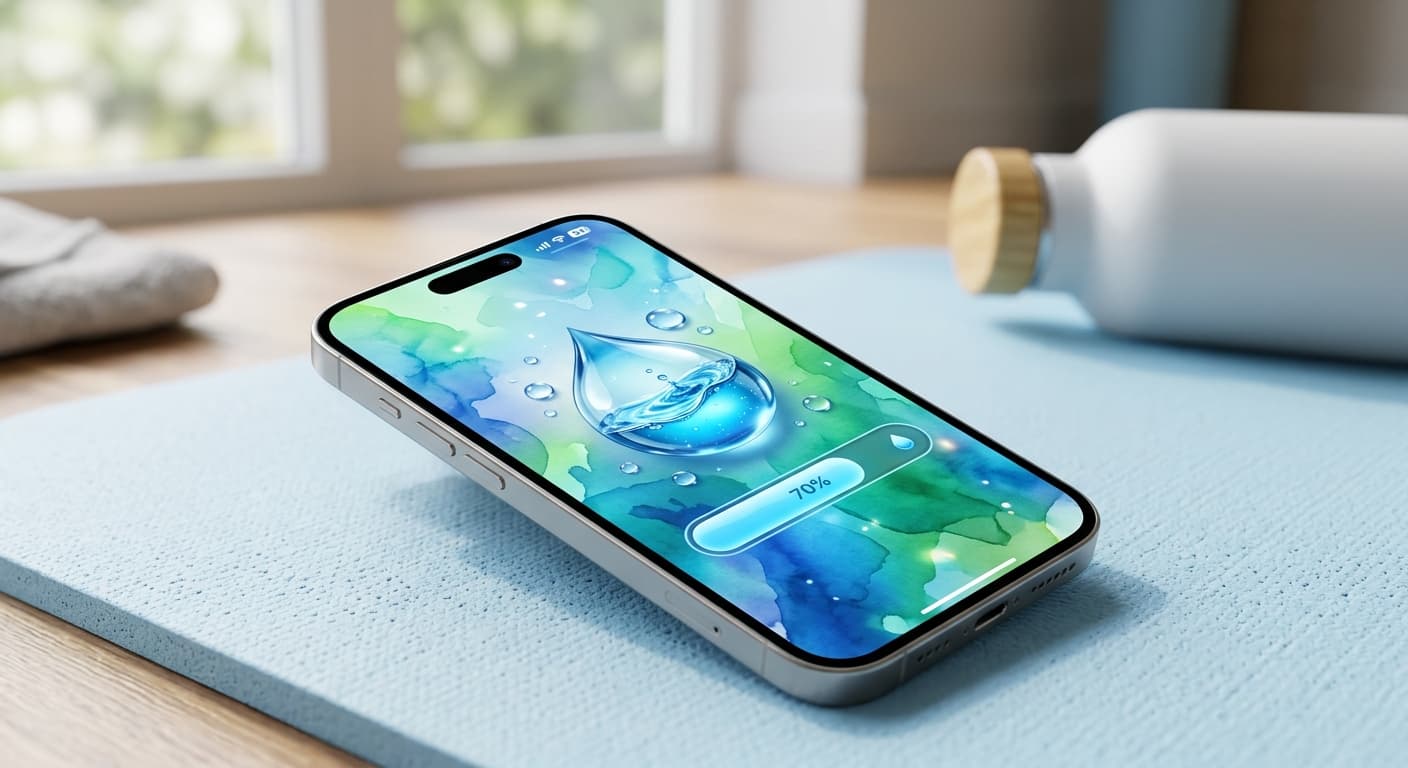
Unlock Personalized Hydration: Your 2026 iPhone Lock Screen as a Smart Water Reminder Hub
Master intelligent hydration in 2026. Use your iPhone Lock Screen, Apple Health, Shortcuts, and top apps for personalized water reminders and seamless tracking.
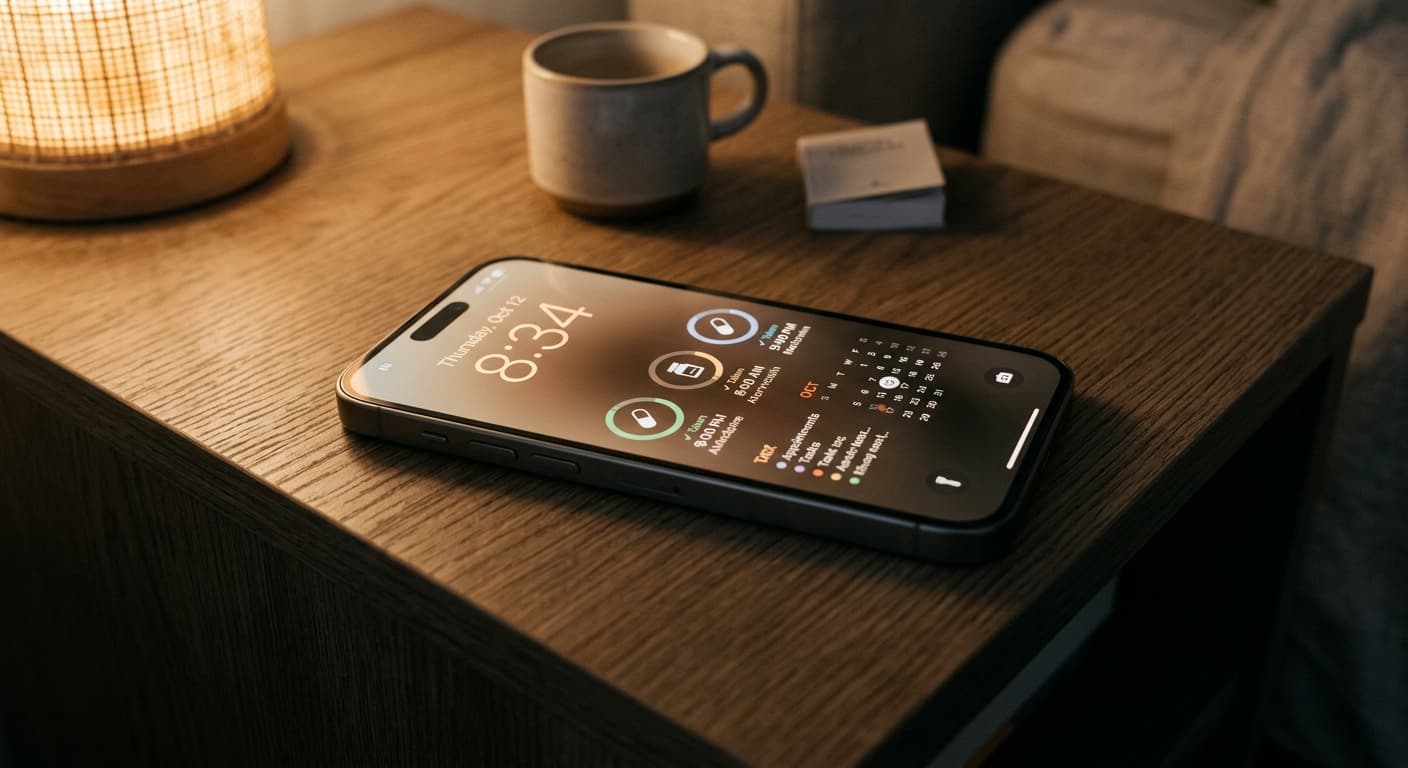
Never Miss a Dose: Your iPhone Lock Screen as a Smart Medication Reminder Hub in 2026
Transform your iPhone lock screen into an indispensable medication reminder hub in 2026. Leverage iOS features, AI-powered apps, and custom alerts for ultimate adherence.