Quick Answer
ADHD 'object permanence' means anything out of sight slips out of mind — bills, meds, that text you meant to send. The fix is to keep cues somewhere you physically can't miss them. The best ADHD object permanence reminders on iPhone live on your lock screen, home screen widgets, or as location alerts — surfaces you pass dozens of times a day.
Why ADHD Object Permanence Reminders Belong on Your iPhone
If you have ADHD, you know the feeling: a task is urgent and crystal-clear in your head, then you walk into the next room and it's simply gone. Clinicians frame this as a working-memory and prospective-memory gap; the ADHD community calls it object permanence — the sense that anything you can't see has stopped existing. Your laundry, your water bottle, the email you swore you'd send. The reason ADHD object permanence reminders work so well on iPhone is that your phone is the one object you never lose sight of. Put the cue on the screen you check constantly, and 'out of sight' stops being a problem.

Roughly 6% of American adults, per the CDC — and 'out of sight, out of mind' is one of the most common everyday complaints among them.
That figure comes from the CDC's most recent adult estimate: about 15.5 million U.S. adults currently have ADHD. Forgetting isn't a character flaw or a willpower problem — it's how an ADHD brain handles things it can't currently see. Which is exactly why the solution isn't 'try harder to remember,' it's 'change where the reminder lives.' Visual, in-your-face cues consistently beat memory, something we dig into in our guide to visual reminders for ADHD.
Why Notifications and To-Do Apps Quietly Fail
Here's the cruel twist: most reminder tools recreate the object-permanence problem instead of solving it. A notification buzzes, you glance, you swipe — and now it's gone, buried in a list you have to remember to reopen. A to-do app is even worse: the tasks live behind an icon you have to remember exists, open on purpose, and check on a schedule. If remembering to check the app were easy, you wouldn't need the app. ADHD time blindness makes 'I'll look later' even slipperier — more on that in our ADHD time blindness toolkit.
The rule for any ADHD reminder: if it requires you to remember to look, it will fail. The cue has to land in front of you whether you go looking or not.
Building ADHD object permanence reminders into your iPhone isn't about one magic setting — it's about stacking a few always-visible surfaces so a cue missed in one place gets caught by another.
5 Ways to Make Reminders Object-Permanent on iPhone
- •
Lock screen wallpaper: Put the reminder directly on your wallpaper so it's the first thing you see — no unlocking, no tapping. It's the single highest-visibility surface on your phone, and the one apps like NoteWall automate so you're not redesigning a wallpaper by hand.
- •
Home screen widgets: Pin an Apple Reminders or Calendar widget so today's list is visible the instant you swipe, instead of hidden inside an app.
- •
Location-based alerts: In Apple Reminders, set 'Remind me when leaving home' or 'when I get to work' so the cue fires at the exact place you need it.
- •
StandBy mode: While charging on your nightstand, StandBy turns your iPhone into an always-on display — perfect for a recurring evening or morning reminder.
- •
The physical mirror: Pair the digital cue with a real-world one — keys on the bag you can't forget, meds beside the coffee maker. Object permanence cuts both ways.
Set Up a Lock Screen Reminder in 3 Steps
- 1
Decide on one cue.
Pick the single most-forgotten thing today — 'Take meds,' 'Reply to Sam,' 'Leave by 4:15.' One, not ten.
- 2
Put it where you'll see it.
Add it to a home screen widget, or set it as text on your lock screen wallpaper so it greets you on every unlock.
- 3
Refresh it daily.
Object-permanence cues only work while they're current — swap the reminder each morning so your brain keeps trusting the screen.
💡 Tip
A lock screen crammed with ten reminders becomes wallpaper your brain learns to ignore. One clear cue at a time stays loud. Rotate it as each task gets done.
Notice the catch in step three. To keep a manual lock-screen reminder working, you have to design a wallpaper, export it, dig into Settings, and redo the whole thing every time the task changes — using the exact planning-and-follow-through skills ADHD makes hardest. That's the second-order trap: a reminder system that needs the executive function it's supposed to replace. NoteWall exists for precisely this. You type the reminder, and it updates your lock screen in about five seconds — no design app, no Settings detour, no daily ritual to forget. It turns 'out of sight, out of mind' into 'always on screen, always in mind.'
Keep Reading: Using Visual Reminders for ADHD with Your iPhone · ADHD Time Blindness: iPhone Solutions · Stuck Before You Start? ADHD Task Initiation Tips · ADHD Focus Tips Guide
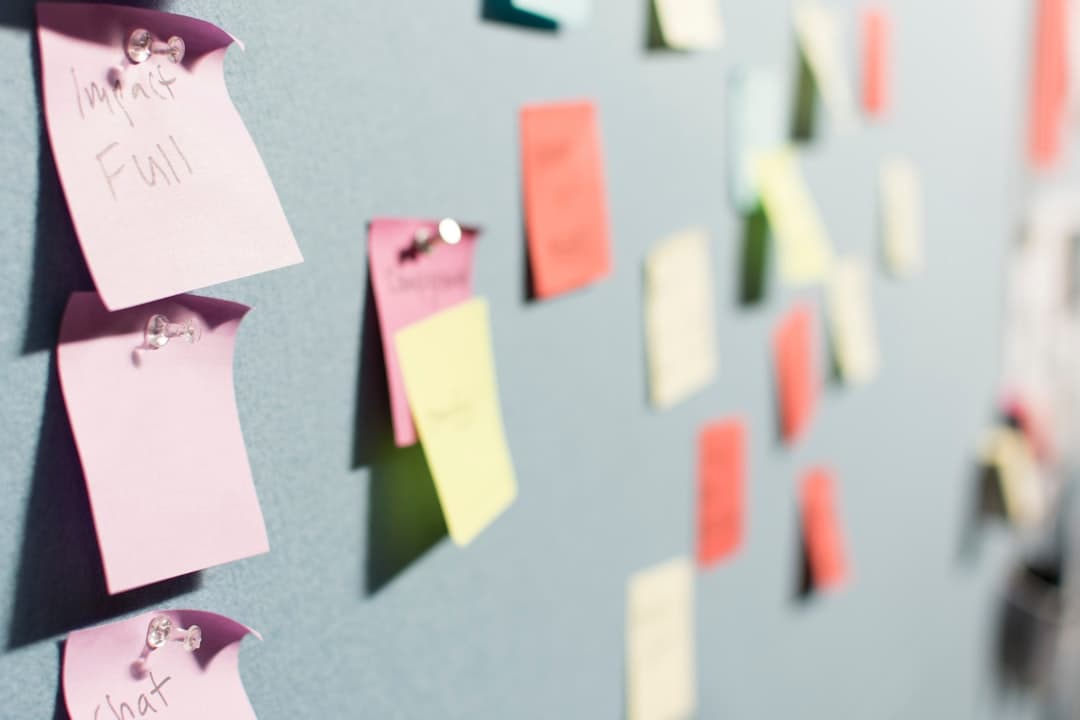
Photos by Patrick Perkins, Bagus Hernawan on Unsplash.
Frequently Asked Questions
What does object permanence mean in ADHD?
In ADHD, 'object permanence' is a borrowed term for how things you can't currently see tend to drop out of awareness entirely — a friend you haven't seen in weeks, a bill in a drawer, leftovers at the back of the fridge. It's tied to working-memory differences, not to forgetfulness or not caring.
How do I set up ADHD object permanence reminders on iPhone?
Put the cue on a surface you can't avoid: a lock screen wallpaper, a home screen widget, or a location-based alert in Apple Reminders. The key is that the reminder appears on its own, without you having to remember to open an app and go looking for it.
Why do I forget things the moment they're out of sight?
Many people with ADHD have reduced working memory, so an item that isn't visible isn't actively held in mind — the brain treats out-of-sight as out-of-existence. External, always-visible cues do that holding for you, which is why a reminder you can see beats a mental note every time.
Are lock screen reminders better than notifications for ADHD?
Usually, yes. A notification is a one-time event you can swipe away and then forget. A lock screen or widget reminder stays put, so it greets you every time you glance at your phone — turning dozens of daily checks into dozens of chances to remember.
Stop Redesigning Your Wallpaper Every Day
Keeping a manual lock-screen reminder current takes the exact follow-through ADHD makes hardest. NoteWall updates your lock screen in about five seconds — type it, see it, done. Out of sight stops meaning out of mind.
Download NoteWall Free
Founder of NoteWall. Building tools that turn your lock screen into a productivity system. About →
You might also like
Gratitude Journal on iPhone Lock Screen: A One-Sentence Habit
A gratitude journal on your iPhone lock screen makes the habit small enough to actually keep. Here's how to set it up so it lasts past week three.
How to Show Reminders on iPhone Lock Screen (Without Notifications)
Want to see your tasks right on your lock screen? Learn how to display reminders on your iPhone lock screen without relying on notification banners.
How to Put Reminders on Lock Screen iPhone: The Ultimate Guide
Learn how to put reminders on your lock screen iPhone for maximum productivity! See your to-do list every time you glance at your phone. Use NoteWall!