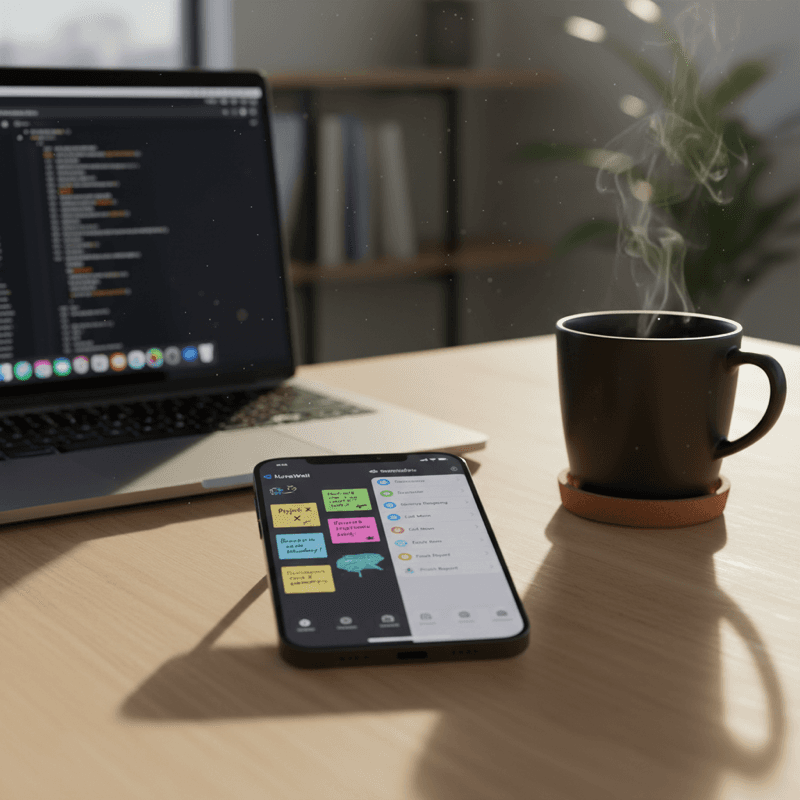
Quick Answer
NoteWall and Apple Reminders do different jobs, so most people should use both. Apple Reminders is built into iOS and is best at alerts that fire at a set time or place. NoteWall puts your own notes and reminders on the lock screen wallpaper, so the few things that matter are visible every time you pick up your phone. NoteWall is our app, and it needs a subscription.
The usual NoteWall vs Apple Reminders framing asks which one wins. That's the wrong question, because they work on different triggers. Apple Reminders waits for a moment (3 p.m., arriving at the supermarket) and then interrupts you. NoteWall has no trigger at all: the note is simply there on your lock screen every time you look. Which is better depends on whether your problem is missing a deadline or forgetting something exists.
Disclosure: NoteWall is our app, so we're biased. We've tried to be fair about where Apple Reminders is the better tool, because in several cases it is.
What Apple Reminders does well
Apple Reminders ships with iOS and costs nothing extra. It handles due dates, recurring tasks, location triggers ("When I arrive" or "When I leave" under a reminder's Details), subtasks, tags and lists you can share with family through iCloud. Siri can add items hands-free, and it syncs across iPhone, iPad and Mac. For anything that needs an alert at a specific time or place, it is hard to beat, and NoteWall doesn't try to replace that.
The weakness is the same for every notification-based app. An alert appears once, you swipe it away, and the task goes back to living inside an app you have to remember to open. Researchers call a specific if-then plan an implementation intention; a meta-analysis of 94 studies by Peter Gollwitzer and Paschal Sheeran (2006, Advances in Experimental Social Psychology) found that forming such plans had a medium-to-large effect on goal attainment (d = 0.65). Location and time reminders are exactly that kind of plan, which is why they work. A note you only meet when you open a list isn't.
What NoteWall does differently
NoteWall is an iPhone app (iOS 17 or later per its App Store listing, subtitled "text & reminders on wallpaper") that renders your own text onto a wallpaper and sets it as your lock screen. You can keep several separate "walls", for example one for work and one for shopping, with its own reminders, habits and streaks inside the app. The wallpaper is applied through an Apple Shortcut that you set up once, which is also the main setup cost: it takes a few taps in Shortcuts, where Reminders needs none.
Because it's a wallpaper, there's nothing to open, nothing to dismiss and no alert to ignore. You see it on every glance. That's useful for a short list of things that must stay in view (a medication, a goal, a rule for the week), and less useful for a long project list, which belongs in a proper task app. Other apps also put sticky notes on the lock screen, and our roundup compares them.
- •
Where it lives. Reminders: inside the Reminders app, plus notifications. NoteWall: on the lock screen wallpaper itself, with the in-app editor behind it.
- •
How it triggers. Reminders: a time, a place, or a flag on a message, then an alert. NoteWall: always visible, with no trigger needed.
- •
Setup effort. Reminders: none, it's already on your iPhone. NoteWall: install, write your note, then run the one-time Shortcut that sets the wallpaper.
- •
Best at. Reminders: dated and recurring tasks, location alerts, shared lists. NoteWall: a handful of things you must not forget, seen dozens of times a day.
- •
Cost model. Reminders: included with iOS. NoteWall: a subscription is required to use it; the App Store listing shows the current terms before you pay.
That's the friction in stacking tools: Reminders needs you to open it and build a list; NoteWall skips that step for the few items you can't afford to bury. Put the thing you'll otherwise forget on the surface you already check, and let the list app handle everything with a date attached.
A simple way to split the work
- •
Use Apple Reminders for: anything with a time or place ("call the dentist at 9", "pick up the parcel when I leave work"), recurring chores, and lists shared with a partner or family.
- •
Use NoteWall for: the two or three standing items you keep losing track of, such as a daily habit, a goal for the month or a rule like "no phone after 10".
- •
Use neither for: large multi-step projects, where a dedicated task manager makes more sense.
💡 Tip
Keep each item in one place. If a task has a deadline, put it in Reminders. If it just needs to stay in front of you, put it on the wall. Copying everything into both turns your lock screen into the same noisy list you were trying to escape.
Who should pick which
If you want a free, built-in tool with alerts, shared lists and Siri, Apple Reminders alone is enough, and you shouldn't pay for anything else. If your real problem is that you set reminders and then ignore them, adding NoteWall gives you a constant visual cue on top. It isn't a replacement for Reminders; it covers the gap Reminders leaves.
Keep Reading: TickTick vs Apple Reminders and Best Free Reminder App for iPhone 2026. For the wider picture, see our Lock Screen Productivity Guide.
Frequently Asked Questions
Is NoteWall a replacement for Apple Reminders?
No. Apple Reminders sends alerts at a time or location and handles shared lists, which NoteWall isn't built for. NoteWall keeps a few notes permanently visible on your lock screen. Most people use Reminders for dated tasks and NoteWall for standing priorities.
Is Apple Reminders free?
Yes, it comes with iOS and every feature is included. NoteWall, by comparison, requires a subscription to use; the App Store listing shows the terms before you pay.
How does NoteWall put notes on the lock screen?
You write your note in the app, then run an Apple Shortcut, set up once, that applies the generated wallpaper to your lock screen. After that you update the text in the app and re-run the Shortcut.
Does NoteWall have reminders?
Yes. NoteWall includes its own reminders, habits and streaks. For alerts that fire at a precise time or location, Apple Reminders remains the stronger option.
Does NoteWall work on Android or the web?
No. NoteWall is an iPhone app (iOS 17 or later per its App Store listing).
Keep the Important Things in Sight
Use Apple Reminders for deadlines. Put the few things you can't forget on your lock screen with NoteWall. A subscription is required; see the App Store listing for terms.
Get NoteWall
Founder of NoteWall. Building tools that turn your lock screen into a productivity system. About →
You might also like

Apple Notes vs NoteWall: Capture or Lock Screen Reminders?
Apple Notes vs NoteWall for reminders: Notes is the better place to capture and organize, NoteWall keeps a few must-see items on your iPhone lock screen.
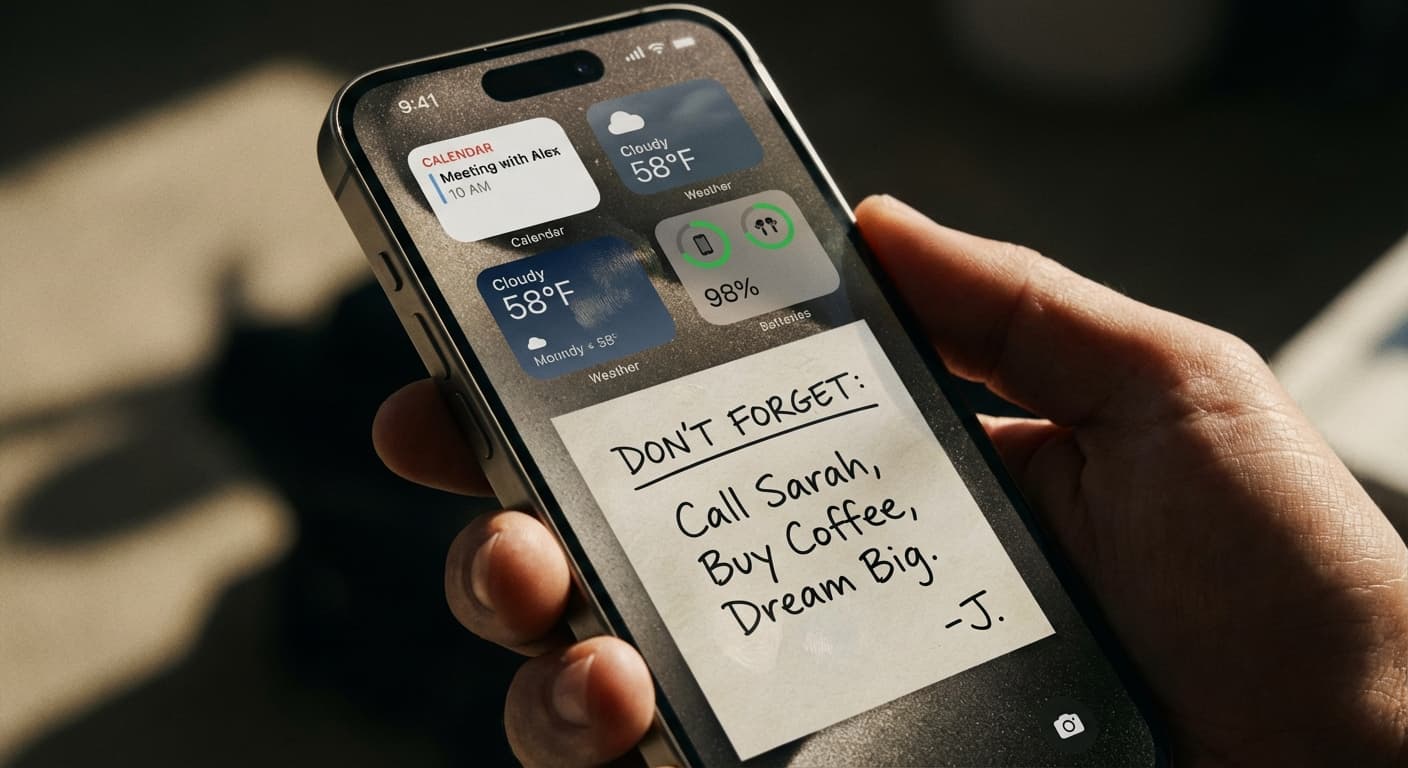
Best Lock Screen Notes Apps for iPhone (2026): 7 Compared
Best lock screen notes apps for iPhone, compared from live App Store listings read on November 2, 2026: wallpaper, widget and Live Activity apps, and costs.
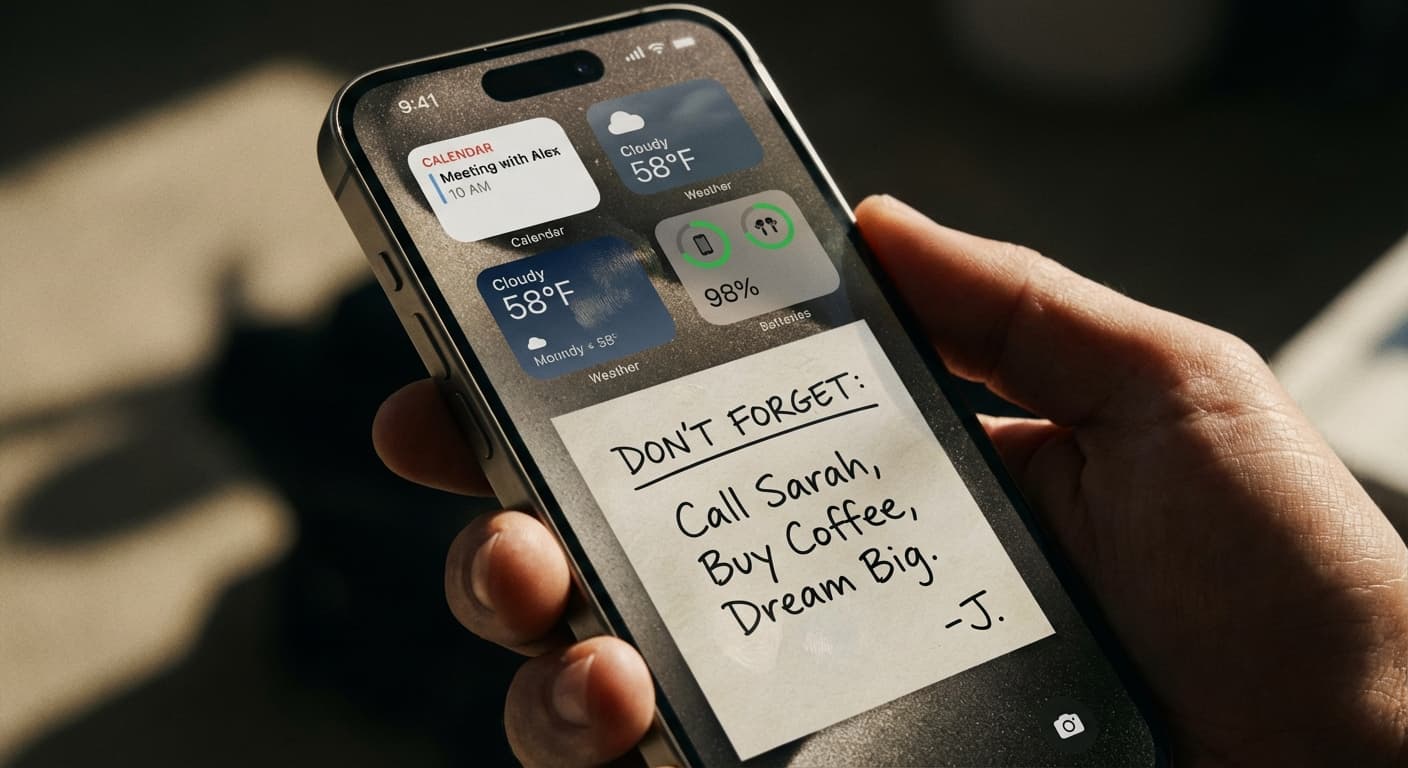
Lock Screen Widgets vs. Wallpaper Notes: Which iPhone Approach Wins?
Lock Screen widgets vs. wallpaper notes on iPhone: what Apple's widgets are built for, what a note in the wallpaper does better, and when to use each.