Quick Answer
Want lock screen motivation quotes on your iPhone? NoteWall uses Apple Shortcuts to seamlessly integrate your notes, goals, and reminders directly onto your wallpaper. Download it now: https://apple.co/48y4yan
Unlock Your Potential: The Power of a Motivational Lock Screen
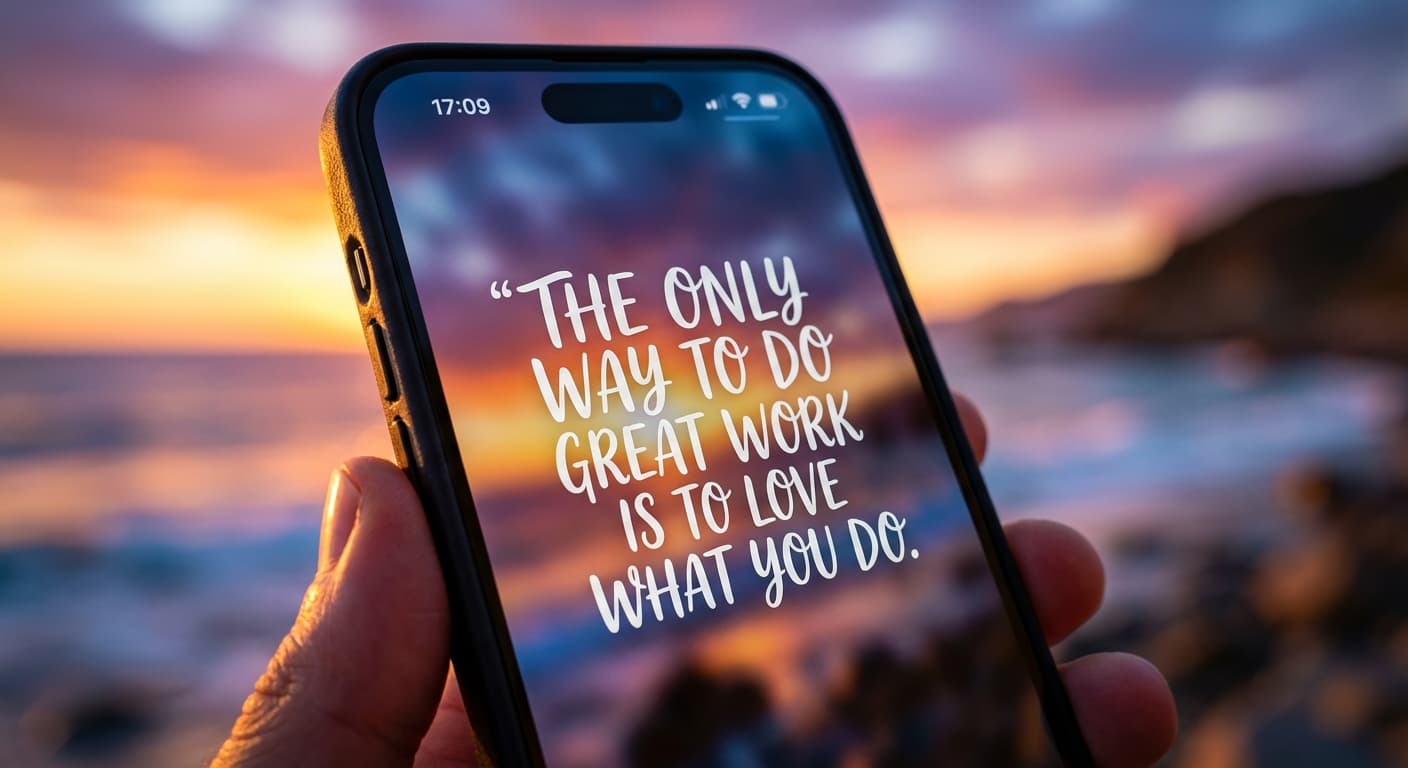
We check our phones a lot. Like, studies show the average person glances at their lock screen a staggering 352 times per day. Imagine if each of those glances was a mini-dose of inspiration! That's the power of using lock screen motivation quotes iphone users are discovering.
Instead of just seeing the time and notifications, you could be greeted with affirmations, inspiring messages, or reminders of your biggest goals. It's a game-changer for staying focused and motivated throughout the day. But how do you make it happen?
Why NoteWall is the Ultimate Lock Screen Motivation Solution
Let's be honest, there are a few ways to technically get motivational quotes on your lock screen. You could save images, use a quote-a-day app, or even try to manually edit your wallpaper. But these methods are clunky, time-consuming, and frankly, just not that effective. That's where NoteWall shines.
- •
Dynamically display your notes, goals, and reminders. No more static images – your lock screen is always fresh and relevant.
- •
Create multiple NoteWall profiles. Switch between different sets of motivational quotes based on your mood, the day of the week, or your current projects.
- •
Effortlessly update your wallpaper. The Apple Shortcuts integration automates the process, so you don't have to manually change your wallpaper every day.
- •
Customize everything! Font, size, color, position - tweak the display until it's perfect.
Other apps might try to offer similar functionality, but trust us – none do it as elegantly or reliably as NoteWall. We've poured our heart and soul into creating the best possible experience for transforming your lock screen into a productivity powerhouse.
Simple Steps to Lock Screen Motivation with NoteWall
Ready to transform your iPhone into a source of daily inspiration? Here's how easy it is to get started with NoteWall:
Download NoteWall from the App Store: https://apple.co/48y4yan. Seriously, do it now!
Create your first NoteWall profile: Add your lock screen motivation quotes, goals, reminders, or anything else you want to see on your wallpaper.
Set up the Apple Shortcut: We provide easy-to-follow instructions to automate the wallpaper update process. It only takes a few minutes!
Enjoy your new, motivational lock screen! Watch as your productivity and positivity soar.
Beyond Quotes: Maximize Your Lock Screen's Potential
- •
Display your daily to-do list: Never forget your most important tasks.
- •
Track your progress towards goals: Visualize your achievements and stay motivated.
- •
Showcase affirmations: Reinforce positive beliefs and build confidence.
- •
Remind yourself of important appointments: Avoid missed deadlines and stay organized.
The possibilities are endless! NoteWall gives you the power to create a lock screen that's perfectly tailored to your needs and goals.
Stop Letting Your Lock Screen Go to Waste
Every time you check your phone, you have an opportunity to reinforce your goals, boost your motivation, and stay focused on what matters most. Don't let those 352 daily glances go to waste! Download NoteWall today and unlock the full potential of your iPhone's lock screen: https://apple.co/48y4yan. You'll thank yourself later.
Keep Reading: If you found this helpful, check out these related guides:
Unlock Focus: Using Visual Reminders for ADHD with Your iPhone
Smash Your 2026: Free New Year Goals Lock Screen Wallpaper to Stay Motivated
Mastering Habits: How to Build Habits With Your Phone (The Smart Way)
For a comprehensive overview, visit our Lock Screen Productivity Guide.
Stop Wasting Your Lock Screen
Get NoteWall now and turn your wallpaper into a productivity tool.
Download NoteWall Free
Founder of NoteWall. Building tools that turn your lock screen into a productivity system. About →
You might also like
Gratitude Journal on iPhone Lock Screen: A One-Sentence Habit
A gratitude journal on your iPhone lock screen makes the habit small enough to actually keep. Here's how to set it up so it lasts past week three.
Unlock Personalized Hydration: Your 2026 iPhone Lock Screen as a Smart Water Reminder Hub
Master intelligent hydration in 2026. Use your iPhone Lock Screen, Apple Health, Shortcuts, and top apps for personalized water reminders and seamless tracking.
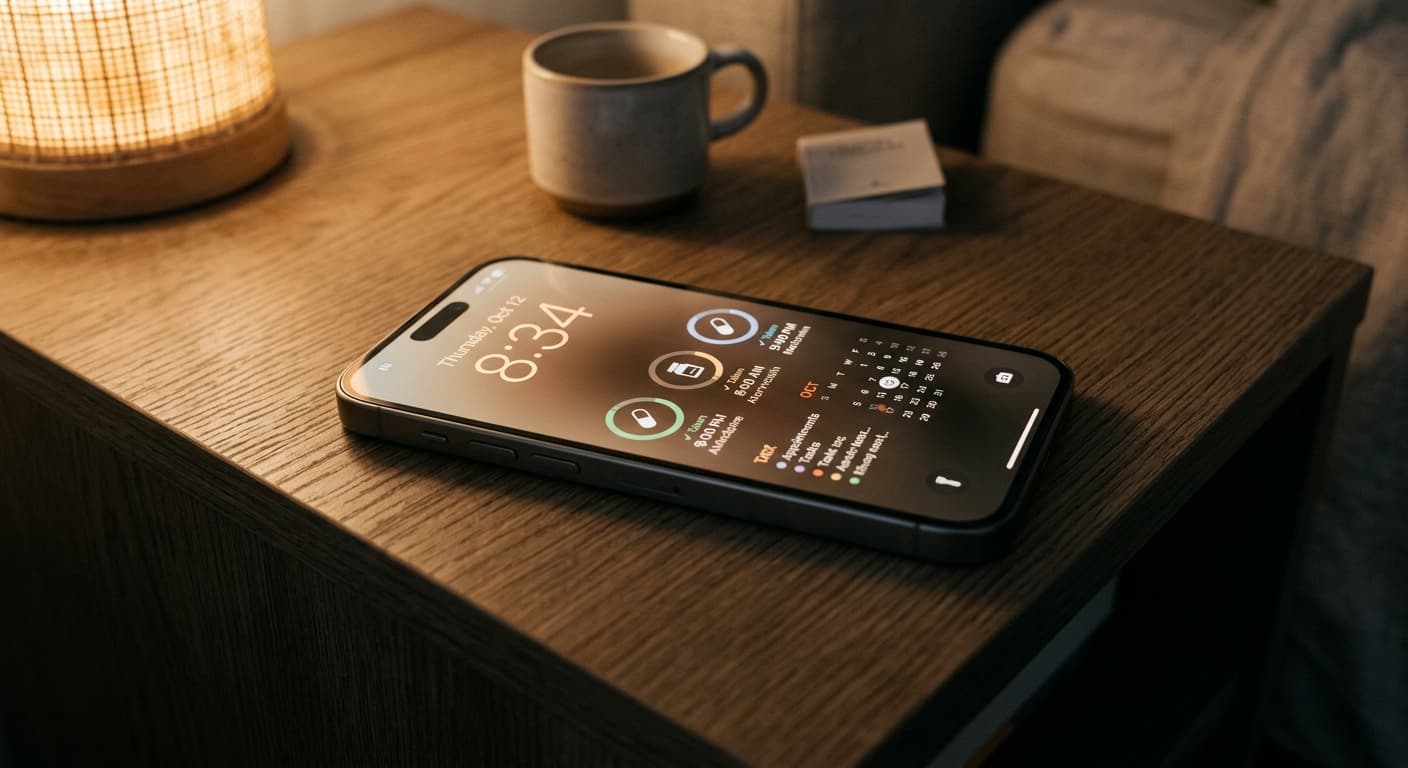
Never Miss a Dose: Your iPhone Lock Screen as a Smart Medication Reminder Hub in 2026
Transform your iPhone lock screen into an indispensable medication reminder hub in 2026. Leverage iOS features, AI-powered apps, and custom alerts for ultimate adherence.