
Quick Answer
The iPhone journal app vs lock screen notes question gets posed like an either/or, but they aren't really alternatives — they solve different problems. A journal app is for depth: the actual reflection, the entry, the searchable history. Lock-screen notes are for visibility: the prompt that gets you to open the journal in the first place. The strongest setups use both as layers.
iPhone Journal App vs Lock Screen Notes: A Different Question Than You Think
People search iPhone journal app vs lock screen notes expecting a winner, but the framing is off. A dedicated journal — Day One, Apple Journal, Stoic — is built for the entry: tags, photos, mood, a searchable history of who you were a year ago. Lock-screen notes have none of that depth, and they shouldn't try to. What they do well is something every journal app quietly struggles with: keeping the intention to journal visible at the moment when you'd normally forget. The honest comparison isn't 'which is better' but 'which job are you actually trying to do?'
Where iPhone Journal Apps Win
For the act of journaling itself, dedicated apps are in a different league. They're designed to make a long-form reflection easy to capture, tag, and revisit later. If you actually want to re-read what you wrote in March, this is the layer that matters.
- •
Apple Journal (free, built-in). Apple's own journaling app suggests prompts based on your photos, workouts, and locations, making it easier to start an entry on autopilot. Best if you're already deep in the Apple ecosystem and want zero setup.
- •
Day One. The most mature journal on iPhone. Multiple journals, tags, photo entries, end-to-end encrypted sync across devices, on-this-day history. Best if you take journaling seriously and want a system you'll still trust in five years.
- •
Stoic. A guided journal built around prompts — gratitude, evening reflection, mood tracking. Best if you struggle with the blank page and need scaffolding rather than freedom.
- •
Privacy and history. Every dedicated journal stores entries locally or end-to-end encrypted, with a searchable timeline. Lock-screen notes don't replicate this, and aren't trying to.

Picking Between Apple Journal, Day One, and Stoic
If you're committing to a dedicated app, the choice usually comes down to how much structure you need and how cross-platform your life is. A short decision guide:
- •
Choose Apple Journal if you live on iPhone and Mac, want zero cost and zero setup, and like Apple's photo- and location-based prompts doing most of the 'start an entry' work for you. It's the lowest-friction option for Apple-only users.
- •
Choose Day One if you want a serious long-term system: multiple journals, tags, photo entries, end-to-end encrypted sync to Mac/web/Android, and an on-this-day view that becomes more valuable every year. Free tier exists; the premium plan unlocks the full kit.
- •
Choose Stoic if the blank page is what stops you. Stoic's strength is guided templates — daily gratitude, evening review, mood tracking — that do the thinking for you on the hard days. Best if you've quit other journals because you didn't know what to write.
Where Lock Screen Notes Win
A lock-screen notes app — NoteWall is the one we make and the one we'll refer to here — doesn't compete with journal apps on depth. It competes on something journal apps can't fix: showing up at all. The note sits passively on the wallpaper you check hundreds of times a day, which makes it the perfect surface for one specific job: holding the prompt or intention that's supposed to lead to the journal entry. 'What are you grateful for today?' on your lock screen at 8am does a thing your journal app can't do — it reaches you before you've forgotten.
In a landmark study by Robert Emmons (UC Davis) and Michael McCullough, participants who kept a daily gratitude journal for ten weeks reported significantly higher wellbeing, optimism, and life satisfaction than control groups. The catch: the effect requires actually doing it most days.
That last clause is where most journaling habits quietly die. The research is unusually clean — daily reflection genuinely changes how you feel — but it only works under one condition: daily. And nothing inside a journal app reaches out and reminds you to be daily. You have to remember to open it, which is exactly the kind of executive-function load a tired brain at 9pm tends to skip.

Why Most People Quit Their Journal
Here's the unglamorous truth about journaling adherence: most people don't quit because the app was bad or the practice was wrong — they quit because they kept forgetting. A journal is a pull surface. It only does its job when you deliberately open it, and 'deliberately open a journal app' is a non-trivial ask when you're tired, distracted, or busy. The blank page in the app is itself friction. By the third week, the streak breaks, the guilt sets in, and the whole habit quietly dissolves.
This is where lock-screen notes actually fit alongside a journal app instead of competing with one. NoteWall lets you put a prompt — 'One thing I'm grateful for' — on your lock screen wallpaper, so it's there every time you pick up your phone. It's not the entry. It's the cue that gets you to make the entry. That's the layer journal apps can't provide for themselves, and it's the difference between a habit that survives week three and one that doesn't.
Use Them as Layers (Not Alternatives)
The most durable setup runs both at once, each doing what only it can do:
- •
Lock screen → the prompt. Use NoteWall to keep a rotating reflection prompt on your wallpaper — 'What went well today?', 'One thing I'm grateful for,' 'What can wait until tomorrow?'. The same approach that works for affirmations on the lock screen works here.
- •
Journal app → the entry. When the prompt actually lands, open Day One, Apple Journal, or your tool of choice and write the entry there. The depth, the search, the history — that's what these are for.
- •
Rotate the prompt every week or two so it doesn't fade into background you stop registering. If you want more on the visibility side, see lock screen widgets vs wallpaper notes.
- •
A concrete morning workflow. Wake up → see 'What are you grateful for?' on the lock screen → think for ten seconds while the kettle boils → open Day One after breakfast → write two or three sentences. Total time: under three minutes. The lock-screen prompt did the priming; the journal app did the storage. Neither tool could have done the whole thing alone.
Common Journaling Mistakes to Avoid
- •
Starting from a blank page. Use a prompt — even a one-line one on your lock screen — so you don't have to invent what to write each day.
- •
Aiming for daily perfection. Three entries a week beats a 30-day streak followed by a 90-day gap. Pick a cadence you can actually sustain.
- •
Treating the app as the habit. The habit is reflection; the app is just where you store it. If the cue to reflect lives only inside the app, the habit dies when you stop opening the app.
- •
Going long every time. A two-sentence entry counts. Length isn't the win — consistency is, and short entries kept regularly outperform marathon ones followed by silence.
Frequently Asked Questions
Should I use an iPhone journal app or lock screen notes?
Use both, for different jobs. A journal app like Day One or Apple Journal is best for the actual reflection — tags, photos, searchable history. An app like NoteWall, which puts a note directly on your lock screen wallpaper, is best for the prompt that reminds you to journal in the first place. They're layers, not alternatives.
What's the best iPhone journal app in 2026?
Apple Journal is the most frictionless if you're in the Apple ecosystem. Day One is the most powerful long-term system, with cross-device sync and a rich history. Stoic is the best fit if you need guided prompts to overcome the blank-page problem.
Can lock-screen notes replace a journal?
Not really. A few words on a wallpaper isn't the same as a tagged, searchable entry with depth. A lock-screen note from an app like NoteWall shines as the prompt or daily intention that gets you to journal — not as the entry itself.
Why do I keep abandoning my journaling habit?
Usually because the practice depends on you remembering to open the app, which is harder than it sounds when you're tired. The fix isn't trying harder — it's keeping the prompt somewhere you can't miss it, like your lock screen, so the cue arrives before the forgetting does.
Keep Reading: Lock Screen Widgets vs Wallpaper Notes · How to Put Notes on Your iPhone Lock Screen · iPhone Productivity App Comparison · App Comparisons — Pillar Guide
Photos by Alehandra, lilartsy, and Omar Al-Ghosson on Unsplash.
The Prompt That Gets You to Journal
A journal app you forget to open isn't a habit. NoteWall puts the prompt — 'What are you grateful for today?' — on your lock screen, so the cue arrives before you forget. Free to start.
Try NoteWall Free
Founder of NoteWall. Building tools that turn your lock screen into a productivity system. About →
You might also like
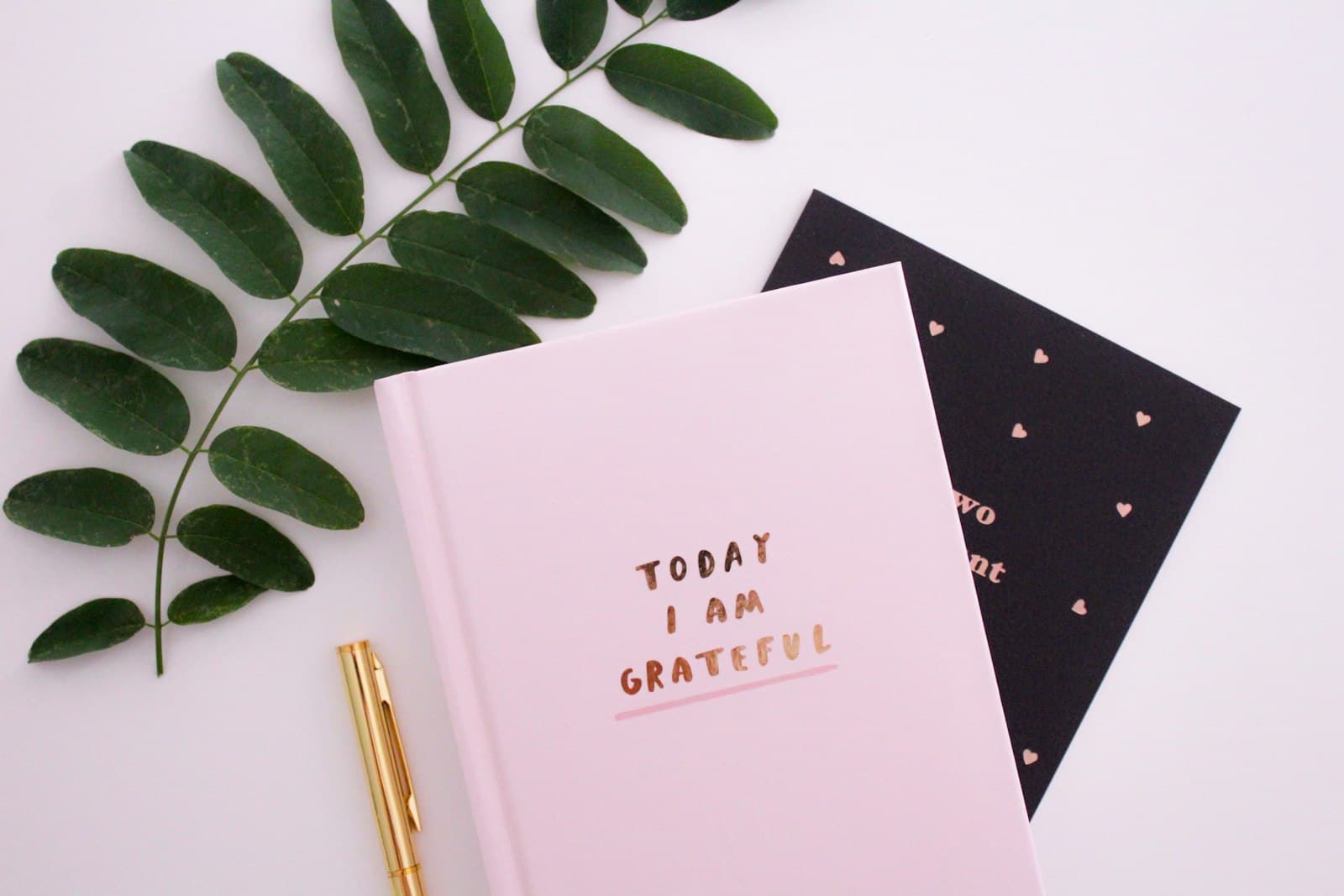
Gratitude Journal on iPhone Lock Screen: A One-Sentence Habit
A gratitude journal on your iPhone lock screen makes the habit small enough to actually keep. Here's how to set it up so it lasts past week three.
Unlock Productivity: How to Put Notes on Your iPhone Lock Screen
Want to see your notes, reminders, and goals every time you glance at your iPhone? Learn how to put notes on your iPhone lock screen for maximum productivity!
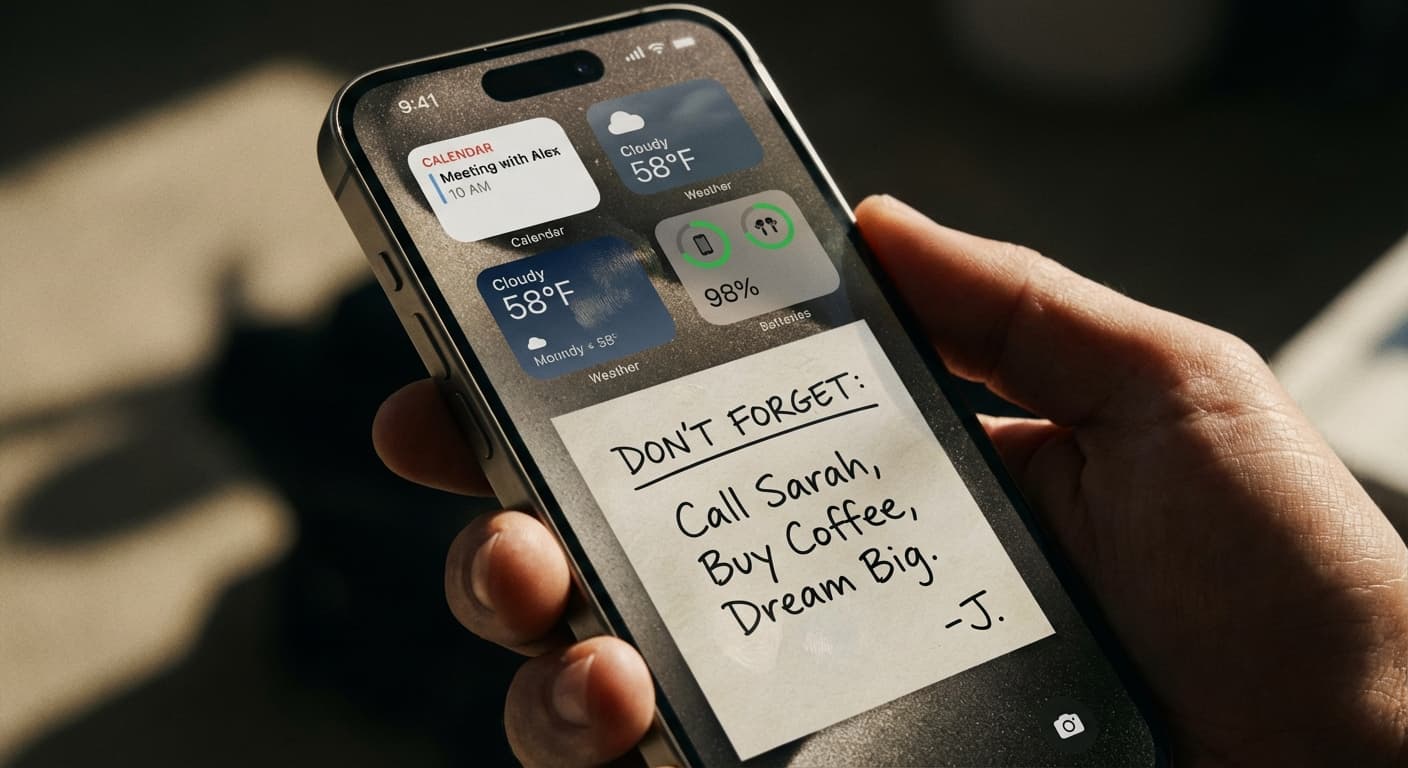
Lock Screen Widgets vs. Wallpaper Notes: Which iPhone Approach Wins?
Maximize your iPhone lock screen! Compare widgets vs. wallpaper notes for productivity. Discover why NoteWall is the ultimate choice. Download now!