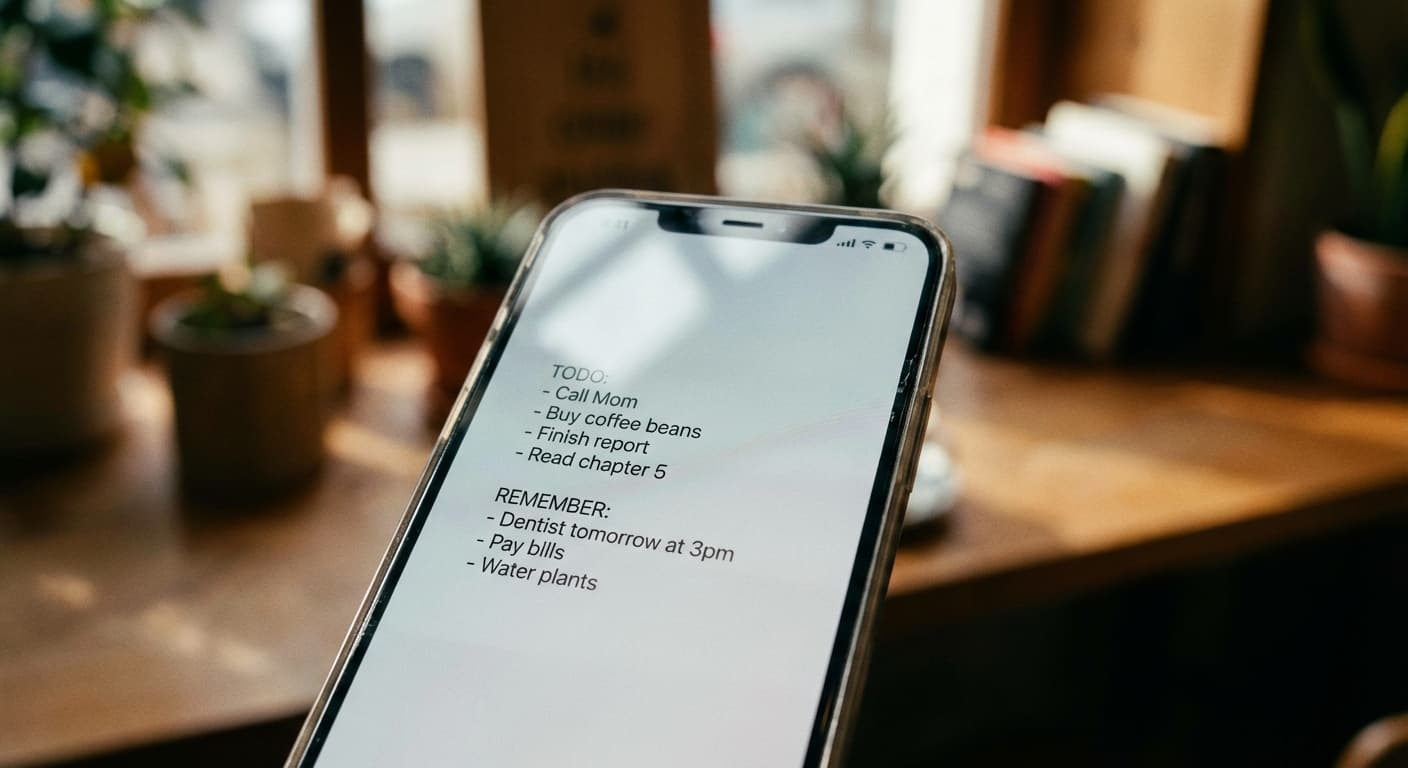
Quick Answer
Use NoteWall to display your to-do list and goals directly on your iPhone lock screen. It leverages Apple Shortcuts for easy setup and ensures you're constantly reminded of what matters most.
The ADHD Struggle is Real (and Your iPhone Can Help!)
Let's face it: managing ADHD can feel like herding cats. Your iPhone, ironically a source of distraction, can also be a powerful tool for focus. The key is using it intentionally. We're bombarded with notifications, apps vying for attention, and the endless scroll. But imagine turning that source of chaos into a source of calm and direction. You see your lock screen an average of 352 times a day - why not use it for good?
Essential ADHD iPhone Tips for Enhanced Focus
- •
Notification Management: Silence non-essential notifications. Seriously, be ruthless!
- •
Screen Time Limits: Set daily time limits for distracting apps (looking at you, TikTok).
- •
Focus Modes: Explore Apple's built-in Focus modes to block out distractions during work or study.
- •
Color Coding: Use color-coded folders for apps based on function (e.g., green for productivity, red for entertainment).
- •
Voice Memos: Capture fleeting thoughts and ideas with quick voice memos instead of getting lost in typing.
- •
NoteWall: The ultimate solution. More on this below.
NoteWall: Your Lock Screen, Your Focus
Okay, let's get real. All those tips above are great, but they require consistent effort. That's where NoteWall comes in. It's not just another to-do list app. It's a complete game-changer. NoteWall transforms your iPhone lock screen into a dynamic display of your notes, goals, and reminders. Imagine seeing your most important tasks every single time you glance at your phone. That's the power of NoteWall.
With NoteWall, you're not relying on memory or willpower. You're leveraging the hundreds of times you already check your phone each day. It's passive reinforcement, constantly reminding you of what you need to do. There's nothing else like it on the App Store. Other apps are clunky or don't properly integrate with wallpapers. NoteWall uses Apple Shortcuts to make setting up your custom wallpaper quick and simple!
- •
Visual Reminders: See your goals and tasks every time you look at your phone.
- •
Easy Setup: Seamless integration with Apple Shortcuts.
- •
Customizable Design: Choose from various templates and fonts to personalize your lock screen.
- •
Increased Productivity: Stay on track and accomplish more with constant visual prompts.
How to Focus with ADHD: Integrating NoteWall into Your Routine
Here's how to make NoteWall an integral part of your how to focus with ADHD iphone strategy:
Download NoteWall: Grab it for free from the App Store: https://apple.co/48y4yan
Create Your Notes: Add your most important tasks, goals, and reminders to NoteWall.
Customize Your Wallpaper: Choose a template and font that resonates with you. Keep it clean and simple!
Set Your Wallpaper with Shortcuts: Follow the simple instructions within NoteWall to set your new lock screen wallpaper using Apple Shortcuts.
Enjoy Enhanced Focus: Watch as your productivity skyrockets with constant visual reminders!
The Bottom Line: Take Control of Your Focus Today
Living with ADHD can be challenging, but your iPhone doesn't have to be a distraction. By implementing these how to focus with ADHD iphone tips and leveraging the power of NoteWall, you can transform your device into a powerful tool for productivity and focus. Stop letting your lock screen be a wasted opportunity. It is time you used it for good!
Ready to finally get your to-do list to stop being an overwhelming list in your brain? Download NoteWall and start using your lock screen to its full potential: https://apple.co/48y4yan
Keep Reading: If you found this helpful, check out these related guides:
Mastering iPhone Shortcuts: Automation Tips for a Smarter Life
iPhone Goal-Setting 2.0: 5 Clever Tricks to See Goals Every Day (2026)
Unlock Focus: Using Visual Reminders for ADHD with Your iPhone
For a comprehensive overview, visit our ADHD Focus Tips.
Stop Wasting Your Lock Screen
Get NoteWall now and turn your wallpaper into a productivity tool. It's the only app that does this properly - and it leverages the Apple Shortcuts system for easy setup.
Download NoteWall Free
Founder of NoteWall. Building tools that turn your lock screen into a productivity system. About →
You might also like
Gratitude Journal on iPhone Lock Screen: A One-Sentence Habit
A gratitude journal on your iPhone lock screen makes the habit small enough to actually keep. Here's how to set it up so it lasts past week three.
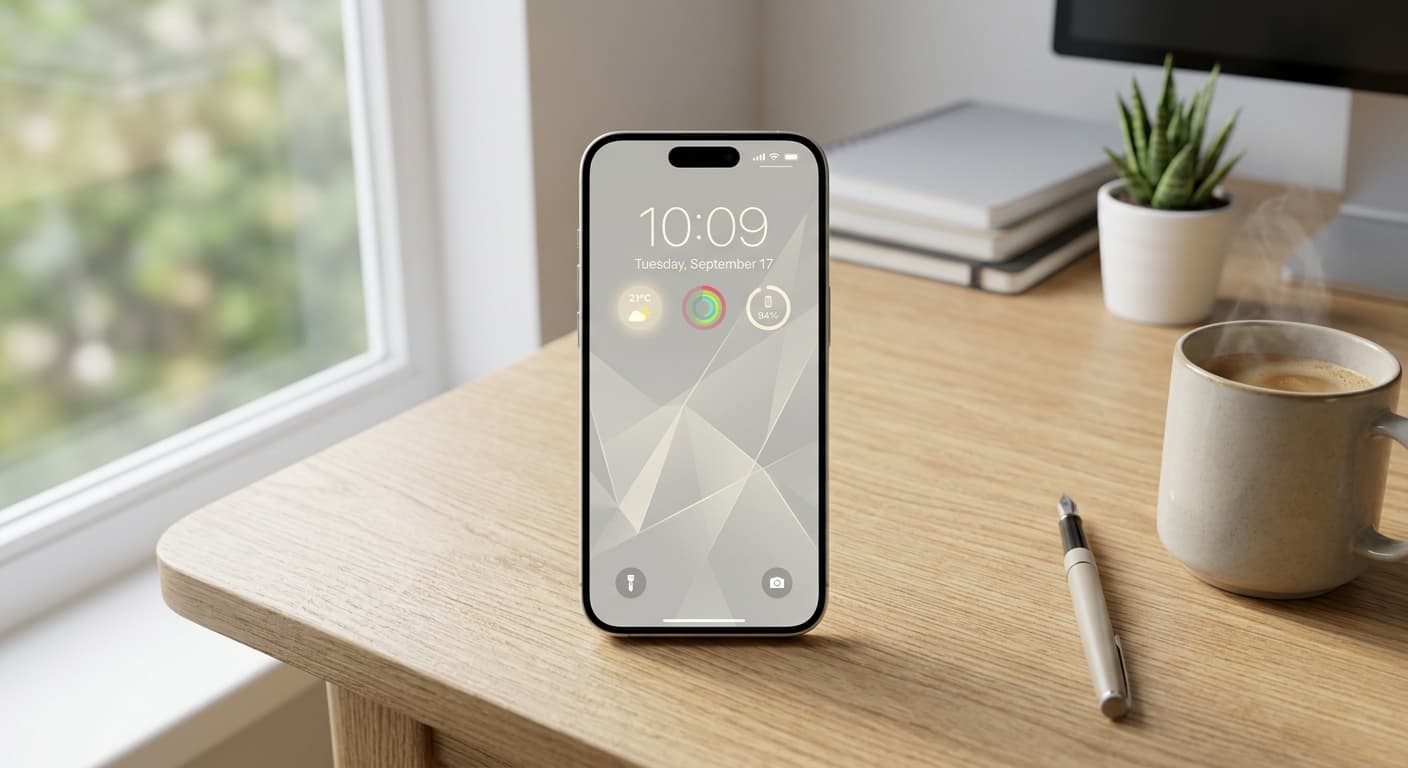
Unlock Focus: Master Your Minimalist iPhone Lock Screen with iOS 19/20
Transform your iPhone lock screen into a minimalist powerhouse with iOS 19/20. Boost focus, reduce distractions, and enhance digital well-being in 2026.
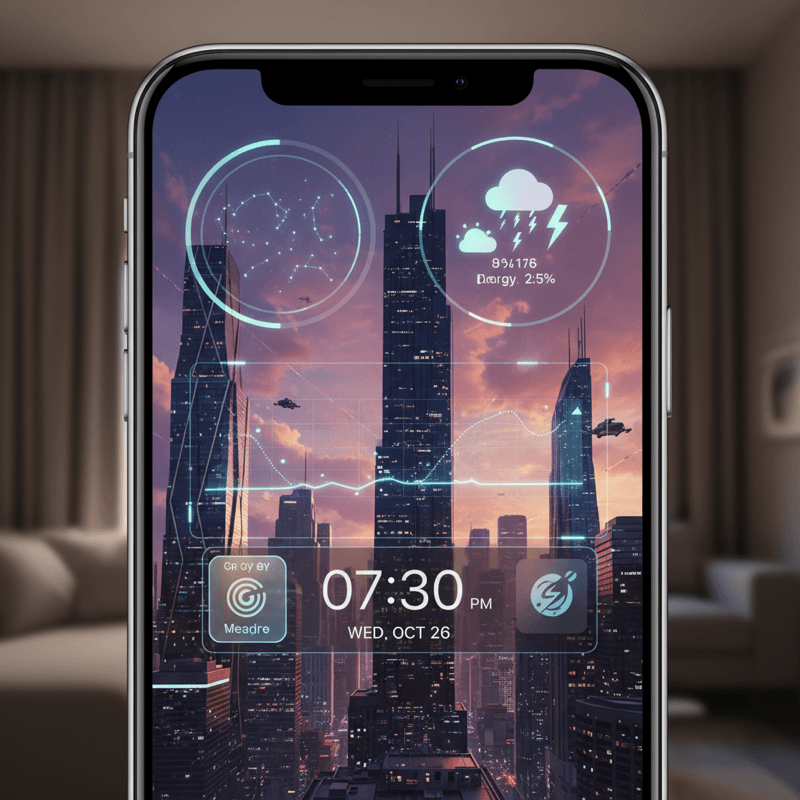
Future-Proof Your iPhone: Lock Screen Customization Secrets for 2026
Unlock the full potential of your iPhone lock screen! Dive into advanced customization, trending aesthetics, and productivity hacks. Future-proof your device now!