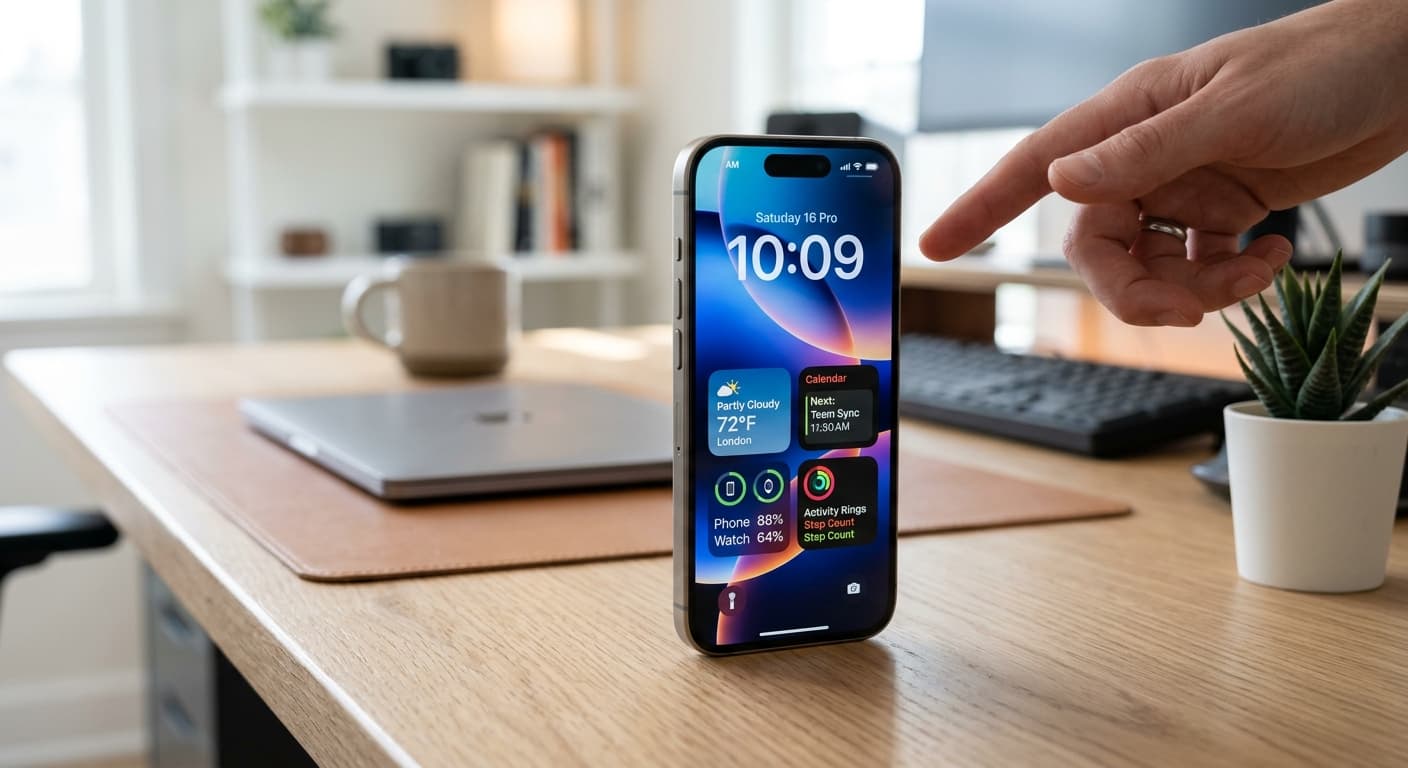
Quick Answer
In 2026, the iPhone Pro's Action Button is no longer just a quick toggle; it's a dynamic, AI-enhanced command center. Master advanced Siri Shortcuts, contextual automation, and smart app integrations to transform it into your ultimate one-tap productivity hub, moving far beyond basic single actions.
Unlocking Peak Productivity with Your iPhone's Action Button in 2026
Your iPhone 15 Pro, and now the even more capable iPhone 16 Pro, holds a secret weapon for unparalleled productivity: the Action Button. Forget simple mute toggles or flashlight activations. In 2026, this unassuming button is your gateway to a world of AI-powered workflows and hyper-efficient task management. If you’re a tech-savvy professional, a focused student, or an entrepreneur constantly seeking an edge, it's time to move beyond the basics and truly master this powerful feature.
We're not just talking about assigning one function to a button. We're talking about transforming your iPhone into a dynamic, intelligent productivity partner that anticipates your needs and streamlines your day with a single press. Get ready to rethink everything you thought you knew about your iPhone's most customizable hardware button.
The Evolved Action Button: A 2026 Perspective
When the Action Button first debuted on the iPhone 15 Pro, it was hailed as a significant step forward. Fast forward to 2026, and its potential has truly blossomed. Thanks to advancements in iOS (likely iOS 19 or 20 by now) and the incredible flexibility of Siri Shortcuts, the Action Button is now a genuinely dynamic input. It can execute complex workflows, interact with multiple apps, and even adapt its behavior based on context like your location, time of day, or current Focus Mode.
Our devices are smarter, our workflows more integrated. The Action Button is the physical manifestation of this digital evolution, offering a tactile shortcut to advanced automation that used to require unlocking your phone and navigating menus.
Foundational Productivity: Essential Single-Tap Actions (Refined for Efficiency)
Before we dive into the deep end, let's acknowledge that even basic Action Button assignments can significantly boost your daily efficiency. But let’s refine them for 2026-level utility.
- 1
Smart Camera Launch:
Don't just open the camera. Create a Shortcut that opens directly to 'Portrait Mode' or 'Video' based on your common use case. One tap, perfect shot.
- 2
Dynamic Focus Mode Switcher:
Instead of assigning a specific Focus Mode, create a Shortcut that presents a menu of your most used modes (e.g., Work, Personal, Gym) allowing you to pick one with a tap. See our guide on iPhone Focus Mode Hacks for inspiration.
- 3
Quick Voice Memo:
Instant capture of ideas. Essential for creatives and quick thinkers. Don't let a brilliant thought slip away.
Deep Dive: Siri Shortcuts & AI-Enhanced Automation for the Action Button
This is where the magic happens. The true power of the Action Button lies in its integration with Siri Shortcuts. In 2026, these aren't just simple chains of actions; they're intelligent, often AI-driven, multi-step workflows that can adapt to your needs. This unlocks incredible action button productivity uses iPhone power users crave.
Pro Tip: Leverage conditional logic within your Shortcuts. For example, a single Action Button press can behave differently if you're at home vs. at work, or if it's before 9 AM vs. after 5 PM. Think 'If [condition] then [action A] else [action B]'.
Consider these advanced setups:
- 1
Contextual Note Capture:
A single press launches a prompt to dictate a note. If you're at your 'Office' Focus Mode, it saves to a 'Work Ideas' list in your notes app. If you're in 'Personal' Focus, it goes to a 'Grocery List' or a quick thought capture tool like NoteWall. This is a game-changer for anyone who frequently jots down ideas. Learn more about putting notes on your iPhone lock screen with NoteWall.
- 2
AI-Powered Summary & Share:
Select a block of text in any app, press the Action Button, and a Shortcut uses on-device AI to summarize it, then offers to share the summary via Messages or email. Streamline information overload.
- 3
"Commute Mode" Activation:
When your iPhone detects you're in a moving vehicle, pressing the Action Button automatically starts your preferred podcast, opens Apple Maps to your predicted destination, and sends an 'ETA' message to a loved one. Talk about seamless efficiency.
For more intricate Shortcut strategies, dive into our guide on mastering iPhone Shortcuts Automation in 2026.
Boosting Specific Productivity Areas with the Action Button
Let's get practical. Here’s how the Action Button can supercharge specific facets of your daily grind:
Quick Capture & Digital Task Management: This is where the Action Button truly shines for high-volume users. Imagine a Shortcut that, with one press, allows you to:
- 1
Add a Task:
Immediately opens a prompt to add a task to Reminders, Things 3, or Todoist, pre-populating with current date/time.
- 2
Log an Idea with NoteWall:
Quick-capture a thought or a reminder directly to your lock screen via NoteWall, ensuring it's visible without even unlocking your phone. Perfect for those 'aha!' moments you can't afford to forget.
- 3
Start a Time Tracker:
Seamlessly initiate a timer for a specific project in your time-tracking app.
Communication & Connectivity: Turn the Action Button into your personal communication hub. Assign a Shortcut to:
- 1
Speed Dial Specific Contacts:
Call or message your spouse, team leader, or emergency contact with a single press.
- 2
Quick Share 'I'm Here' Message:
Automatically sends a pre-written message with your current location to a selected contact.
- 3
Toggle 'Do Not Disturb' for a specific time:
For uninterrupted focus during critical work periods.
Digital Well-being & Mindfulness: The Action Button isn't just for work; it can also help you disconnect and recalibrate.
- 1
Activate a 'Mindfulness Break' Shortcut:
This could dim your screen, play calming music, and set a 5-minute timer, providing a quick mental reset.
- 2
Launch a Journaling App:
Make daily reflection a consistent habit.
- 3
Toggle 'Screen Time' Limits for a specific app:
Instantly activate a focus block if you find yourself getting distracted.
Action Button Best Practices: Optimizing Your Workflow and Setup
According to Asurion research, the average person picks up their phone 352 times a day. The Action Button can drastically reduce unnecessary screen interactions, making your action button productivity uses iPhone a true time-saver.
Start Simple, Then Scale: Don't try to build the most complex Shortcut on day one. Start with a simple, frequently used action, then gradually add complexity and conditional logic as you get comfortable.
Here are more tips for maximizing your Action Button's potential:
- 1
Review Regularly:
Your needs change. Periodically review your Action Button assignment and associated Shortcuts. Are they still serving your most pressing daily tasks?
- 2
Leverage Focus Modes:
This is key. The Action Button can trigger different Shortcuts depending on your active Focus Mode. This means one button can do entirely different things based on your current context.
- 3
Test, Test, Test:
Automation can be tricky. Always test your Shortcuts thoroughly to ensure they perform exactly as intended, especially when dealing with conditional logic or multiple app integrations.
The Future of One-Tap Productivity: Anticipating iOS Innovations (2026+)
As we look beyond 2026, the Action Button's potential will only grow. Expect even deeper integration with on-device AI, allowing for more predictive and adaptive actions. Imagine your Action Button dynamically suggesting the most relevant action based on your calendar, recent app usage, and even biometric data. The line between physical interaction and intelligent automation will continue to blur, making your iPhone an even more intuitive extension of yourself.
Conclusion: Master Your iPhone's Most Powerful Button
The iPhone's Action Button is far more than a simple toggle. In 2026, it stands as a testament to Apple's commitment to personalized, efficient mobile computing. By embracing advanced Siri Shortcuts, contextual automation, and smart app integrations, you can transform this single button into a dynamic, AI-powered productivity hub. Stop picking up your phone 352 times a day just to launch an app. Master the action button productivity uses iPhone offers, streamline your workflows, and reclaim your time. Your most powerful iPhone feature is literally at your fingertips.
Boost Your Lock Screen Productivity with NoteWall
Ready to capture ideas instantly and transform your lock screen into a dynamic reminder system? NoteWall integrates seamlessly with Siri Shortcuts for ultimate efficiency.
Download NoteWallExplore more advanced iOS tips and automation strategies on our main guide page.

Founder of NoteWall. Building tools that turn your lock screen into a productivity system. About →
You might also like
Future-Proof Your Memory: Unlocking Hyper-Personalized Lock Screen Reminders with iOS 2026 & AI
Master your memory in 2026 with cutting-edge iPhone lock screen reminders. Leverage iOS 2026 features, AI, and NoteWall for ultimate productivity.

8 Lock Screen Ideas for Students Worth Trying This Semester
Turn the screen you check most into a study tool. These 8 lock screen ideas for students put deadlines, schedules, and focus where you can't scroll past them.
Unlock Focus: Master Your Minimalist iPhone Lock Screen with iOS 19/20
Transform your iPhone lock screen into a minimalist powerhouse with iOS 19/20. Boost focus, reduce distractions, and enhance digital well-being in 2026.