
Quick Answer
Use NoteWall — it automates your iPhone lock screen wallpaper to update whenever you edit your notes, using Apple Shortcuts under the hood. No manual Shortcut building required.
The Problem: Manual Wallpaper Updates Are Tedious
If you've ever wanted your iPhone wallpaper to reflect your latest notes, goals, or reminders, you've probably realized Apple doesn't make this easy. There's no built-in way to automatically update your lock screen when you edit a note.
Some people try building complex Apple Shortcuts workflows — but these are fragile, hard to set up, and often break after iOS updates. You could easily spend 2+ hours configuring one, only to have it stop working.
How NoteWall Solves This
NoteWall is an iOS app that takes care of the entire pipeline for you:
- •
Write your notes, goals, or reminders in the app
- •
NoteWall generates a beautiful wallpaper with your text
- •
One tap applies it to your lock screen via a pre-built Shortcut
- •
Every time you update your notes, just tap "Update Wallpaper" — done in 5 seconds
The Technical Magic: App Groups + Shortcuts
Under the hood, NoteWall uses iOS App Groups to share data between the app and the Shortcut. When you tap "Update Wallpaper," the app saves your generated wallpaper image, and the Shortcut picks it up and applies it to your lock screen.
This is the same mechanism Apple uses internally for widget data sharing — it's reliable and fast. No iCloud sync, no server calls, no privacy concerns.
Step-by-Step Setup
Download NoteWall from the App Store
Open the app and complete the 2-minute setup
Add your first notes — goals, tasks, reminders, or anything you want to see
Choose a background (your own photo or clean black/gray presets)
Tap "Generate Wallpaper" → "Apply to Lock Screen"
Done! Your lock screen now shows your notes
What About Fully Automatic Updates?
Currently, iOS requires user confirmation to change wallpapers (it's a security measure). This means you need to tap once to confirm. NoteWall minimizes the friction — it's literally a 5-second process: tap Update → tap Allow → done.
We're closely watching Apple's APIs for any changes that would allow fully background updates. If Apple ever opens this up, NoteWall will support it immediately.
Why Not Just Use Reminders or Notes App?
The key difference is visibility. With Apple's Reminders or Notes app, you have to actively open the app to see your content. With NoteWall, your reminders are embedded in your lock screen wallpaper — you see them every single time you pick up your phone (studies show that's up to 352 times per day).
This passive visibility is what makes NoteWall so effective for habit building, goal tracking, and ADHD management.
Keep Reading: If you found this helpful, check out these related guides:
Unlock Productivity: How to Put Notes on Your iPhone Lock Screen
How to Add Text to iPhone Wallpaper: The Ultimate Guide (with NoteWall!)
Boost Your Grades: How to Put Your Study Schedule on iPhone Wallpaper
For a comprehensive overview, visit our Lock Screen Productivity Guide.
Ready to try it?
NoteWall is free to download and starts with a 3-day free trial. See if it works for you.
Download NoteWall Free
Founder of NoteWall. Building tools that turn your lock screen into a productivity system. About →
You might also like
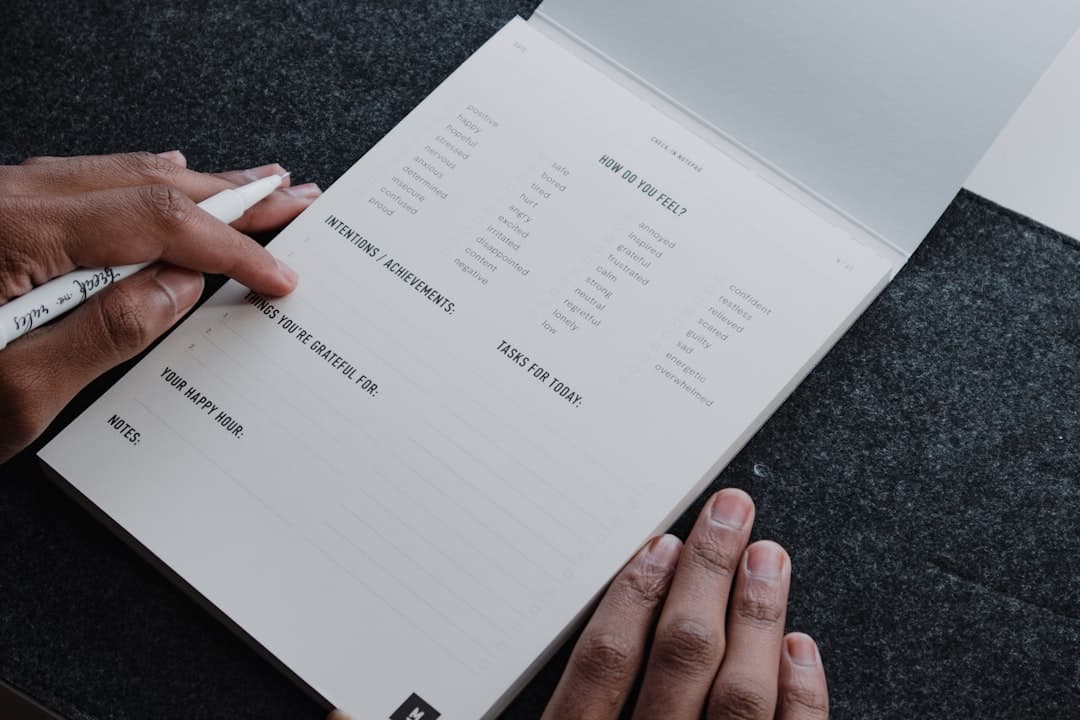
How to Build a Habit Tracker on iPhone Wallpaper
A habit tracker on iPhone wallpaper turns your lock screen into the one surface you can't avoid. Here's how to build a no-app version you'll actually keep marking.

How to Add Text to iPhone Wallpaper: The Ultimate Guide (with NoteWall!)
Want to add text to your iPhone wallpaper for notes, reminders, or goals? We show you how! Plus, discover NoteWall, the EASIEST way to do it.
Unlock Productivity: How to Put Notes on Your iPhone Lock Screen
Want to see your notes, reminders, and goals every time you glance at your iPhone? Learn how to put notes on your iPhone lock screen for maximum productivity!