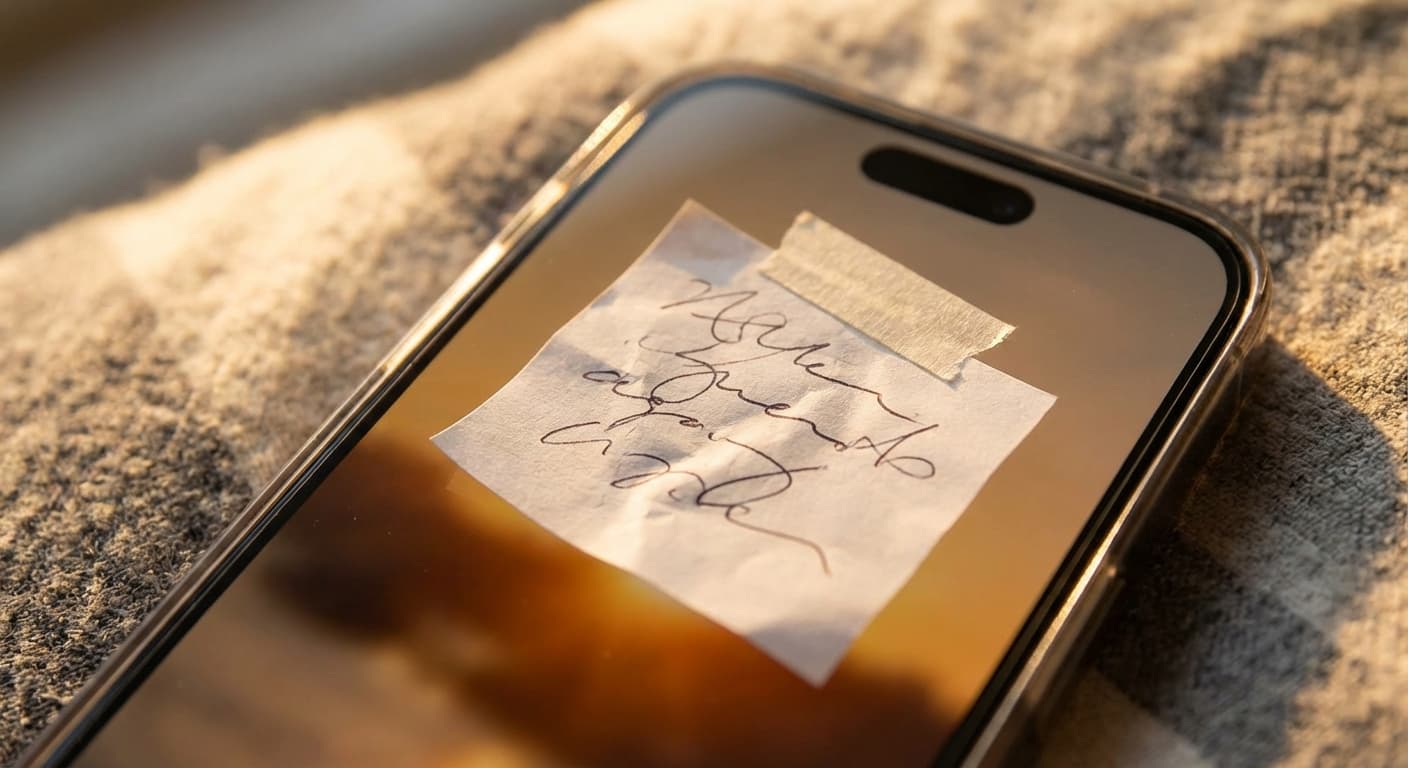
Quick Answer
Boost your focus on iPhone by using Focus modes, customizing your lock screen with reminders, and leveraging automation. Our top recommendation? NoteWall - it's the only way to transform your wallpaper into a dynamic productivity powerhouse. Get it here: https://apple.co/48y4yan
Your iPhone: More Than Just a Phone
Let's face it, your iPhone is practically glued to your hand. Studies show the average person checks their lock screen a staggering 352 times a day! That's 352 opportunities to be distracted... or 352 opportunities to get focused. But how? Dig into these iPhone hidden features for focus.
Dive Deep: iPhone Hidden Features for Focus
Apple has quietly packed some serious focus-boosting tools into iOS. You just need to know where to look. Here’s how to transform your iPhone into a distraction-busting machine:
- •
Focus Modes: Go beyond Do Not Disturb. Create custom Focus modes for work, personal time, sleep, etc. Control which apps and people can notify you.
- •
Custom Lock Screens: Link different Focus modes to specific lock screens. Choose calming wallpapers and widgets relevant to the current Focus.
- •
Shortcuts Automation: Automate tasks based on Focus mode activation. For example, start a work playlist when your 'Work' Focus mode turns on.
- •
Notification Summary: Batch unimportant notifications and receive them at scheduled times, rather than constantly interrupting your flow.
The Problem With Standard Focus Features
While the built-in Focus modes are a great start, they're missing a crucial element: constant visual reminders. You might set a Focus mode, but how easily do you forget your intentions and slip back into distractions? This is where NoteWall comes in.
NoteWall: Your Secret Weapon for Unwavering Focus
Imagine this: every time you glance at your iPhone (and let's be honest, you glance at it A LOT), you're greeted with your most important goals, reminders, or affirmations. That's the power of NoteWall. It's the only app that seamlessly integrates with Apple Shortcuts to dynamically update your lock screen wallpaper with the things that matter most. It takes existing iphone hidden features for focus to the next level.
- •
Visually Reminded: See your goals and tasks every time you look at your phone.
- •
Seamless Integration: Works perfectly with Apple Shortcuts for automation.
- •
Customizable: Tailor your lock screen to your specific needs and style.
- •
Unmatched Simplicity: Easy to set up and use, no complicated tutorials required.
Other apps attempt to provide similar functionality, but they fall short. They're either clunky, unreliable, or don't offer the elegant simplicity of NoteWall. We've built the only app that nails this integration and helps you stay laser-focused throughout your day. Why settle for less when you can have the best? Download NoteWall here.
Real-World Examples: NoteWall in Action
- •
Project Deadlines: Display upcoming deadlines to stay on track with work projects.
- •
Daily Affirmations: Start your day with positive affirmations to boost your mood and motivation.
- •
Fitness Goals: Keep your fitness goals top-of-mind to stay consistent with your workouts.
- •
Study Reminders: Remind yourself of upcoming exams and study sessions.
Stop Forgetting, Start Achieving
Don't let your iPhone be a source of constant distraction. Transform it into a powerful tool for focus and productivity with NoteWall! It's the ultimate unlock for accessing iPhone hidden features for focus. Ready to take control of your attention and achieve your goals? Get NoteWall now!
Keep Reading: If you found this helpful, check out these related guides:
Unlock Your Potential: The Best iOS Productivity Tips for 2025
Unlock Your Potential: Passive Productivity Tricks for Your iPhone
How to Focus with ADHD: iPhone Tips and Tricks That Actually Work
For a comprehensive overview, visit our ADHD Focus Tips.
Stop Wasting Your Lock Screen
Get NoteWall now and turn your wallpaper into a productivity tool.
Download NoteWall Free
Founder of NoteWall. Building tools that turn your lock screen into a productivity system. About →
You might also like
Gratitude Journal on iPhone Lock Screen: A One-Sentence Habit
A gratitude journal on your iPhone lock screen makes the habit small enough to actually keep. Here's how to set it up so it lasts past week three.
Unlock Focus: Master Your Minimalist iPhone Lock Screen with iOS 19/20
Transform your iPhone lock screen into a minimalist powerhouse with iOS 19/20. Boost focus, reduce distractions, and enhance digital well-being in 2026.
8 Lock Screen Ideas for Students Worth Trying This Semester
Turn the screen you check most into a study tool. These 8 lock screen ideas for students put deadlines, schedules, and focus where you can't scroll past them.